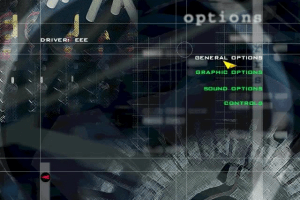
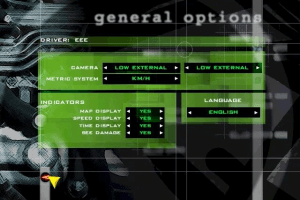
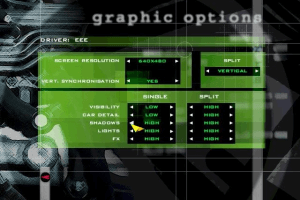
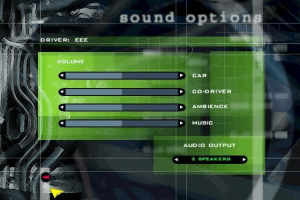
You are on the beta version of My Abandonware. The live site is still myabandonware.com. Your favorites and ratings here are copied to the live site. Comments and other changes are not — we delete them every morning at 08:00 Paris time, when this site goes down for about an hour. Leave feedback through this link to Pastel (email required).

Search more than 30000 retro games
/ Genres / Racing / Driving / Pro Rally 2001

Pro Rally 2001

Windows - 2000

Description from the publisher:

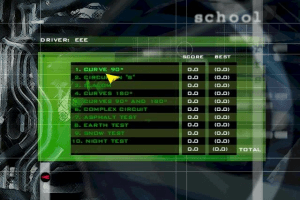
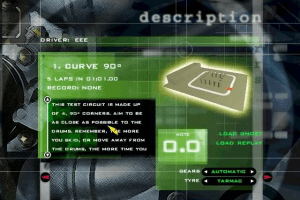
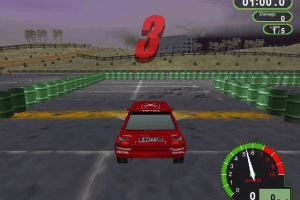
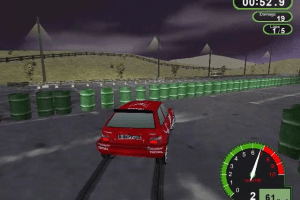
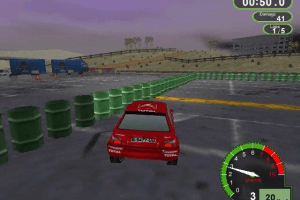
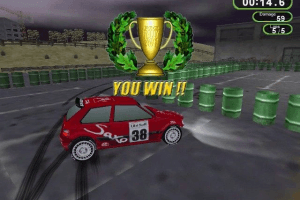
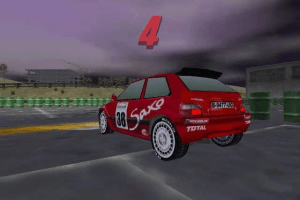
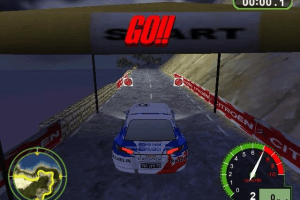
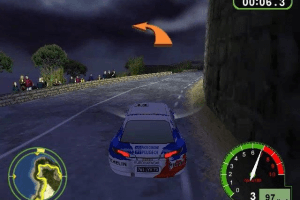
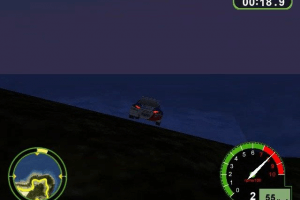
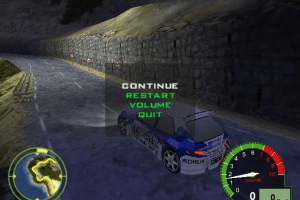
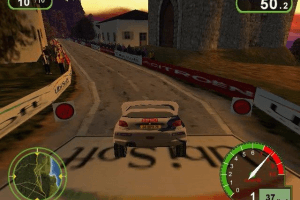
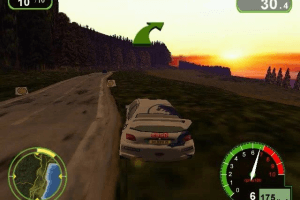
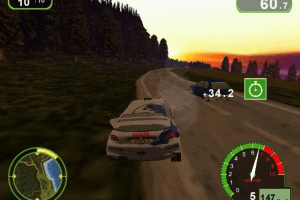
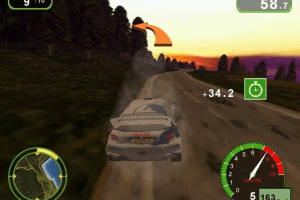
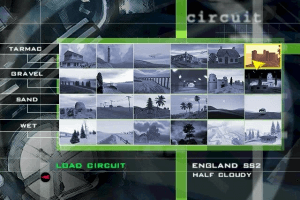
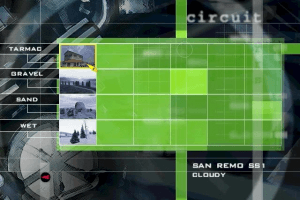
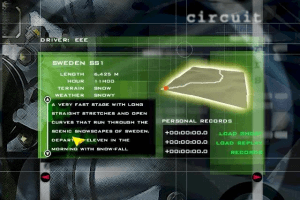
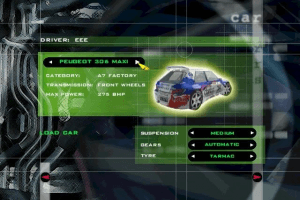
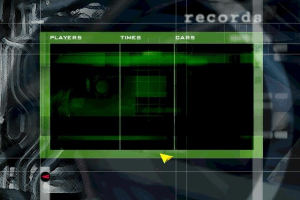
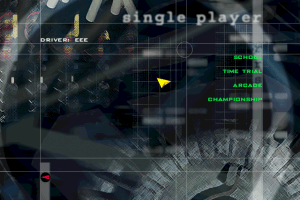
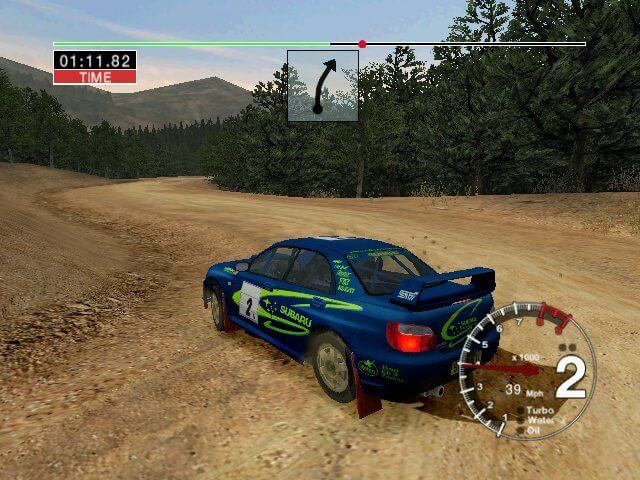
Climb into the cockpit of the world's most successful Rally Cars, putting them through their paces in the most gruelling of driving challenges. Race on tarmac, snow, ice and mud in stages stretching across 12 different countries. A wide range of cars, Driving school mode, the first ever intelligent co-driver. Realistic special effects, collisions and car behaviour, incredibly detailed race environments. Push your driving skills to the limit in the most comprehensive and realistic rally sim ever!
How to Play

Install & play guide:

  • Mount the disc image. You will need the utility for mounting disc image files, like WinCDEmu, UltraISO, Alcohol 52%/Alcohol 102% or Daemon Tools Lite
  • Now open the updated installer by Zeus Software. The original installer of the game doesn't work on modern systems, so use this patched version - simply click on prorally2001_p4_update.exe and press Install
  • Install the game
  • Install the patch 1.1
  • Install fixed .exe-file (simply copy & replace ProRally.exe to the directory with the game), but don't launch the game yet.
  • Right click on ProRally.exe - Properties - Compatibility - Set "Run this app in compatibility mode with Windows 2000" and "Run as an administrator".
  • Now install nGlide utility, the game will not work without it
  • Open the directory with the game and find RallySetup.exe. Click on it and select "Voodoo" video adapter from the list of available video cards. Save the settings.
  • Now launch the game and play. If the game doesn't run - open Task Manager (Ctrl+Alt+Del by default) and check for processes ProRally.exe and rundll32.exe. Close ProRally.exe but don't touch rundll32.exe (it's a Windows app for running old apps from 32-bit operational systems, most old games running through rundll32.exe). Now try to launch the game again, it must work. Don't forget to close rundll32.exe process in Task Manager after finishing playing.

The game with Patch 1.1 and fixed .exe has been tested on Windows 7 64-bit and Windows 10, works fine through nGlide. For more technical information visit the thread about the game on Zeus Software forum, also check this thread on VOGONS forum

Troubleshooting:

  • The language of the game can be changed in Options
  • The game doesn't work with almost all models of gamepads, there's no fix for it yet
  • The menu of the game does work but none of the tracks are loading? Use another fixed .exe-file, there's 2 of them - one for Intel processors, another one for AMD processors
  • If the game doesn't work even with the fix - on Windows 8+, DirectPlay must be installed for game to launch (Control Panel->Programs and Features->Turn Windows features on or off->Legacy Components->DirectPlay)
  • Use nGlide configurator to change resolution, aspect ratio, refresh rate, etc. By default the game engine supports only 4:3 resolutions (up to 1600x1200), if you want to play in higher resolutions - select new resolution in nGlide configurator (Start->All Programs->nGlide->nGlide Configurator). If you're using widescreen display and the game runs in stretched mode - change aspect ratio through nGlide configurator.

Comments and reviews

John Mooth 31 Jan. 2026

I was seen a video on YouTube from @vgce, but that it looks worse where is installed like that here! This game runs on Windows 11 24H2 or later, with widescreen fix; incompatible with nGlide, though supports dgVoodoo2! And Indeo codec is required before launching.

1
John Mooth 18 May. 2025

Instructions to install Pro Rally 2001 for modern PCs:

1 - Download the ISO file and mount the disc image using WinCDEmu.
2 - Download and install the the patches here: https://www.vogons.org/download/file.php?id=41162/file
3 - In "P4 installer" folder, run "PRSetup-IV.exe" that is a new game installer for Pentium IV processors. Make sure that the game disc is inserted before you install.
4 - In "Update 1.1" folder, install an official patch.
5 - Copy "ProRally.exe" to the game directory.
6 - Now download the widescreen fix, choose your resolution aspects with 16:9, 16:10 or 64:27 and extract to the game directory and run the executable.
7 - Install DDrawCompat here: https://github.com/narzoul/DDrawCompat/releases , install dgVoodoo2 but the control panel only, open the control panel and set the resolution to 2x, to run on maximum resolution.
8 - Open "RallySetup.exe" in game directory and set "dgVoodoo DirectX Wrapper with DirectX 7.0" and click "OK".
9 - In "ProRally.exe", set the compatibility mode to Windows XP (SP3). This will work the AVI FMVs files.
10 - Run the game

Note: The widescreen patch is incompatible with nGlide, it's resulted the in-game HUD stretched.

2
John Mooth 23 Jan. 2025

Instructions to install Pro Rally 2001 for modern PCs:

1 - Download the ISO file and mount the disc image using WinCDEmu.
2 - Download and install the the patches here: https://www.vogons.org/download/file.php?id=41162/file
3 - In "P4 installer" folder, run "PRSetup-IV.exe" that is a new game installer for Pentium IV processors. Make sure that the game disc is inserted before you install.
4 - In "Update 1.1" folder, install an official patch.
5 - Copy "ProRally.exe" to the game directory.
6 - Now download the widescreen fix, choose your resolution aspects with 16:9, 16:10 or 64:27 and extract to the game directory and run the executable.
7 - Install DDrawCompat here: https://github.com/narzoul/DDrawCompat/releases , install dgVoodoo2 but the control panel only, open the control panel and set your desired resolution.
8 - Open "RallySetup.exe" in game directory and set "dgVoodoo DirectX Wrapper with DirectX 7.0" and click "OK".
9 - In "ProRally.exe", set the compatibility mode to Windows XP (SP3). This will work the AVI FMVs files.
10 - Run the game

Note: The widescreen patch is incompatible with nGlide, it's resulted the in-game HUD stretched.

0
CoolioTHEcool 21 Jun. 2024

when i try running the game, the message "No 3D acceleration hardware was detected" appears and the game closes. How do i fix this?

1
CoolioTHEcool 10 Mar. 2024

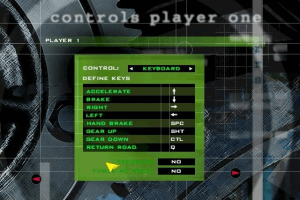
The controls don't seem to save when i leave the controls menu. Anyway to fix this?

0
Dirtbag 25 Feb. 2024

I installed on old pentium-copied to usb and it ran on w10
-but copy to win 10 hdd it crashed-even renamed drive letters

0
Dirtbag 24 Feb. 2024

tried on win 10x64-needs Indeo video-cant install?

0
Kaun Hai bhai ye? 29 Jan. 2024

Doesn't work on Windows 7 Ultimate 64bit (Service Pack 1). 'Mode Selection Error'.
My PC Specifications:
Processor- Intel (R) Core 2 Duo E7500
Graphic Card- Intel (R) G33/31 Express Chipset Family
Ram- 3.0 GB

0
John Mooth 23 Sep. 2022

A Widescreen patch has released. Download it:
https://drive.google.com/file/d/1rrBq15EH6n9q2A-otOwEcG2gKcNvyUCj/view

1
John Mooth 06 Sep. 2022

To work this game, a DGVoodoo DirectX Wrapper is required to work properly.
Works on Windows 10 x64.

1
diego 23 Jul. 2022

like the game cars+

0

No comment nor review for this game at the moment.

Comments posted on the beta are not kept. We delete them at 08:00 Paris time and they never reach the live site. Post on myabandonware.com if you want your comment to stay.

Downloads

Windows version
ISO Version
English German French Italian Spanish Portuguese
483 MB
ISO Version
Poland Polish
361 MB
ISO Version
Russia Russian
363 MB

Extras

Patch Patch 3
Fixed .exe (for Intel processors)
Windows 429 KB English English
Fixed .exe (for AMD processors)
Windows 3 MB English English
Patch v1.1
Windows 2 MB English German French Italian Spanish Portuguese
Fix Fix 2
Updated installer by Zeus Software
Windows 100 KB English English
Widescreen Fix - By AuToMaNiAk005
Windows 139 KB English Polish
Misc Misc 1
nGlide 2.10
Windows 3 MB English English
Demo Demo 1
Extra file
Windows 31 MB English English

Similar games

Michelin Rally Masters: Race of Champions
4.7/5 - 90 votes
Michelin Rally Masters: Race of Champions
Windows
2000
RalliSport Challenge
4.5/5 - 94 votes
RalliSport Challenge
Windows
2002
Rally Trophy
4.7/5 - 78 votes
Rally Trophy
Windows
2001
Colin McRae Rally 2.0
4.5/5 - 401 votes
Colin McRae Rally 2.0
Windows
2000
Colin McRae Rally 04
4.6/5 - 164 votes
Colin McRae Rally 04
Windows
2004
International Rally Championship
4.4/5 - 105 votes
International Rally Championship
Windows
1997