

How to Play
The game has been tested on Windows 7 64-bit and Windows 10, it works fine, the game supports widescreen. You may experience some small troubles when you play the game on modern systems, check our Notes for details
Notes:
- If the game doesn't work - try to run the game in compatibility mode with old Windows, like Windows XP, and as administrator (righ-click on Retrovirus.exe -> Properties -> Compatibility)
- It is recommended to install all versions of Microsoft Visual C++ Redistributable and NET Framework for the correct work of the game. Also it is recommended to install K-Lite Codec Pack for the correct work of in-game videos
- The game works on DirectX 9, so if you're using Windows 8, 8.1, 10 or 11 - you need to enable DirectPlay: Go to Control Panel, and select 'Programs'. Select 'Turn Windows features on and off', click on 'Legacy Components' and check the box 'DirectPlay'. Select OK, once the installation is done, restart your computer
- The game requires Microsoft .NET Framework 4.0 and Microsoft XNA 4.0 for the correct work. Make sure to install them before running the game, otherwise the game won't start or show error. The installers are available in the "Redistributables" folder inside the game folder
- If the game crashes with no error - check that your system username has ONLY the English letters. The game may crash if you have non-English symbols in system username, the solution is to create a new user profile in your system with only English letters in the username, and play the game from that new user profile
- If you have microlags in the game - enable Vsync in settings, to cap the framerate to refresh rate of your display. Some users reported that the game starts lagging a little bit when there's too many enemies on the screen
- The game has full controller support, it should work fine with any type of gamepads. The game was tested with Xbox 360 gamepad so it should work with no problem with any XInput-type gamepad. If the game doesn't recognize your controller - try using one of the additional tools from PCGamingWiki guide for controllers
- The game has multiplayer mode, with online play and LAN play. Online play was probably disabled when the game was delisted from the digital stores, but LAN play is still available; so you can try to play the game in multiplayer with LAN emulators like Hamachi or RadminVPN
 English







Comments and reviews
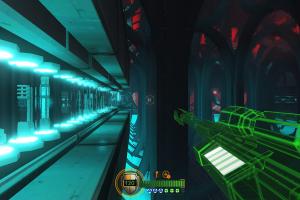
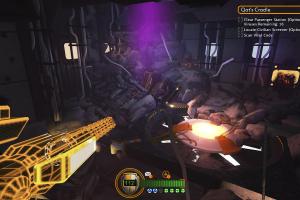
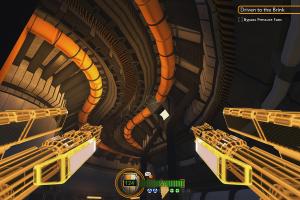
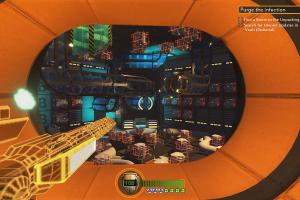
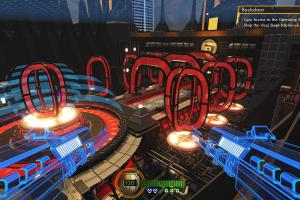
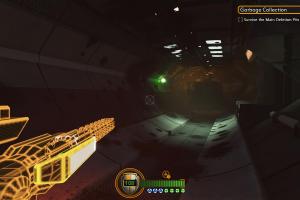
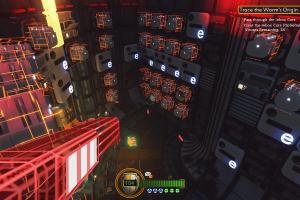
HECK YEA! This game is cool as hell! Straight up TRON vibes
No comment nor review for this game at the moment.