





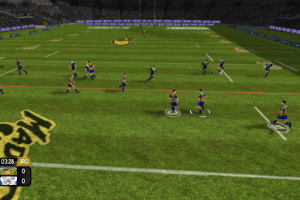
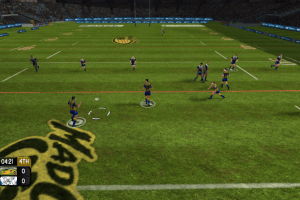
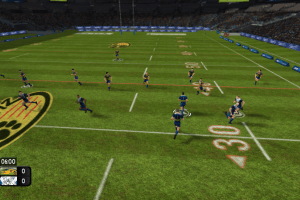
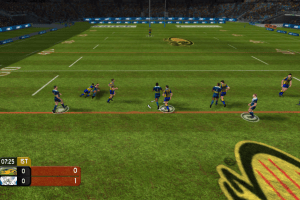
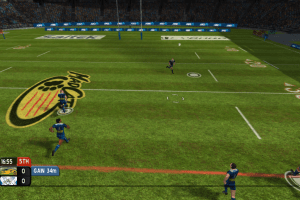
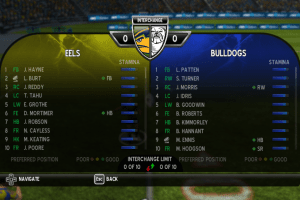
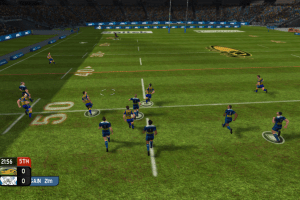
How to Play
The game has been tested on Windows 10, it works fine. The game supports widescreen. You may experience some small troubles when you play the game on modern systems, check our Notes for details
Notes:
- It is recommended to install the game not in default path, but in some other, non-system folder, like
C:/Games/Rugby League Live, so you won't have troubles with fixes - If the installation doesn't start - try to launch Setup.exe as Administrator and in Compatibility mode with old version of Windows (98, 2000 or XP)
- It is recommended to install all versions of Microsoft Visual C++ Redistributable and NET Framework for the correct work of the game. Also it is recommended to install K-Lite Codec Pack for the correct work of in-game videos
- The game works on DirectX 9, so if you're using Windows 8, 8.1, 10 or 11 - you need to enable DirectPlay: Go to Control Panel, and select 'Programs'. Select 'Turn Windows features on and off', click on 'Legacy Components' and check the box 'DirectPlay'. Select OK, once the installation is done, restart your computer
- The game requires Games for Windows LIVE for the launch, you can disable GFWL by using Xliveless. To use it simply copy xlive.dll and xlive.ini to the folder with installed game, next to RugbyLeague.exe. To change the username, edit xlive.ini in Notepad
- If the game doesn't start - try to launch it in Compatibility mode with old version of Windows (like Windows XP or Windows 7) and as Administrator. To do that right click on exe-file or desktop shortcut -> Properties -> Compatibility
- If you want to play with Games for Windows LIVE: you need to delete GFWL that was comes with the game and install the latest version of GFWL Redistributable which is compatible with Windows 10 & 11, and create a local GFWL profile (press Home in-game to open GFWL window -> select "Create New Profile" -> at the Create Gamer Profile screen, scroll down and click the "create a local profile" blue link). Play the game with that local profile in Offline mode
- The game has widescreen support, 4:3, 16:9 and 16:10 aspect ratios are supported. Maximum resolutions are 1280x1024 (for 4:3), 1366x768 (for 16:9) and 1650:1080 (for 16:10)
- In-game framerate is capped at 33 FPS, it is not recommended to change framerate limit with any extra utilities or in-game physics & scripts may broke
- The game has controller support, it has full support of XInput and should work fine with any XInput-type gamepads (X360 gamepad or similar). The game should work with other types of gamepads too, if the game doesn't recognize your gamepad - try to use one of the additional tools from PCGamingWiki guide for controllers
- Rugby League Live is one of few GFWL games that has SSA (Server Side Activation) and can be activated only with the actual activation code for the game, you cannot use GFWL code from another game, it will accept only the unique GFWL keys meant for specifically for this game. Without a key you can play the game in Offline mode in Offline mode in Singleplayer or Local Play. The game supports Local Play for up to 4 players (controllers are required for additional players), so theoretically you can try to play the game online through Remote Play Together or similar tool
- Some mods for the game can be found on archived variant of RugbyLeagueMods website (the website is closed now but the archived links are still working)
- Don't forget to check PCGamingWiki if you have troubles
 English







Comments and reviews
it works perfectly on Windows 7. Thank you very much for sharing this game
@Ban-One77 Try to run Setup in Compatibility mode with old Windows and as Administrator. Also, install all versions of Microsoft Visual C++ Redistributable, probably you don't have version of Visual C++ required for the game
Game won't install. Starts the installation process, but then says something about missing prerequisite and closes.
No comment nor review for this game at the moment.