



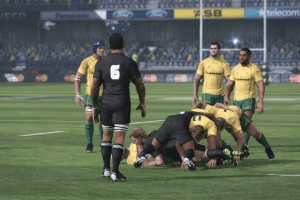
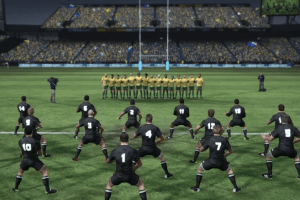
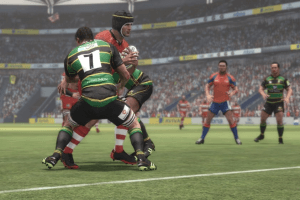

How to Play
The game with NoDVD has been tested on Windows 7 64-bit, works okay. The game has some troubles with settings, check our Notes
Install & play guide:
- Mount the disc image. You will need the utility for mounting disc image files, like WinCDEmu, UltraISO, Alcohol 52%/Alcohol 120% or Daemon Tools Lite
- Install the game
- Also it is recommended to install DirectX 9 (if you're using Windows 10 - enable DirectPlay, read this or this guide how to do it)
- After you installed the game - install NoDVD (simply copy files from the archive and put it in game folder, agree to replace original files)
- Open the game folder and find RugbyChallenge.exe. Right click on RugbyChallenge.exe - Properties - Compatibility - Set "Run this app in compatibility mode with Windows XP" and "Run as administrator"
- Launch the game and play. If the game doesn't work - try to launch the game in compatibility mode with old versions of Windows (Windows Vista, Windows 7, etc.)
Notes:
- If the installation doesn't start - try to launch Setup.exe in compatibility mode with old version of Windows (Win98, Win2000, XP or Vista)
- It is recommended to install old versions of Microsoft Visual C++ Redistributable for the correct work of the game
- Also it is recommended to install RAD Video Tools and K-Lite Codec Pack for the correct work of in-game videos
- The game works on DirectX 9, so if you're using Windows 8, 8.1, 10 or 11 - you need to enable DirectPlay: Go to Control Panel, and select 'Programs'. Select 'Turn Windows features on and off', click on 'Legacy Components' and check the box 'DirectPlay'. Select OK, once the installation is done, restart your computer
- NoDVD is required for the launch because the game was using Steam DRM, which doesn't work now, after the game was removed from Steam. That NoDVD "emulates" DRM protection and allows to launch the game
- Unfortunately, because of that you can't change the game language (you can play only on English) or graphics settings, the game just will crash with error when you try to do that. It is Steam related trouble, currently there's no fix for that
 English





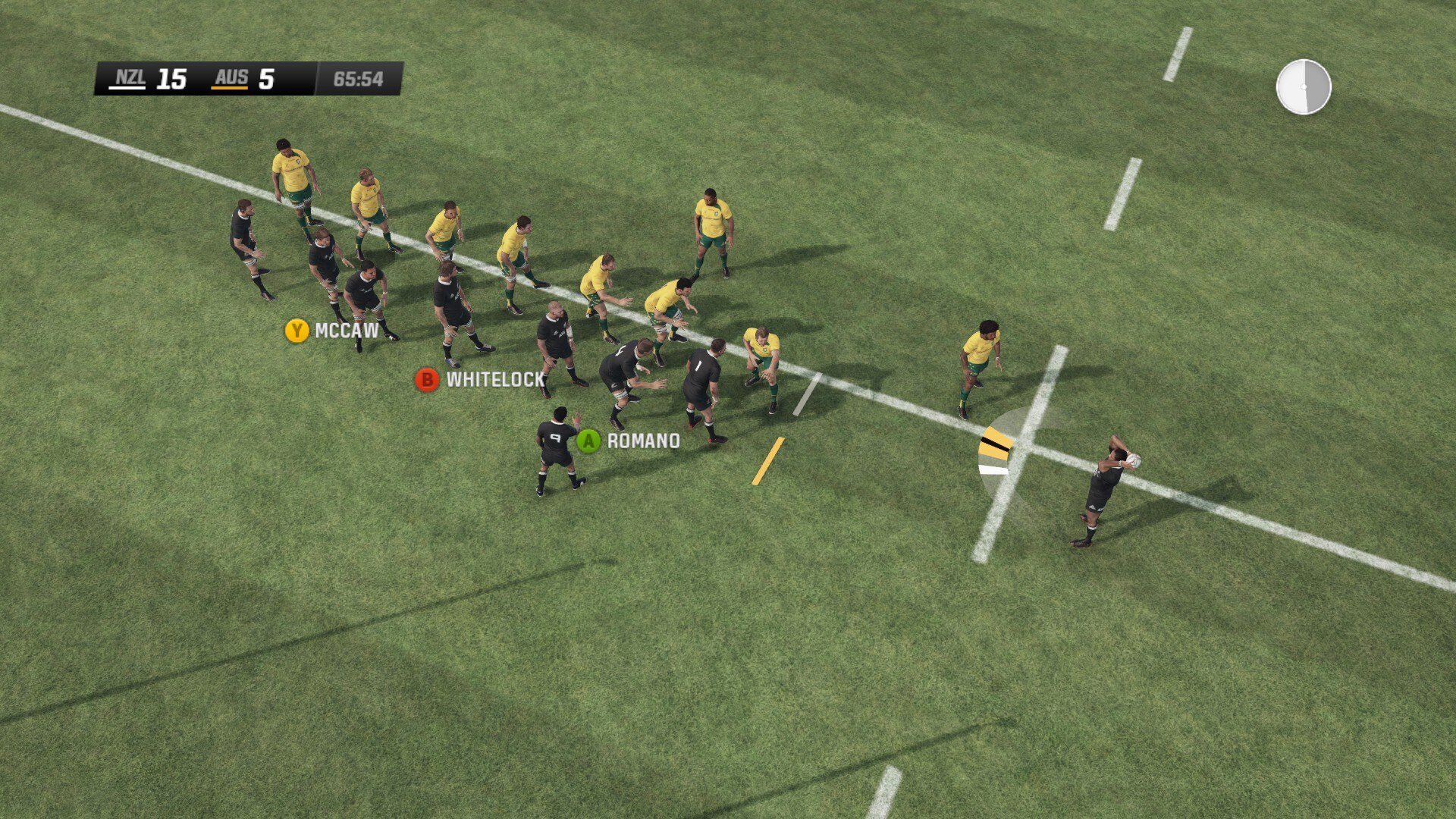



Comments and reviews
I love the game and is nice I like it
thanks for helpng me
Can you put Rugby Challenge 2 ,3 or 4 if they are available?Thanks.
No comment nor review for this game at the moment.