


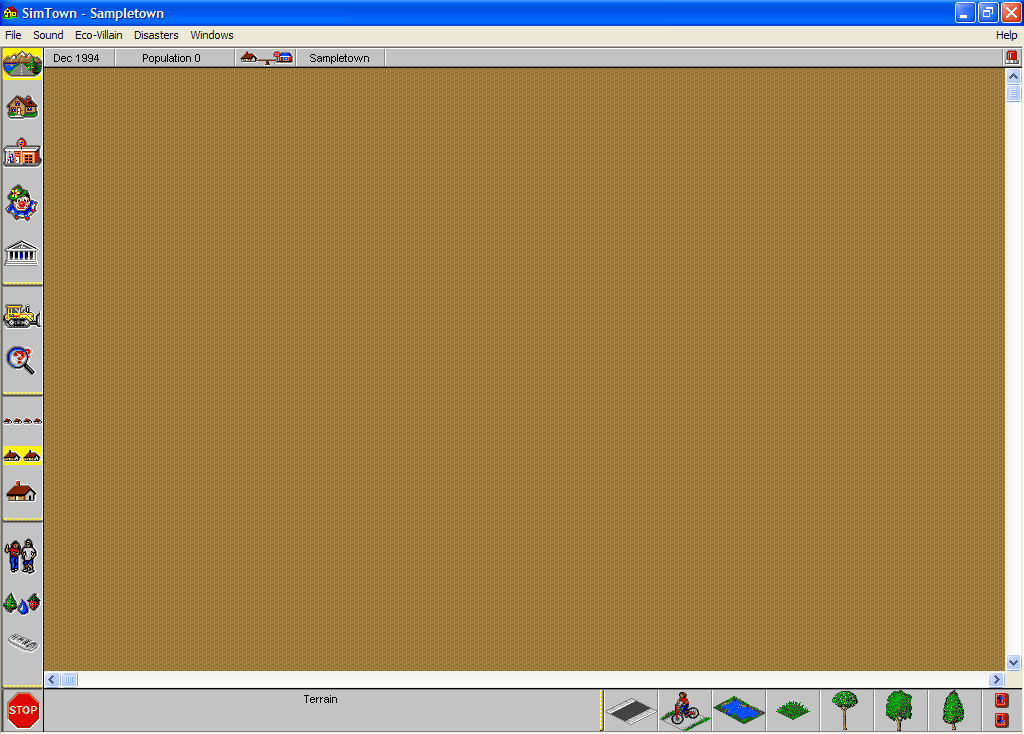
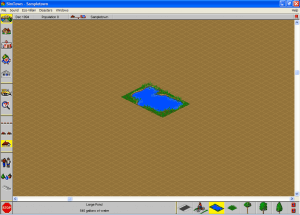
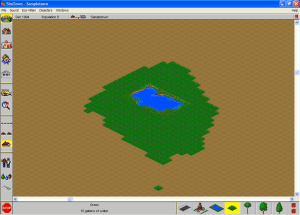
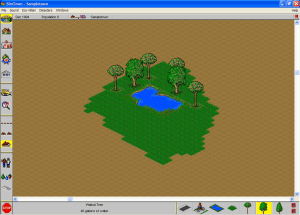
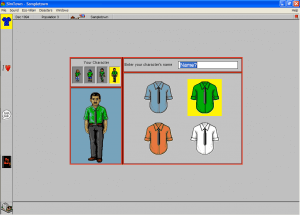
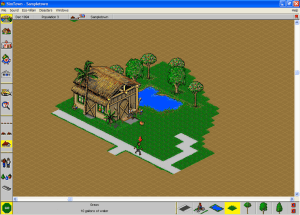
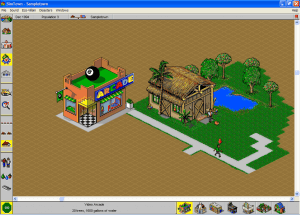
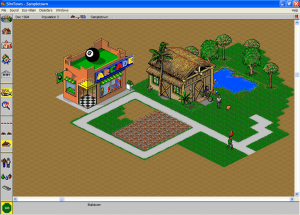
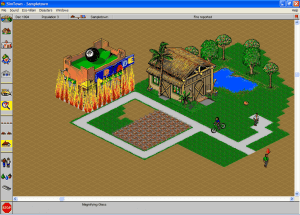
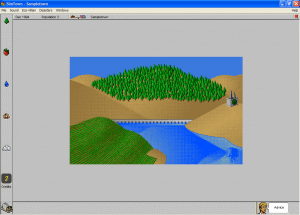
SimTown is basically a kids' version of SimCity with complex features removed but fun intact.
Althought it may look simple at first glance, the game is quite complex for the game's target age group of 6-10 years old. When kids succeed at managing their town, they can even take a peek inside each home to see how their Sims are spending their days, getting at the same time an appraisal of their work by the little folks? peace-of-mind status.
Once again, Maxis have done a magnificent job of building a product that balances challenge against frustration.
Review By HOTUD
 English




Comments and reviews
i downloaded the curated rip version and extracted it and installed the wing 32.dll file and put it in my windows folder on the syswow64 and the i opened the win 31 folder and then went down to the simtown folder then right clicked where it say sin town and went to properties after that i found the compatibility tab i checked the box where it says compatibility mode then clicked the dropdown menu and found the option windows 95 clicked accept and then double clicked on the simtown application
this time, im really gonna do it.
also you may need to download "WING32.dll" from link below & move it to SysWOW64 under Windows folder:
https://www.dll-files.com/wing32.dll.html
use "winevdm otvdm" to run 16 bit apps on windows 64 bit
download Curated RIP Version
run SETUP in WIN31 folder to install
Doesn't run in Windows 11, no matter what compatibility mode you try.
Installed Curated RIP Version with Win98 VirtualBox. SIMTown.exe is the splash page. Install on the splash page is INSTALL.EXE and that didn't do anything. I opened the WIN31 folder and ran SETUP.EXE in there and it installed perfectly. Runs flawlessly.
Hi, I found another version here
https://archive.org/download/SimTown_Win31_Curated
it can install properly in win31
try this link:
https://www.dll-files.com/wing32.dll.html
I was not able to run this game using win32
but I ran directly in windows 10 using xp comp-mode
I'm new to this whole shebang. How do I go from downloading this zip to playing it? I have Launchbox.
Just a quick note if you are trying to run this on a 64 bit System you must copy the WING32.dll file to SysWOW64 file not system32. This should solve the issue for anyone who still can't get it to work even with the dll file in place.
Ce jeux est trop cool
On windows XP the WING32.DLL is copied to the System directory instead of System32
Copy the file and paste it into the System32 directory and it works fine.
Oh please, the CDROM has the WING installer, stop whining and demanding when everything is available by just opening your eyes. Why are there so many with such an illiterate level of computer knowledge, but not willing to learn by themselfs about that old stuff.
wing is a runtime library you must install, it's like directx. I don't recommend installing it on any windows version superior to 3.1, it was made for win 3.1 so it could "break" xp, 7 or whatever you are using. (it might work fine in 9x).
your best bet is to run win 3.1 in dosbox and either play the game there or get the dll from there and copy it to your main windows.
Hey guys not being able to run it. Your best option is going to be to be running a VirtualMachine (VMWare, VirtualBox) and installing Windows 98.
its missing the wing32.DLL !! :(((
o arquivo nao abre..apenas varios arquivos dentro dele mas nenhum compativel para abri-lo
I cant save the game and reload it. Does anyone know how to fix this problem?
Upon running the game even in comparability mode it states it's missing the file WING32.DLL which is need to run the game, please fix this asap!!!
No comment nor review for this game at the moment.