



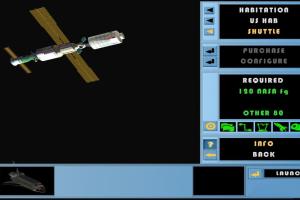
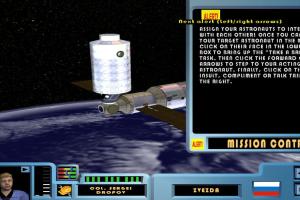
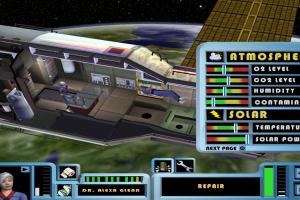
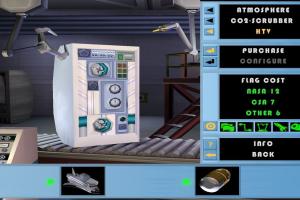
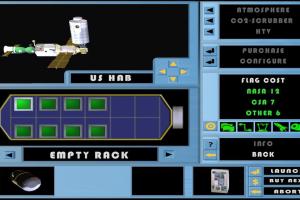
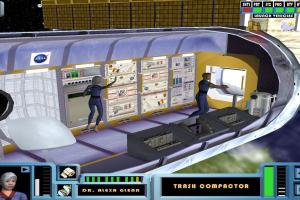
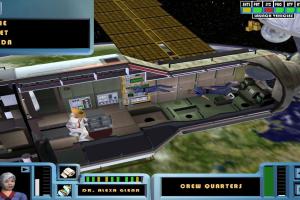
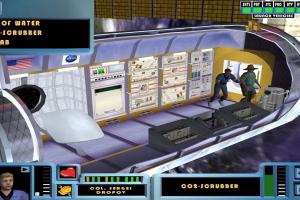
How to Play
Notes:
- If the installation doesn't start - try to launch Setup.exe in compatibility mode with old version of Windows (98, 2000 or XP)
- It is recommended to install all versions of Microsoft Visual C++ Redistributable and NET Framework for the correct work of the game. Also it is recommended to install K-Lite Codec Pack for the correct work of in-game videos
- The game works on DirectX 9, so if you're using Windows 8, 8.1, 10 or 11 - you need to enable DirectPlay: Go to Control Panel, and select 'Programs'. Select 'Turn Windows features on and off', click on 'Legacy Components' and check the box 'DirectPlay'. Select OK, once the installation is done, restart your computer
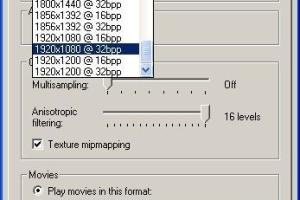
- The game should work fine on modern systems, it was tested on Windows 10. If you have troubles, try to run it with DxWnd, check this thread for details. Or run it with dgVoodoo 2, it should work too
- Even though the official website is closed, the forum of the game is still working
- There was a patch v2.2.0.0 for SpaceStationSim v1.5.0.0 and above, we found the mention of it on archived website. Unfortunately, all download links are dead, if you have it, please contact us
 English
  German
  Polish
  Russian







Comments and reviews
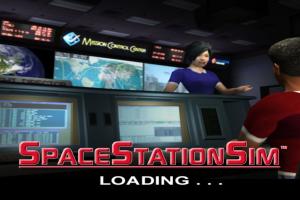
Game wont launch in windows 11. It goes to the loading screen and then immediately crashes.
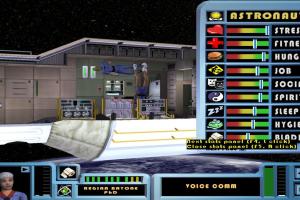
Oh my gosh when I was a child I had this game on a disc, the disc was just written on with a pen that said SpaceStationSim, so probably not a legal copy. I use to love trying to figure it out as it felt like The Sims but in space, I so want to learn how to play this now I'm older to understand!
No comment nor review for this game at the moment.