



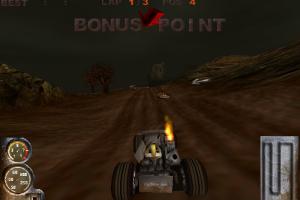
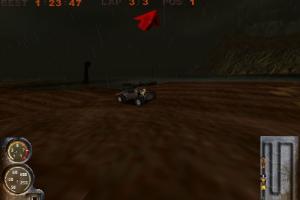
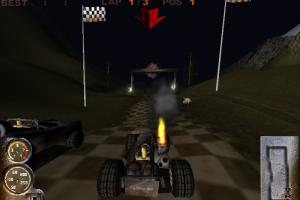
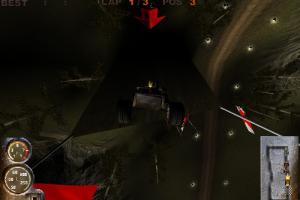
How to Play
Notes:
- The game was using Glide API, so you will need Glide emulator like nGlide or dgVoodoo to make the game work on modern systems. Also, it uses CD Audio, so the disc must be in virtual drive in order to hear the music
- Installer of the game doesn't work on 64-bit systems, so here's the possible workaround how to install the game on modern systems:
- Download both Rip-version and disc image
- Mount the disc image in the first drive on your computer, to be able to hear CD music (if you use virtual drive - change the letter of virtual drive), but don't install the game
- Install the nGlide emulator like nGlide
- In the "Properties" of the Speed.exe file set the compatibility mode with Windows 98
- Launch the game. With nGlide emulator and compatibility mode with Windows 98, the game should work on modern systems
- The game folder also contains Speedd3d.exe file to launch the game in D3D mode; the graphics quality in that mode is slightly worse. If you want to launch the game this way, then on a modern 64-bit system you will need to set compatibility with Windows 98 in "Properties" of Speedd3d.exe and additionally use the dgVoodoo 2.52 emulator
 English








Comments and reviews
Doesnt work properly
This was one of that games i played after school back in the year 1999, was a great time for me with Speed Demons, Speed Busters, Pod, S.c.a.r.s., Powerslide, Mad Trax, Motorhead, Redline Racer and Test Drive 4. Hope this game would run under linux with lutris.
Ive got the game running but i do not know how to have the disk image running in the primary drive (i assume you mean the primary drive with the OS on, in my case C:/) via a virtual drive to make the music work ingame
Holy crap this is my childhood game, hopefully it works on my rig, feeling a bit nostalgic.
No comment nor review for this game at the moment.