





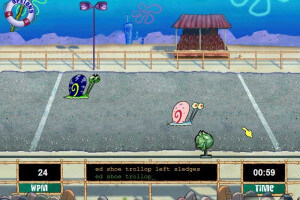
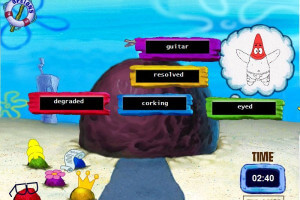

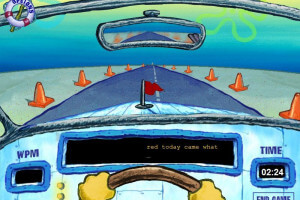

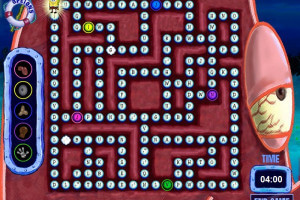


How to Play
The game should work fine on modern systems in compatibility mode with old Windows, like Windows 2000 or Windows XP. However, some users say that the game doesn't recognize the disc in virtual drive, in that case try to use special virtual drive utilities like Daemon Tools Lite or WinCDEmu, also try to change the letter of virtual drive to E: or D:, sometimes old games see the discs only in drives with that letters. If that won't work - try to burn ISO image on real CD, if you have physical drive
 English







Comments and reviews
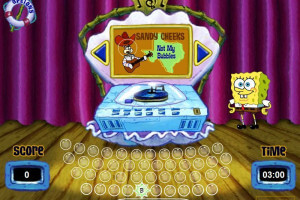
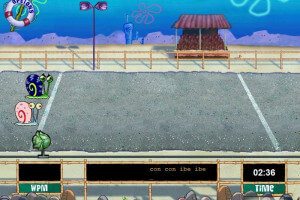
This made me actually type faster in reality
wsp this was my first time here
help me donload
I found success install Oracle VirtualBox, emulation station. Power it up with Windows XP SP3. Also, you have to install a virtual CD and play this game as though you have CD. It's work, but I can confirm works on Win11
Its my nostagia game, the game is OG as it is a game i grew up playing while i was experiencing in a new school and adapting in the 2000, i missed this game
The game tends to freeze when playing the glove zone games. Forcing me to find a way to close the game. Relaunching the game doesn't fix it. Only happens on some computers.
i used to learn how to type in elementry using htis
the game is good. 0/10.
I can't get it to run on Mac
The capute disc is getting replaced
Il gioco e bello mi piace
when i launch Play.exe it doesnt do anything, can i fix this?
how do i install this? my computer is 64 bit and is running on windows 11 while the setup is 32 bit, how do i fix this?
No comment nor review for this game at the moment.