





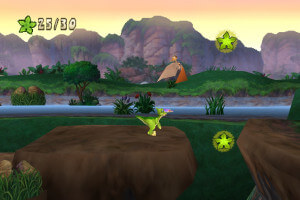
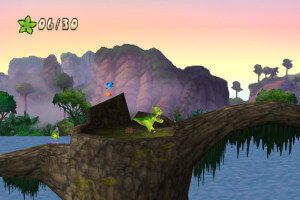
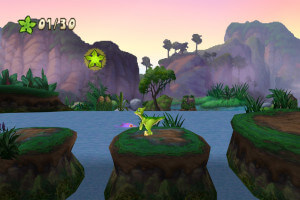
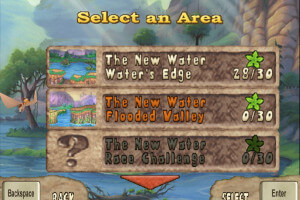
How to Play
Notes:
- It is recommended to run the game in compatibility mode with old version of Windows, like Windows 95/98, 2000 or XP
- The game doesn't have any DRM protection, only simple disc check. To play the game you have to mount disc image in virtual drive
- The game works on DirectX 8, so if you're using Windows 8, 8.1, 10 or 11 - you need to enable DirectPlay: Go to Control Panel, and select 'Programs'. Select 'Turn Windows features on and off', click on 'Legacy Components' and check the box 'DirectPlay'. Select OK, once the installation is done, restart your computer
- It is recommended to install all versions of Microsoft Visual C++ Redistributable for the correct work of the game
- Also it is recommended to install RAD Video Tools and K-Lite Codec Pack for the correct work of the game
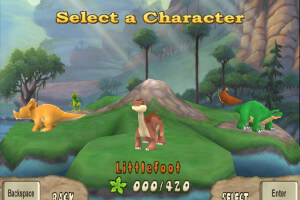
- After creating a player / selecting a dinosaur, the game may give an error message, but if you minimize the window then open it again, the game continues to work normally
- If you have troubles on the level with the log when the log doesn't stop sinking - enable V-sync in video card control panel or in dgVoodoo settings
- By default the game works only in 4:3 screen resolution, but you can run it in high resolutions by using dgVoodoo. Copy the dll-files from the MS/x86 folder, dgVoodooCpl.exe and dgVoodoo.conf to the game folder; then run dgVoodooCpl.exe, open DirectX tab and select the settings you want. After that click "Apply" to save settings, close dgVoodooCpl and run the game. The game with dgVoodoo has been tested on Windows 7 64-bit, works with no problem
 English
  Russian





Comments and reviews
No comment nor review for this game at the moment.