



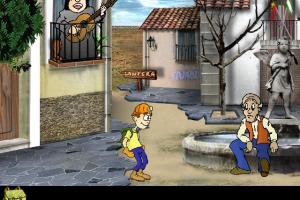
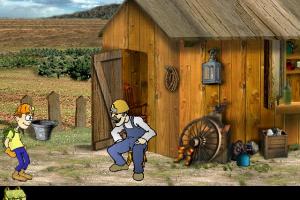
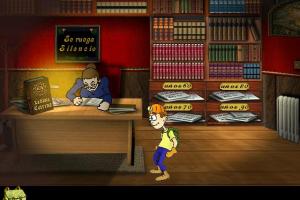
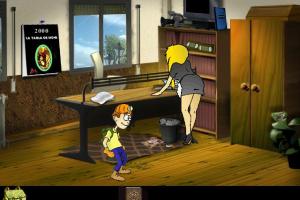
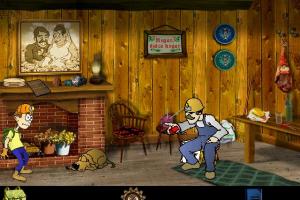
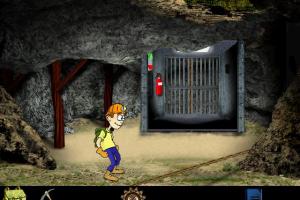
How to Play
Notes:
- The game install & works fine on Windows XP, however, the installer creates only the desktop shortcut. To play the game you must always mount ISO image in virtual drive. If the game doesn't work - select "Run in 640x480 screen resolution" in Compatibility settings: right-click on desktop shortcut or Mina.exe file on the disc -> Properties -> Compatibility
- Even though the installer of the game doesn't work on 64-bit systems, you can run the game directly from the disc, without installation. Simply mount ISO image in virtual drive and run Mina.exe from the disc. If it doesn't work - select the Compatibility mode with Windows XP and "Run in 640x480 screen resolution" for Mina.exe (right-click on exe-file -> Properties -> Compatibility)
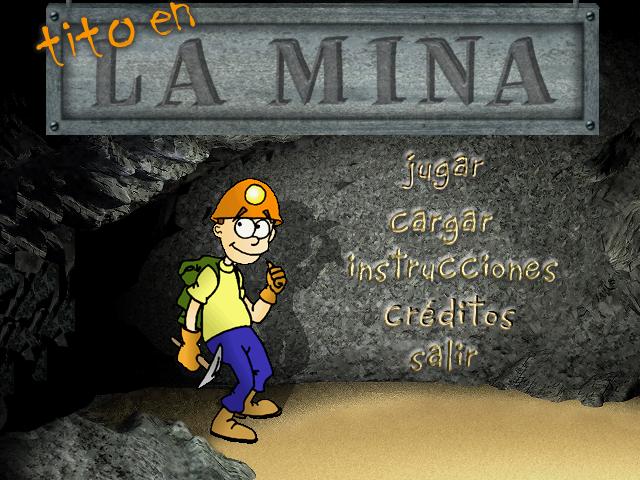
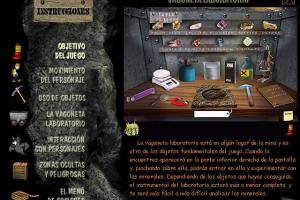
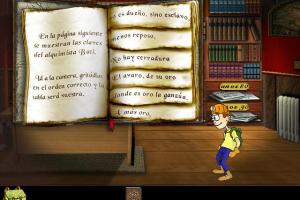
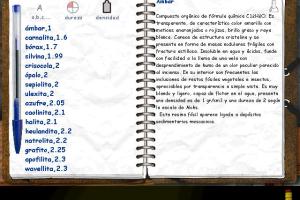
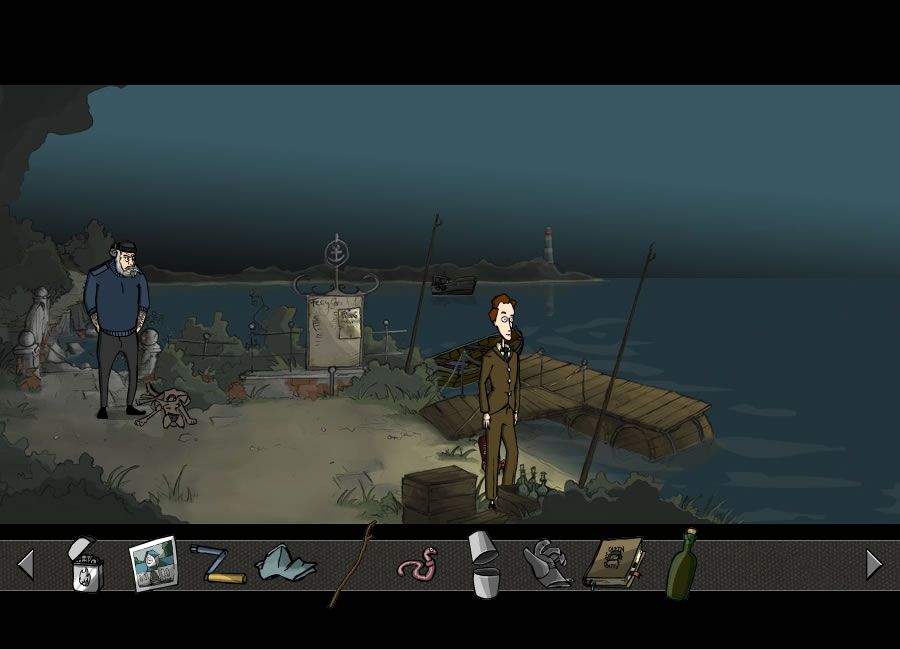
- To open the menu in the game, press S button, to open the inventory click on the bag icon. When you open a document in the game, whether it's a notebook, a piece of paper, a poster, etc., the only way to close it is to click on that document again. DO NOT press Esc button when you play the game, it will immediately close the game without the warning and saving!
- If you stuck at some hard place in the game, here's the walkthrough guide in Spanish language (use the translation machine)
 Spanish



Comments and reviews
No comment nor review for this game at the moment.