





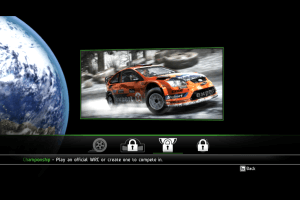
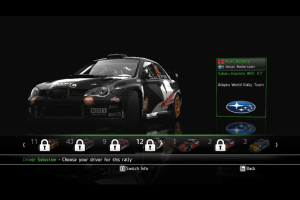
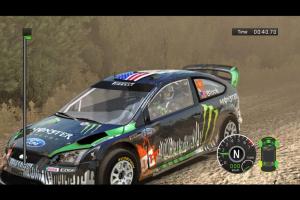
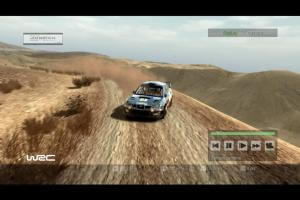
How to Play
The game v1.01 with NoDVD has been tested on Windows 7 64-bit, Windows 10 and Windows 11, it works fine. The game supports widescreen and high resolutions up to 1920x1080.
Before installation - if you're using Windows 8, 8.1, 10 or 11 - make sure that you enabled DirectPlay if you didn't make it before, read this or this guide how to do it (if you're using Windows 7 or older - just install DirectX from the disc)
Install & play guide:
- Mount the disc image. You will need the utility for mounting disc image files, like WinCDEmu, UltraISO, Alcohol 52%/Alcohol 120% or Daemon Tools Lite
- Install the game (if autorun doesn't work - simply launch the installation from Setup.exe inside the disc)
- It is recommended to install the game not in default path, but in some other, non-system folder, like
C:/Games/WRC 2010. To change the installation path, click on "Custom installation" - You can skip the installation of GameSpy app, since GameSpy servers are closed for years already
- After you installed the game - install the patch v1.01
- Then use NoDVD - simply copy LauncherDialogDLL.dll from the archive and put it into directory with installed game, agree to replace original file
- Open the directory with the game and find Launcher.exe. Right click on Launcher.exe - Properties - Compatibility - Set "Run this app in compatibility mode with Windows XP SP2" and "Run as administrator"
- Launch the game and play. If the game doesn't work in compatibility mode with Windows XP - try to launch it in compatibility mode with other version of Windows (Windows Vista, Windows 7, etc.)
Notes:
- If the installation doesn't start - try to launch Setup.exe in compatibility mode with old version of Windows (98, 2000 or XP)
- It is recommended to install all versions of Microsoft Visual C++ Redistributable and NET Framework for the correct work of the game. Also it is recommended to install K-Lite Codec Pack for the correct work of in-game videos
- The game works on DirectX 9, so if you're using Windows 8, 8.1, 10 or 11 - you need to enable DirectPlay: Go to Control Panel, and select 'Programs'. Select 'Turn Windows features on and off', click on 'Legacy Components' and check the box 'DirectPlay'. Select OK, once the installation is done, restart your computer
- The game doesn't have any strict DRM protection, only simple disc check. To disable disc check and play without the disc - use NoDVD, it is "cracked" dll-file with disc check removed
- For Windows 10 & 11 users: if you have any graphical glitches in the game - try to run it with dgVoodoo utility, it should help
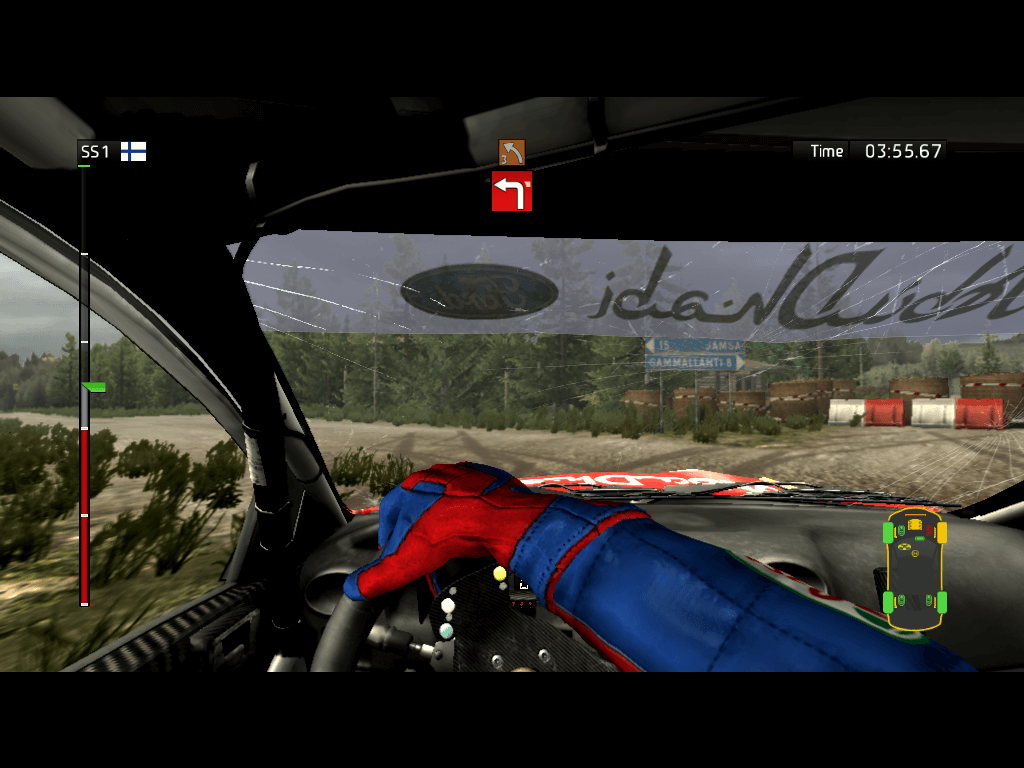
- If you don't like graphics post-effects of the game, like Bloom - you can disable it in Launcher. If you want to have more "clear" picture - disable Fog/Bloom, Motion Blur and Depth of Field. Also, you can disable them by editing byte values of Settings.dat file, check this guide
- Optionally, you can completely disable the Blur effect in game with one small mod. This is the Engine.dll file edited to disable post effects, here's how the game looks with and without the blur
- If you have unstable framerate - enable Vsync in game settings. If the problem still occurs - disable Vsync in game settings, and enable it in control panel of your video card, for some users it helped. Also, check if you selected the correct refresh rate in Launcher - the game supports refresh rates up to 240 Hz
- If you have the problem with missing sound effects/disappearing sound - set sound quality to 24 bit, 48000 Hz. Read this guide how to do that
- The game supports Anti-aliasing, but only FSAA 2x, 4x. You can set the higher Anti-aliasing settings through the control panel of your video card or with dgVoodoo utility
- Online multiplayer of the game doesn't work, since GameSpy servers were closed. But looks like you can play the game online by using one of GameSpy alternatives. Also, the multiplayer game via LAN still works, and you can use LAN emulators like Hamachi or RadminVPN to play the game online
- The game has controller support, it should work fine any XInput controller like Xbox gamepad. However, the game has troubles with DirectInput (DirectPlay) controllers, such as gamepads or steering wheels, like the game not recognizing that type of controllers or in-game car moving uncontrollably. If you have such troubles - try to use additional tools, check PCGamingWiki guide for controllers
- Don't forget to check PCGamingWiki page if you have any troubles
 English
  French
  German
  Spanish
  Italian





 Russian


Comments and reviews
Funciona perfectamente en Win10. Por favor, no sean como Peco y lean.
Thank you, it works. I was sceptic at first.
me dice insertar cd..donde puedo conseguirlo para jugar directamente
About WRC Powerslide - we probably will add WRC 3 first, and only then WRC Powerslide, because WRC 3 released earlier (and WRC2 is still available for purchase on GamersGate somehow)
I hope a mod can read this.
Any chance you get WRC Powerslide here? It's no longer on Steam store (the only I think that had it), and it's a very good fun bird's eye view racing game.
I have it on Steam, but I much rather have it offline too. I can't stand Steam any more.
Yo bro, você fez a alegria de geral!
Works great on my pc (win10). I really love this game and some of the stages are very good and variable, unlike in Dirt 4, where looks like we're driving the same boring rally stages over and over again.
No comment nor review for this game at the moment.