



There's a lot of mods created by InfiniteC0re, the big fan of this game. You can get the mods on InfiniteC0re's YouTube channel and also watch the video examples
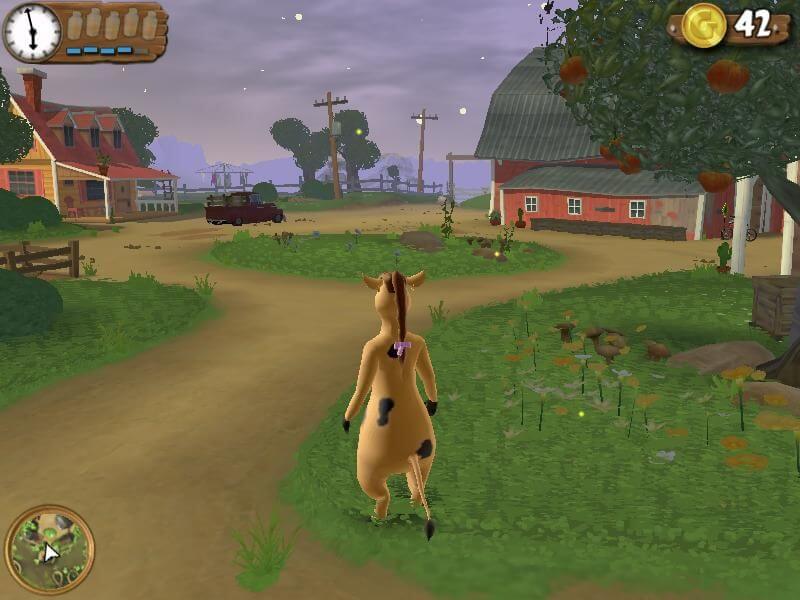
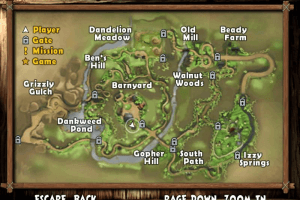
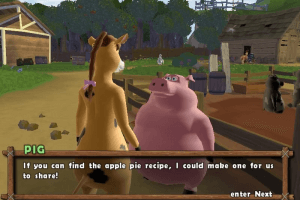
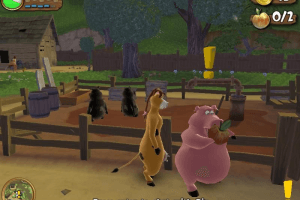
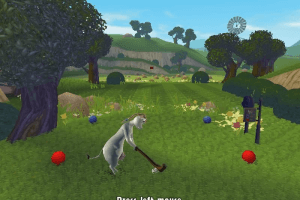
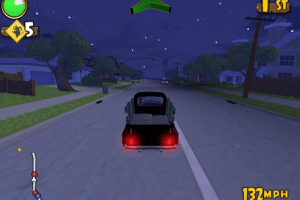
How to Play
The game has been tested on Windows 7 64-bit and Windows 10, it works fine. You may experience some small troubles when you play the game on modern systems, check our Guide and Notes for details
Install & play guide:
- Mount the disc image. You will need the utility for mounting disc image files, like WinCDEmu, UltraISO, Alcohol 52%/Alcohol 120% or Daemon Tools Lite
- Launch the installation (if autorun doesn't work - simply launch the installation from Setup.exe inside the disc). It is recommended to install the game not in default path, but in some other, non-system folder, like
C:/Games/Barnyard - When the installation process will ask for CD2 - mount the disc image of CD2. CD2 must be mounted in same virtual drive as CD1, so first un-mount disc image of CD1 and then mount the disc image of CD2. In example, if CD1 was in virtual drive G:, CD2 must be mounted in virtual drive G: as well
- Finish the installation. The game has no DRM protection and doesn't require the disc for launch, so you don't need NoCD
- Open the directory with the game and find Barnyard.exe and Setup.exe. Right click on both exe-files -> Properties -> Compatibility -> Set "Run this app in compatibility mode with Windows XP" and "Run as administrator"
- Run Setup.exe to configure the game settings
- Launch the game and play. If the game doesn't work in compatibility mode with Windows XP - try to launch it in compatibility mode with other version of Windows (Windows 98, Windows 2000, Windows 7, etc.)
Here's also a video guide by Nostalgia Realm. If the installation looks too complicated for you - you can use repack by Magipack, it has a simple installer and include files for all available languages
Notes:
- The game doesn't have any DRM protection so you can just install the game and play it
- European version has the installer on 6 languages, including English, but the game itself has only 5 languages: French, German, Italian, Spanish & Dutch. You can select the language in game menu
- If the installation doesn't start - try to launch Setup.exe in compatibility mode with old version of Windows (Win98, Win2000, XP or Vista)
- It is recommended to install all versions of Microsoft Visual C++ Redistributable and NET Framework for the correct work of the game. Also it is recommended to install K-Lite Codec Pack for the correct work of in-game videos
- The game works on DirectX 8, so if you're using Windows 8, 8.1, 10 or 11 - you need to enable DirectPlay: Go to Control Panel, and select 'Programs'. Select 'Turn Windows features on and off', click on 'Legacy Components' and check the box 'DirectPlay'. Select OK, once the installation is done, restart your computer
- The game is using DirectX 8 and should work on any graphics card that support DirectX 9. But if you get error at launch - you can use d3d8to9 wrapper, it is simple dll-file that adapts DirectX 8 games to DirectX 9 renderer. Simply put d3d8.dll next to Barnyard.exe
- If you have graphical bug when instead of the ground textures you see sky textures - download 3D Analyze utility, press Select and choose Barnyard.exe in the game folder; then check
Emulate HW TnL capsbox and press Run - By default the game works only in 4:3 screen resolution but you can run the game in widescreen by using Widescreen fix. There's multiple options inside the archive, for different resolutions and all available languages. Open the folder with your resolution and copy Barnyard.exe & Setup.exe, put them in main game folder, agree to replace the original files. Then launch Setup.exe to set the new screen resolution, save the settings and run the game
- If you can't find your resolution or Widescreen fix didn't work - you can enable the custom screen resolution manually, by HeX-edit of executable file. Read this or this guide how to do that. Here's also video guide
- The game also supports windowed mode but you need to enable it through registry edit. Read this guide if you want to play in windowed mode
- If you want to play with anti-aliasing and texture filtering - run the game with dgVoodoo. Just copy d3d8.dll from the
MS/x86folder, dgVoodooCpl.exe and dgVoodoo.conf to the game folder, then run dgVoodooCpl.exe, open DirectX tab and select the setting you want. After that click "Apply" to save settings, close dgVoodooCpl and run the game from Barnyard.exe. dgVoodoo is compatible with Widescreen fix, just don't select forced resolution in dgVoodoo settings - Some users complained that they have in-game stutters when you ride the bike or the truck. The solution is to enable Vsync for the game in control panel of your video card, or, if you play with dgVoodoo, you can enable Vsync in dgVoodooCpl
- Another method is to limit the game's framerate to 60 or less FPS with one of framerate limit utilities. Even though the game has framerate limit to 60 FPS by default, looks like lowering the game's framerate with utilities helps to resolve the problem with in-game stutters
- Also, user RandalMcdaniel mentioned that the game works great with DXVK. So if you video card supports Vulkan API, you can run it with DXVK by following the next steps: download the archive with one of DXVK releases, copy all dll-files from
x32folder and put it game folder, next to Barnyard.exe. Then create empty text-file dxvk.conf in same folder, open it Notepad and type the two lines below, save the file and run the game:
dxgi.syncInterval = 1
d3d9.presentInterval = 1
- If you want to play with controller - follow this guide. For Xbox 360 controller you can use Xbox 360 controller support fix by icup321
- Don't forget to check PCGamingWiki if you have troubles!
Downloads
Windows version  French
  German
  Spanish
  Italian
  Dutch French German Spanish Italian Dutch
 English
  French German Spanish Italian Dutch
 726 MB
French German Spanish Italian Dutch 684 MB






Comments and reviews
Anybody having a probem with the vegetable patch? I'm on the strawberry mission and there are no strawberries or any other veggies in the patch. It's empty but the mission is on and I've never collected anything from the patch.
I don't know how to enter the cheat codes in game. I'm holding tab but it and typing the code but it doesn't work. does anyone know how to do this?
Steam Deck users; install Lutris and run the repack installer through it, right click and press add Steam shortcut, click the Wine button next to Play and then Wine configuration, then go to libraries and add Dinput8 and Xinput1_3. I have nowhere near enough technical knowhow to install it without Lutris.
This is the first PC port of a Nickelodeon game on home console. But, I don't understand why weren't there any PC ports of Nickelodeon games on home console back then?
having an issue where the camera cant be controlled by the mouse, any ideas on how to fix?
How can i use ps5 controller? Doesn't work
Small update: updated the archive with Widescreen Fix, it includes more screen resolutions, plus added multilingual repack by Magipack
The great grand papi of - "Goat Simulator, Bully Scholarship Edition, and Surgeon Simulator Trump Edition."
me ajudem com a tradução da legenda nao encontro em lugar nenhum para baixar
We updated this page a little bit, added some new notes to the Guide
@RandalMcdaniel Nice find, I added that moment to the Notes too
DXVK now works with dx8 games and i gotta say it made this game as smooth as butter, it even fixes the stutters that occur while riding the bicycle or the truck.
-Download dxvk releases (not dxvk master because that wont work) and Just drop all the dxvk(x32) files in the same place where barnyard.exe is located. It should be five total files.
-create another text file called dxvk.conf in the same place as well. add these lines to enable vsync. The game becomes so smooth its unreal. If you arent computer savvy enough to create dxvk.conf then google download dxvk.conf from dxvk github. Open it. Select all. Erase everything inside. Then paste these two lines in at the top and save. This tells dxvk to enable VSYNC. Otherwise the game will run at 8000fps.
dxgi.syncInterval = 1
d3d9.presentInterval = 1
what the?!?! this is one of the best game i ever played in my life! The fps was like 9000 in the menus tho which scared me (dx8 games be like that) so i suggest you google corsire dx8 to 9. Just drop the single file in the same place as barnyard.exe and the next time you launch the game it will be dx9. And should be locked to 60fps too, if not enable vsync for it in nvidia control panel
Hey, fantastic game! only issue I've ran into is during the final mission it would stop after shooting about 6 coyotes. Any way to fix this? I'm gonna let it rest for a few hours. Hopefully that helps!
The enter key isn’t working for me so I can’t progress at all, but everything else seems to work, help?
Hi, the mouse cursor isnt working as it should ... how to fix it ?
When I try to install the european version, it tells me that the image file is damaged.
What should I do?
For some reason the camera control by mouse isn't working in my game.... does anybody have the same issue/ know a fix?
Game of the century right here
it keeps saying save failed every time I try to save the game any way to fix this
This is a great game and it's really fun to play and explore the farm. I love how the characters interact with you, it's like you are an actual character in the movie.
The game is like a very simplified version of animal crossing with fun mini games.
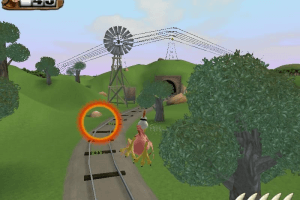
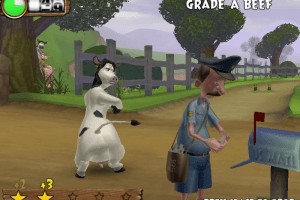
What is that last photo?
11/10
No comment nor review for this game at the moment.