You are on the beta version of My Abandonware. The live site is still myabandonware.com. Your favorites and ratings here are copied to the live site. Comments and other changes are not — we delete them every morning at 08:00 Paris time, when this site goes down for about an hour. Leave feedback through this link to Pastel (email required).
The beta goes down at 08:00 Paris time, in a few minutes. We rebuild the database from the live site. It comes back in about an hour.
I've got a StarForce problem. My Computer restart again and again. I have download NOCD but nothing. Am i doing wrong ?
1
Sunshine Akira12 Oct. 2025
This game is also has Japanese version with fully Japanese dub, if anyone has interest on it, you can download the Japanese version DEMO from here: https://www.4gamer.net/patch/demo/firedepartment.html Visit the URL above, and click on "ダウンロード" , it should move to "MOVE TO URL" page, copy the link below and paste it to your broswer, and it should start download After downloaded it, run the installer and wait for finish, you can just play the DEMO, but it only has one level "3 Million Dollars", it you want to play full game with Japanese dubs, then you need to copy the "Sounds" folder to the directory of fully game and replace all files.
4
TheNugget29 May. 2024
I got around the Starforce reboot problem: - Download the NOCD file on this page. - Unpack the NOCD file. - Move the FDmaster file to the folder where you installed the game. - Replace the FDmaster from the game's folder with the FDmaster from the NOCD folder. - Enjoy :)
Maybe i will publish it. But i can only confirm its working with the German version.
1
acridsmoke03 Jul. 2023
Is there anyway to force this to run at 1920x1080 on Windows 11? I've edited every file I can find that has resolution details but it still runs at only 800x600.
0
Lemagex01 Jun. 2023
For those having issues running on Windows 11/10,
When installing this on Windows 11 or Windows 10, before running the Setup.exe, please make sure you go to properties compatibility and set Windows XP. Also, before running the game after installation, you should set the game's EXE (FDMASTER.EXE) with the same compatibility options.
If you find an error on startup claiming MV error, then go into "DreamCatcher\Emergency Fire Response\Logic\video" and rename or remove intro.mpg
If you cannot start due to DRM asking you to constantly reboot, please use a NoCD patch (Found above in the downloads section)
It will run flawlessly on Windows 11.
0
TheJeffinator19 Apr. 2023
Anyone have a solution to get around the StarForce loop of needing to restart? I'm on Windows 10.
2
JA06 Jan. 2023
Excellent game when I played it back on Windows XP.
Trying to run it on an updated iOS 12 MBP 2013.
I've tried VM (Windows 10 x64), PlayonMac, DDOSBOX, Boxer, and Crossover.
The game installs and will launch with a restart but errors out at the beginning with an unexpected error with the driver installs and error code 3.
Any tips from someone on Mac?
1
Kdawg16 Jan. 2022
Update, I was able to get all of the files to load! The game is 'playable'! The only issue is that the game now doesn't allow my cursor all the way to the bottom of the screen. Where the game is displaying and where the game thinks it's displaying doesn't match up. I've tried going into my GPU control panel and maintaining aspect ratios, etc but to no avail. Other thoughts?
0
Kdawg16 Jan. 2022
I was able to get almost everything extracted perfectly for the game to function however I get an error every time that is "Could not find any compatible Direct 3D devices". Any helpful hints?
0
gg17 Sep. 2021
This is an example how terrible DRM is for game preservation and archiving. And I doubt it served the publisher much good when it was a new release, the pirates had the crack for the time and the game anyway, and on top of that the game is super niche, so its not like they saved millions for buying temporary protection in the first few weeks of release. They should have at least provided a DRM free build after a year or so, save the money they paid to the protection racket for better marketing, instead of trying to play hardball with resellers, pirates, or some friend who wanted to try your version on his own computer.
2
JagerBom developper24 Aug. 2021
This game will never work on win 10 (comes from official website) this games uses protection system 3.xxx (less then 4.xxx) and will never be playable on win 10. only original author can sak an update of those drivers, and that is unfortunatly not going to happen
-3
asdf14 May. 2020
Works on Win 10 64bit. Install, if setup is stuck on 100% just close it through task manager, apply NOCD patch that has to be downloaded separately, then go onto exe's properties and set compability mode to windows xp.
-1
manikdeprez28 Apr. 2020
Top comment
The CD key is useless because the installation never asked for it, the EXE after installing just runs a "Starforce Protection Program" that asks to run as admin, then reboot PC .
I did so but after that keeps asking to do it, so it's stuck on infinite loop telling you to restart. Useless. I think it needs a NOCD patch. I tried many things but cannot get it to run.
15
FirstNinjaGamer05 Feb. 2020
Installation doesn't ask for licence key, and fails. How do I enter licence key?








 English
  Polish





Comments and reviews
I've got a StarForce problem. My Computer restart again and again. I have download NOCD but nothing. Am i doing wrong ?
This game is also has Japanese version with fully Japanese dub, if anyone has interest on it, you can download the Japanese version DEMO from here: https://www.4gamer.net/patch/demo/firedepartment.html
Visit the URL above, and click on "ダウンロード" , it should move to "MOVE TO URL" page, copy the link below and paste it to your broswer, and it should start download
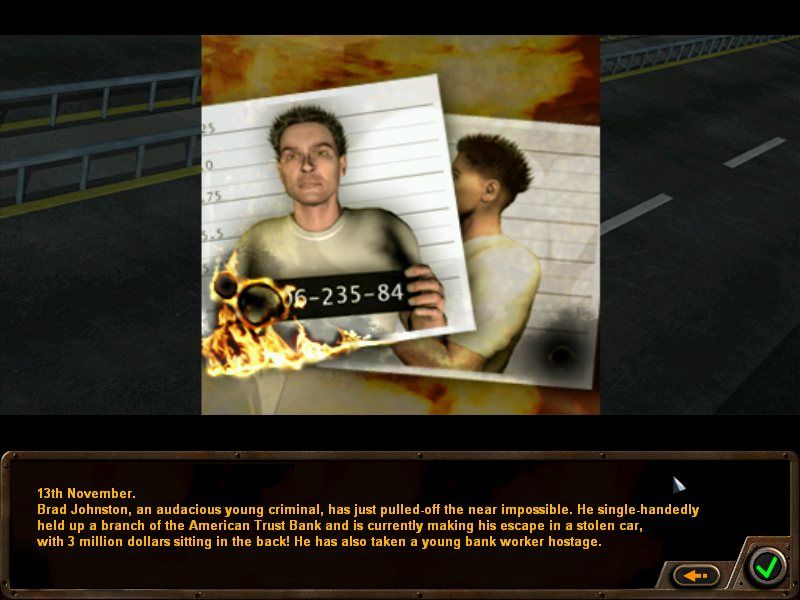
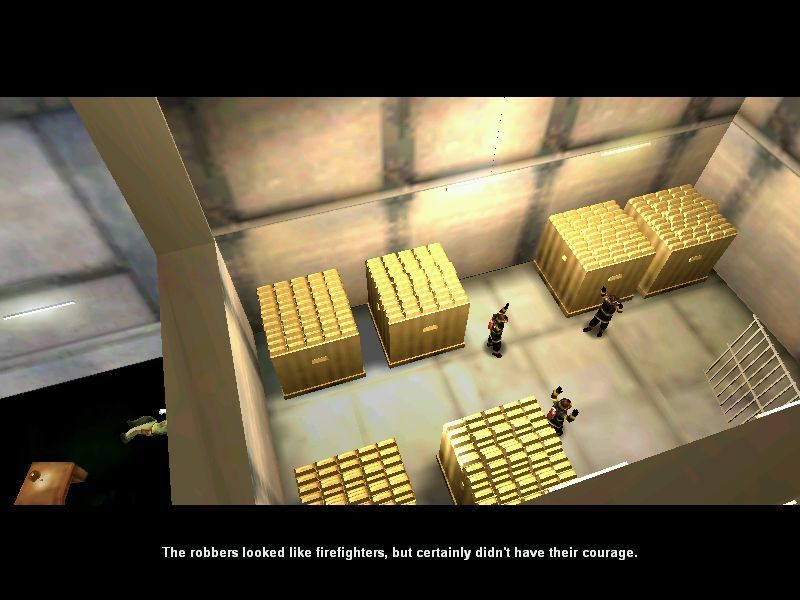
After downloaded it, run the installer and wait for finish, you can just play the DEMO, but it only has one level "3 Million Dollars", it you want to play full game with Japanese dubs, then you need to copy the "Sounds" folder to the directory of fully game and replace all files.
I got around the Starforce reboot problem:
- Download the NOCD file on this page.
- Unpack the NOCD file.
- Move the FDmaster file to the folder where you installed the game.
- Replace the FDmaster from the game's folder with the FDmaster from the NOCD folder.
- Enjoy :)
ACRIDSMOKE, I made a HD Mode, for 1920x1080. If you still interested.
Contact me at:
https://steamcommunity.com/id/st1ckys/
Maybe i will publish it. But i can only confirm its working with the German version.
Is there anyway to force this to run at 1920x1080 on Windows 11? I've edited every file I can find that has resolution details but it still runs at only 800x600.
For those having issues running on Windows 11/10,
When installing this on Windows 11 or Windows 10, before running the Setup.exe, please make sure you go to properties compatibility and set Windows XP. Also, before running the game after installation, you should set the game's EXE (FDMASTER.EXE) with the same compatibility options.
If you find an error on startup claiming MV error, then go into "DreamCatcher\Emergency Fire Response\Logic\video" and rename or remove intro.mpg
If you cannot start due to DRM asking you to constantly reboot, please use a NoCD patch (Found above in the downloads section)
It will run flawlessly on Windows 11.
Anyone have a solution to get around the StarForce loop of needing to restart? I'm on Windows 10.
Excellent game when I played it back on Windows XP.
Trying to run it on an updated iOS 12 MBP 2013.
I've tried VM (Windows 10 x64), PlayonMac, DDOSBOX, Boxer, and Crossover.
The game installs and will launch with a restart but errors out at the beginning with an unexpected error with the driver installs and error code 3.
Any tips from someone on Mac?
Update, I was able to get all of the files to load! The game is 'playable'! The only issue is that the game now doesn't allow my cursor all the way to the bottom of the screen. Where the game is displaying and where the game thinks it's displaying doesn't match up. I've tried going into my GPU control panel and maintaining aspect ratios, etc but to no avail. Other thoughts?
I was able to get almost everything extracted perfectly for the game to function however I get an error every time that is "Could not find any compatible Direct 3D devices". Any helpful hints?
This is an example how terrible DRM is for game preservation and archiving.
And I doubt it served the publisher much good when it was a new release, the pirates had the crack for the time and the game anyway, and on top of that the game is super niche, so its not like they saved millions for buying temporary protection in the first few weeks of release. They should have at least provided a DRM free build after a year or so, save the money they paid to the protection racket for better marketing, instead of trying to play hardball with resellers, pirates, or some friend who wanted to try your version on his own computer.
This game will never work on win 10 (comes from official website) this games uses protection system 3.xxx (less then 4.xxx) and will never be playable on win 10. only original author can sak an update of those drivers, and that is unfortunatly not going to happen
Works on Win 10 64bit. Install, if setup is stuck on 100% just close it through task manager, apply NOCD patch that has to be downloaded separately, then go onto exe's properties and set compability mode to windows xp.
The CD key is useless because the installation never asked for it, the EXE after installing just runs a "Starforce Protection Program" that asks to run as admin, then reboot PC .
I did so but after that keeps asking to do it, so it's stuck on infinite loop telling you to restart. Useless. I think it needs a NOCD patch.
I tried many things but cannot get it to run.
Installation doesn't ask for licence key, and fails. How do I enter licence key?
Archive updated with the correct game, thanks
Correct - it's "Emergency: Firefighter / Firefighter 259" instead :(
not working on Windows 7 32bits
Love "Emergency: Fire Response"!
Too bad this is a different game all together!
No comment nor review for this game at the moment.