




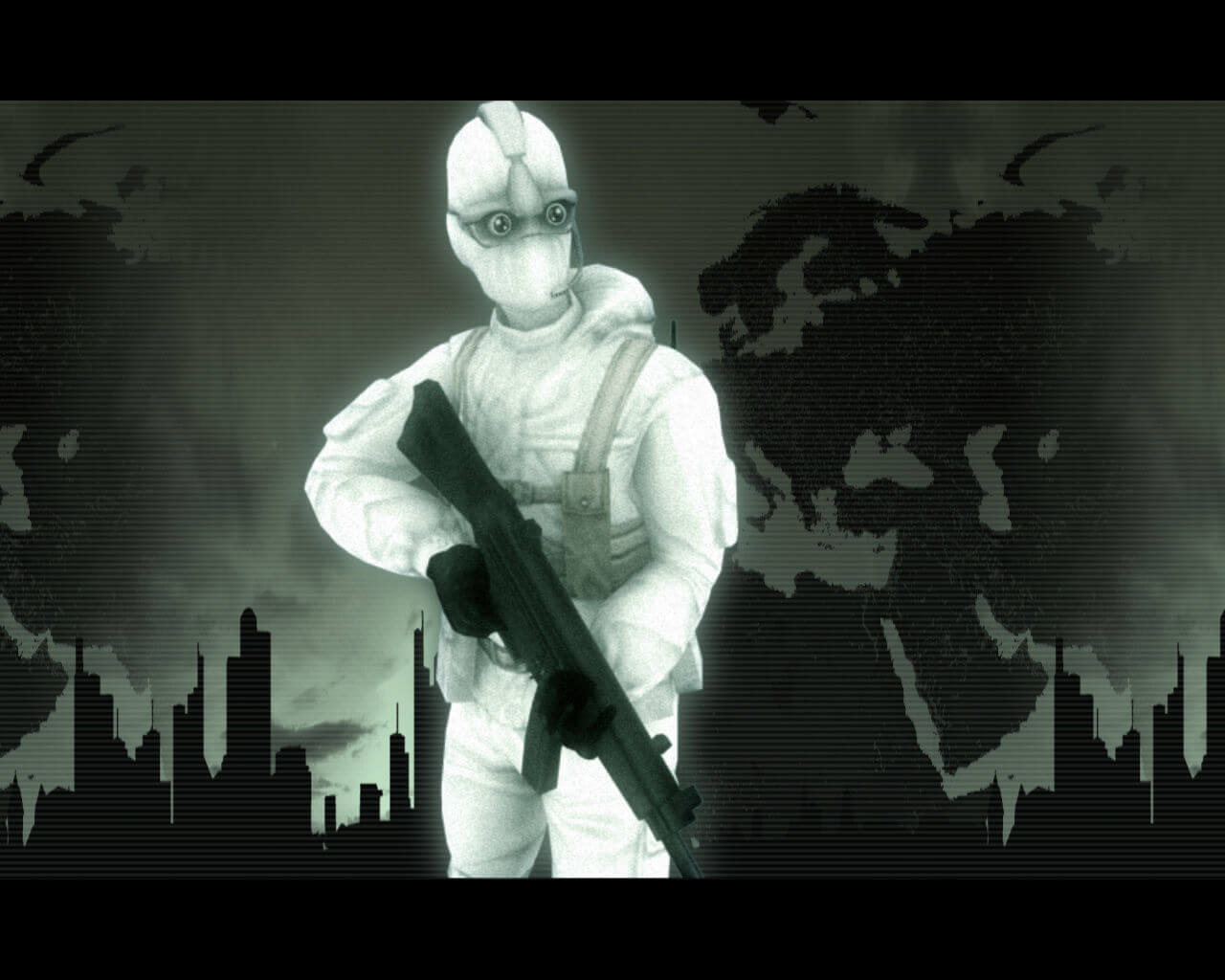
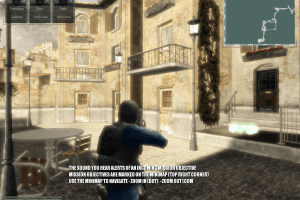
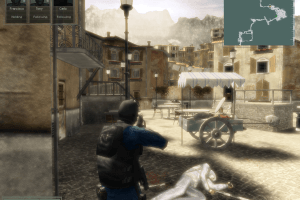
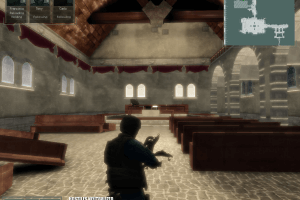
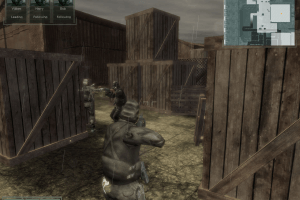
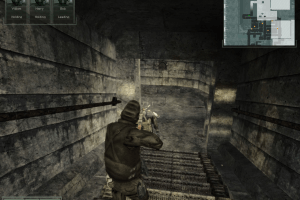
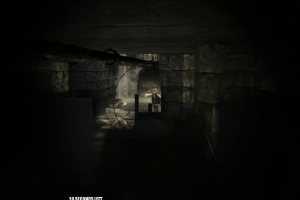
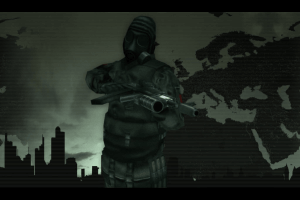
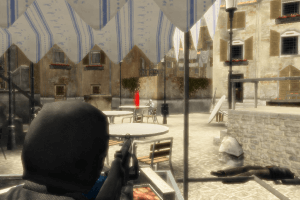
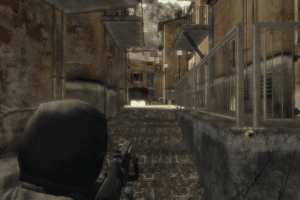
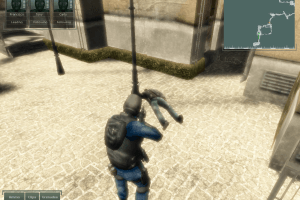
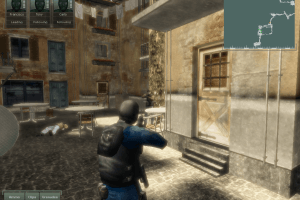
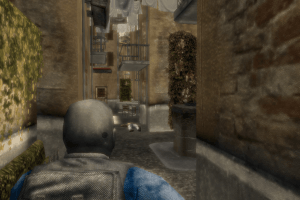
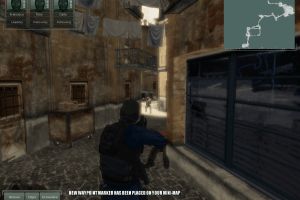
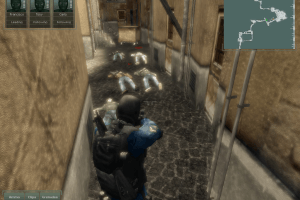
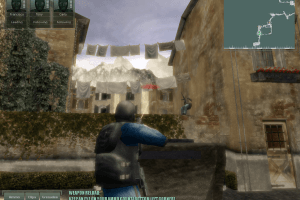
EuroCops is a team-based tactical 3D action game dedicated to the fight against terrorism. The game is developed by the Dutch company CrazyFoot Gamestudio using the Serious Engine (same engine as in Serious Sam games). In EuroCops, we have to lead such special forces as GSG-9, NOCS, Team Alfa and SAS, and engage in battle with the enemies of the European Union at levels created on the basis of real streets of France, Germany, England, Spain, Italy and Russia
How to Play
The Russian version has many issues, you need to copy the fixed maps available here. For the French version, it is recommended to try the Russian EXE file.
You'll find more explanation on Legends World.
Downloads
Windows version
 English
  Polish
  German
  French
  Italian
  Russian





Comments and reviews
Bloom effect bad thing in video games
بخدع متابعيني قاعد بلعب العاب و ما بشاركهم شو بلعب
Awesome i just discovered how to disable bloom without having to alt+tab!
inside Eurocops-Shaders folder delete fullscreen.fx
there is a nice WSGF guide on how to get this game running in widescreen resolutions, it advises to change three GDAT values to 1.0 to extend the cameras distance from the player, but i find that using a value of 2.0 is much nicer
the only thing that still sucks is the 30fps lock
It works, just install the game, then the fixed exe. You dont need to run the fixed exe in compatibility mode. But im doing winxpsp3 compat mode anyways. win10x64 here.
The game appears to be 30fps capped regardless of vsync setting. Use lossless scaling and change the framegen from version 2.3 to 3.1
pressing alt+enter switches the game from fullscreen to windowed mode and breaks the bloom, and looks much better, then press alt+enter again. You might need dxwnd or the alt+enter may crash the game otherwise
https://www.youtube.com/watch?v=tkpDV1ocdkA
How much Bloom effects do you want? - YES!!!
Doesn't work
how to get working in Win10
crash on desktop
No comment nor review for this game at the moment.