





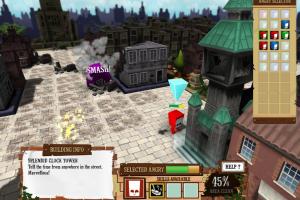
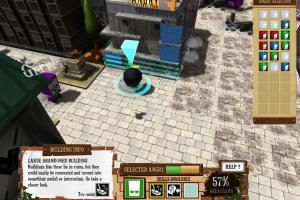
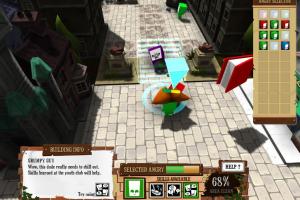
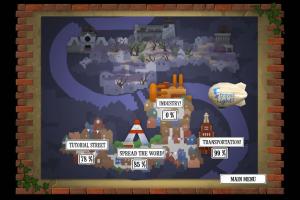
How to Play
Windows
Notes:
- The game has been tested on Windows 7 64-bit and Windows 10, it works fine, the game supports widescreen. If the game doesn't work - try to run the game in Compatibility mode with old Windows, like Windows XP, and as Administrator (right-click on FallenCity.exe -> Properties -> Compatibility)
- It is recommended to install all versions of Microsoft Visual C++ Redistributable and NET Framework for the correct work of the game
- There could be a bug in the game when the mouse cursor disappears if the game runs in Fullscreen mode. In that case run the game in Windowed mode, the mouse cursor will appear again
Mac
Visit MacintoshGarden for more details about Mac version
 English




Comments and reviews
No comment nor review for this game at the moment.