

How to Play
NoCD showed few warnings on VirusTotal, it is safe to use, nothing to worry about. As alternative, you can use mini-image to bypass disc check
The game with Framerate Fix and NoCD has been tested on Windows 7 64-bit and Windows 10, it works fine, the game supports widescreen and high resolutions up to 1920x1080. You may experience some small troubles when you play the game on modern systems, check our Guide and Notes for details
Install & play guide:
- Mount the disc image. You will need the utility for mounting disc image files, like WinCDEmu, UltraISO, Alcohol 52%/Alcohol 120% or Daemon Tools Lite
- Install the game (if autorun doesn't work - simply launch the installation from Setup.exe inside the disc).
- It is recommended to install the game not in default path, but in some other, non-system folder, like
C:/Games/Fantastic 4, so you won't have troubles with NoCD or fix - After you installed the game - install NoCD, simply copy Game.exe from the archive and put it into
Fantastic Four/Gamefolder, agree to replace original file - Then use Framerate Fix, to limit the game's framerate to 60 FPS, for the correct work of the game. Simply copy files from the archive and put in same
Fantastic Four/Gamefolder, next to Game.exe. That fix is based on d3d9 wrapper by ThirteenAG - Also make sure that you enabled DirectPlay if you didn't make it before, read this or this guide how to do it (if you're using Windows 7 or older - just install DirectX from the disc)
- Open
Fantastic Four/Gamedirectory and find Game.exe. Right click on Game.exe - Properties - Compatibility - Set "Run this app in compatibility mode with Windows XP" and "Run as administrator" - Launch the game from Launcher.exe or desktop shortcut, and play. If the game doesn't work in compatibility mode with Windows XP - try to launch it in compatibility mode with other version of Windows (Win98, Windows ME, Win2000, etc.)
Notes:
- If the installation doesn't start - try to launch Setup.exe in compatibility mode with old version of Windows (98, 2000 or XP)
- NoCD is required for the launch because the game is using SafeDisc DRM protection, which doesn't work correctly on modern systems. That NoCD "breaks" DRM protection and allows the game to work on modern systems
- For Windows XP or older: if you don't want to use NoCD, you can use mini image to bypass disc check, since SafeDisc DRM drivers works good on old Windows. SafeDisc DRM doesn't work on Windows Vista and later
- It is recommended to install all versions of Microsoft Visual C++ Redistributable, and NET Framework for the correct work of the game for the correct work of the game
- Also it is recommended to install RAD Video Tools and K-Lite Codec Pack for the correct work of the game
- The game works on DirectX 9, so if you're using Windows 8, 8.1, 10 or 11 - you need to enable DirectPlay: Go to Control Panel, and select 'Programs'. Select 'Turn Windows features on and off', click on 'Legacy Components' and check the box 'DirectPlay'. Select OK, once the installation is done, restart your computer
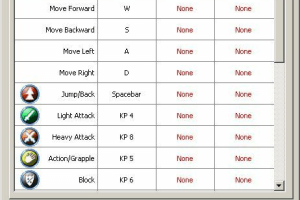
- If you want to change game settings, like graphics settings or key bindings - run Launcher.exe; if it doesn't open - run it in compatibility mode with Windows XP
- There's no framerate limit in game, so the game works unstable when it runs on more than 60 FPS - in-game scripts and physics starts working uncorrect. To fix it you need to limit the framerate to 60 FPS, you can use Framerate Fix, it is files from d3d9 wrapper by ThirteenAG with enabled 60 FPS limit. To install it simply copy files from the archive and put in same
Fantastic Four/Gamefolder, next to Game.exe - Alternatively, you can set framerate limit it control panel of you video card, if it has such function, or use some other framerate limit utility, check this page for list of apps that allow to limit the framerate
- The game has local coop mode, you can try to play it online with LAN emulators like Tunngle or Hamachi
- Don't forget to check PCGamingWiki if you have troubles
 English
  German
  French
  Italian





Comments and reviews
pls send a tutorial video to download....my whatsapp number is +91 9962637745 i am using windows 11 64 bit
There could be correction for ultrawide monitors, the image is badly scaled on mine, I would be very grateful if it was, I played games my entire childhood
The first intro of the game works, but every time that I enter mission two with Reed, the bots don't activate from the pods 0/10. an only game mode that works is Arena.
We updated this page, added more language versions plus some fixes. Make sure to use both NoCD and Framerate Fix when you play the game, for the correct work of game on modern systems
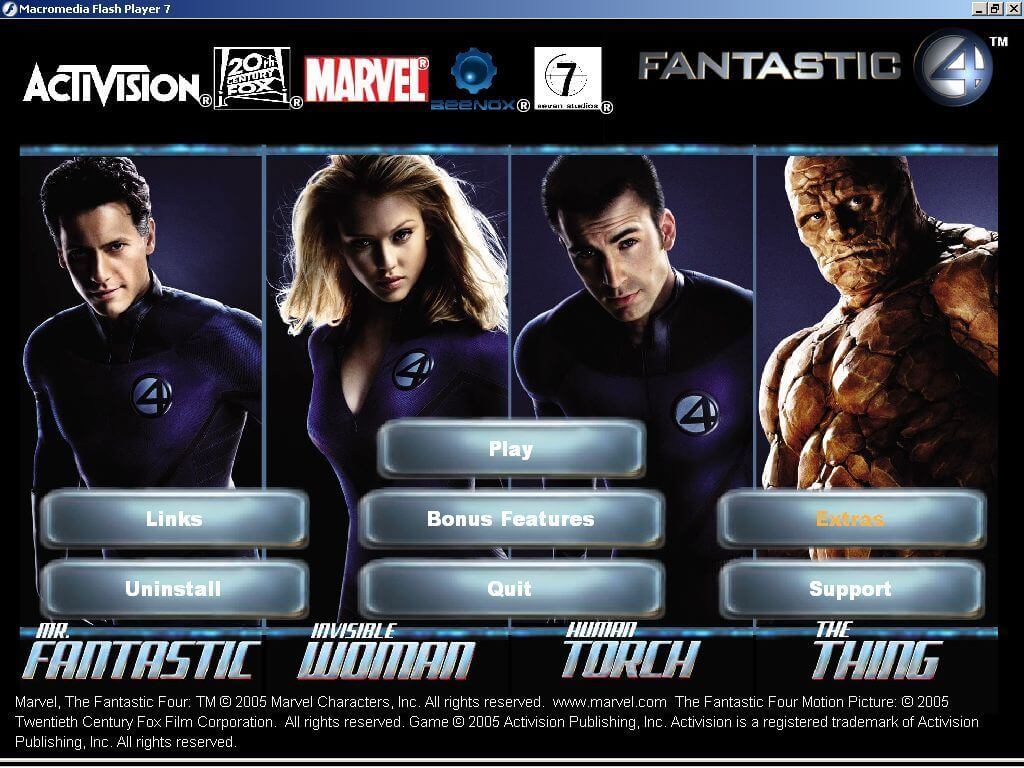
Has anybody got the game to launch? I get to the screen that says play, options etc click play and then nothing happens
i love fantic 4 bomb you
Game wont Launch T_T
If you are running Windows Vista or later you need to use a No-CD fix.
game is not launching
The game just won't launch!!
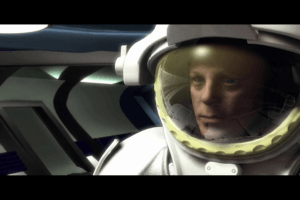
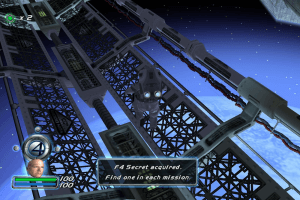
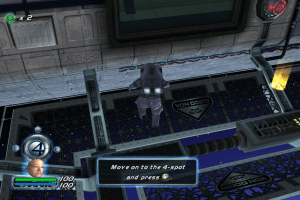
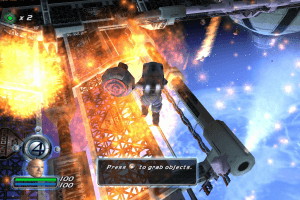
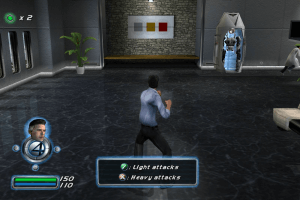
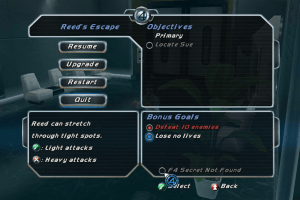
Another Activision video game based on a regular movie with the iconic characters from the Marvel comics: The Fantastic Four. The video game is regular, but if you like the movie you'll probably like this hands-on action adventure (beat 'em up) of one of the most fantastics super hero groups in comics.-
No comment nor review for this game at the moment.