

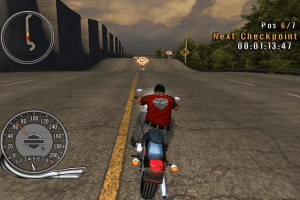
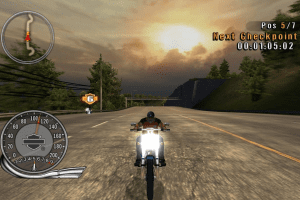
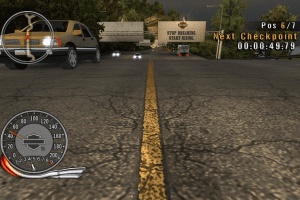
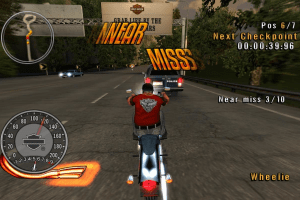
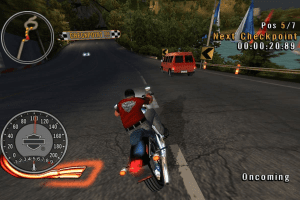
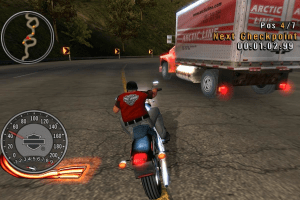
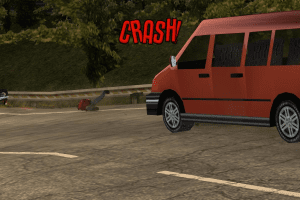
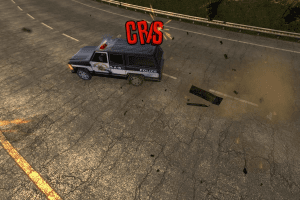
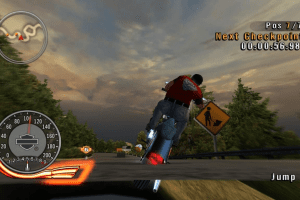
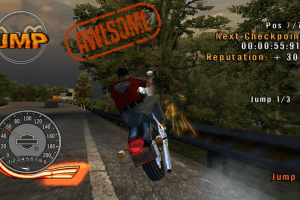
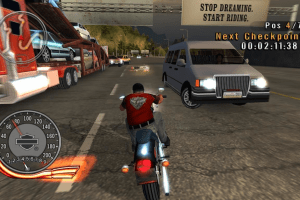
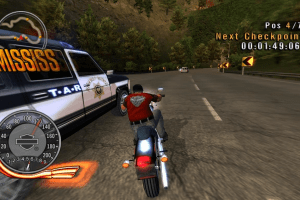
How to Play
Install & play guide:
- Mount the disc image of CD1
- Launch the installation
- When the installation will ask for CD2 - mount the disc image of CD2. Second disc must be mounted in same virtual drive as the first disc (i.e. if CD1 was in virtual drive D: , CD2 must be mounted in same drive D: )
- Finish the installation
- Optionally install NoCD
- Launch the game and play
The game with NoCD has been tested on Windows 7 64-bit, works fine, game supports widescreen
 English





Comments and reviews
Hello guys! :)
If you wish, I am including a modified version that I have created by merging the two CD-ROMs + the DRM-Free Patch by the group (iRRM), among other settings. The game runs very well on Windows 11 (x64), it is recommended not to install it in Program Files in ''C:\''. You can include the dxvk wrapper (32\d3d9.dll) in the ''Bin'' folder next to the game executable. This version can be downloaded from the following link: https://archive.org/details/hdr2r_pcdvd Ciao, ciao :)
If you can't get this to work try PS2 emulator instead perhaps?
THE GAMES ASKS TO INSERT CD1
Here's another version for those who have problems.
https://archive.org/details/Harley-dson_Race_to_the_Rally_Activision
yeah disc 1 is corrupted i can't open with several mounting programs i've tried
even if it works with daemon tools i don't want to risk installing their bundled adware/malware
@MACKLESEN Checked right now, Disc 1 is okay. I guess you're using Virtual Clone? I'm using Daemon Tools Lite, try to use it for mounting disc image. Some virtual drive utilities cannot recognize old disc images
Really wanted to play this and just about to install it, but the disk 1 is corrupted. will you guys fix it or anywhere to find the replacement for it?
No comment nor review for this game at the moment.