





How to Play
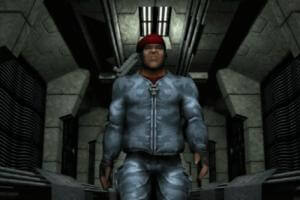
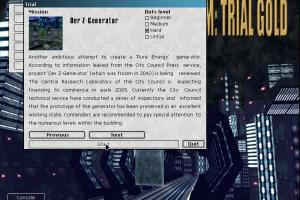
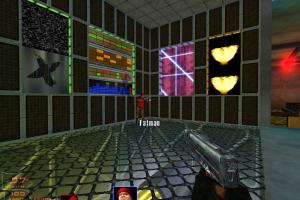
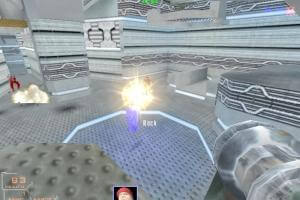
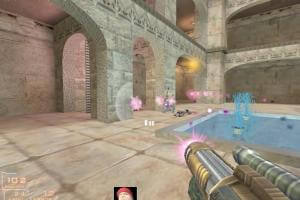
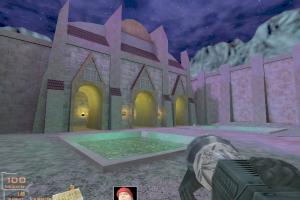
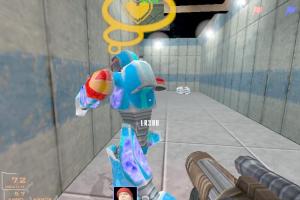
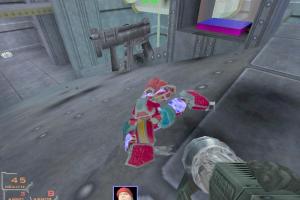
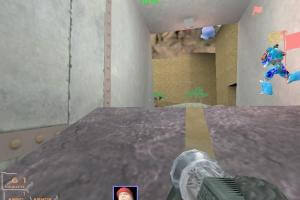
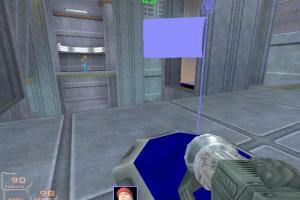
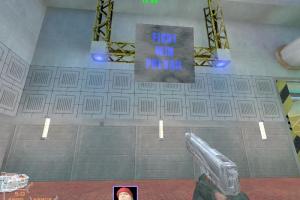
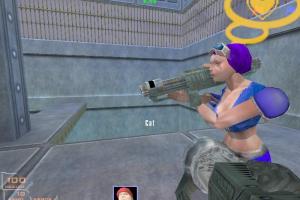
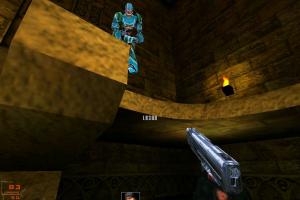
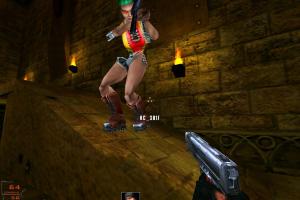
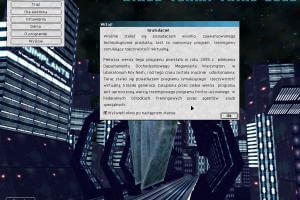
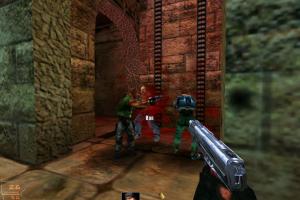
Hired Team: Trial Gold is the re-release of original Hired Team: Trial game, with patches and fixed bugs
Notes:
- To install the game, use the utility for mounting disc image files, like WinCDEmu, UltraISO, Alcohol 52%/Alcohol 120% or Daemon Tools Lite
- It is recommended to install all versions of Microsoft Visual C++ Redistributable and NET Framework for the correct work of the game. Also it is recommended to install K-Lite Codec Pack for the correct work of in-game videos
- The game works on DirectX 8, so if you're using Windows 8, 8.1, 10 or 11 - you need to enable DirectPlay: Go to Control Panel, and select 'Programs'. Select 'Turn Windows features on and off', click on 'Legacy Components' and check the box 'DirectPlay'. Select OK, once the installation is done, restart your computer
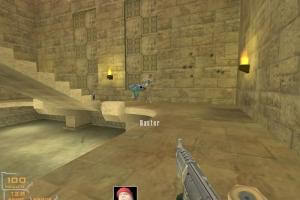
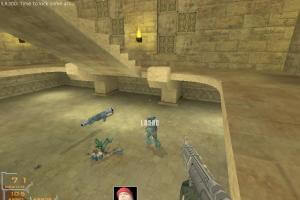
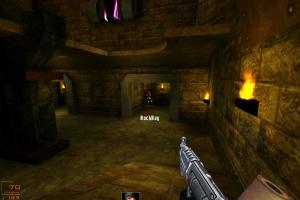
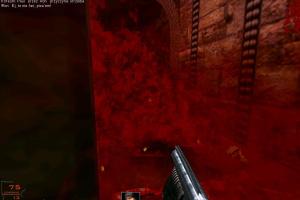
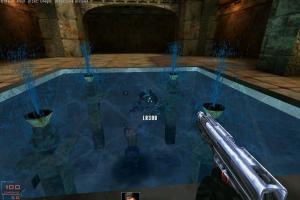
- Hired Team: Trial was FPS game with focus on multiplayer matches, like Quake III Arena. But the game has singleplayer campaign where you play on multiplayer maps against the bots. Multiplayer part of the game is still working, you can connect directly through IP-address or use LAN emulators like Hamachi or Tunngle
- The game was using CD Audio, which means that you need to have the disc in the drive to hear the music. But you can use Music Fix, that fix has audio-files from CD converted to .OGG format. To use it simply copy all files from
music-fixfolder intoHired Team Trial/Binfolder, then you can change the volume of the music in winmm.ini file. Music Fix is using the files from CDAudio Proxy wrapper, if you have any issues - download the latest version of that wrapper - That Music Fix has been made for original Russian version of the game, but should work with other versions too. The archive also includes NoCD for Russian version, with patch v2.20 included; but that NoCD is not compatible with other versions of the game
- Some users reported that the game with patch v2.20 shows error at launch, while unpatched game runs with no errors. If the game with patch v2.20 shows the error - delete & re-install the game but don't patch it
- The game should work on modern systems, but if the game doesn't run or you have graphical issues - use dgVoodoo. The game with dgVoodoo has been tested on Windows 10, it works fine
 English
  Czech
Czech  Estonian
  Russian





Comments and reviews
If CD Audio fix is not working - use HxD on ShineEng.dll to find and replace WINMM.dll with wincd.dll and rename the fix dll also to wincd.dll
نزلتها و شغلتها غصبن عن الجيمر العربي و غصبن عن عبسي و صاحب صفحة العاب الزمن الجميل على الفيس بوك
Hardware for HTTGE
E8600, 4850, Cd Driver, Xp 32 Bit SP3
generall to Say, with Ati you can make Vsync On in Driver.
You know what, any issues with CD audio emulation not working are probably related to windows 11. Took a break from playing games, came back and HTTG has no music again... Like, copying all the files over to a new spot somehow worked, but only for the couple of times I tested it. Then again, running it through Winlator also didn't play any music.
Just found out about a fork of QuindieGL by a user named whisperglen on GitHub. It surprisingly even fixed an issue I had with music not playing (ogg-winmm fix still required). But default settings bring back that blurry dx8 text which annoys me...
In my experience, there was no need to run as administrator. Maybe it's because I don't install everything in the 'program files' folder. And the provided cheat can remove all custom settings if used, but you can just open shine.ini in notepad yourself and set 'Mission' value to 27 or really any other number but HTT Gold has 27 singleplayer levels by default.
Now, for some reason, I've also noticed that on some devices (probably, because they lack physical cd drives, idk) the game will refuse to initialize cd audio even with the provided fixes. The issue is displayed in console as unknown command "cd"
I forget about to say, when you use the Cheat, you must Run the Shine, exe with Admin rights.
Now i Play HTTG with,
Core to Quad Q9300, 6GB Ram, Nvidia 230GT, Vista 64Bit, Hp Komplete PC,
Open GL Maximum Details, Setting Ingame,
in the Setup.exe i have nothing Changed, also i have not Patched it and not use the Nocd.
I have Testing HT on win10 and Vista, there comes a Message it wont Start.
I testing this Game also on XP and win 7,
this is very untrustworthy
Tried various graphics settings and, well, I'd rather avoid the suggested native directx solution. OpenGL just has almost no issues and the QundieGL wrapper brings those looks over to directx 9 (works fine even on intel gma 4500m with low settings and vsync on without tripple buffering). Why did they make the text so blurry on native dx 8... I have no clue. There are other problems like not working mirrors and insanely unstable geometry at certain settings on directx. I personally just dislike the bumpmapping. Plus, it hates high resolutions of actual ingame settings, whereas OpenGL just works with whatever I set in Shine.ini. Haven't tried, but dgvoodoo2's glide wrappers might work with OpenGL as well. Maybe that could be the definitive graphics for this game, but I prefer plain OpenGL.
No comment nor review for this game at the moment.