
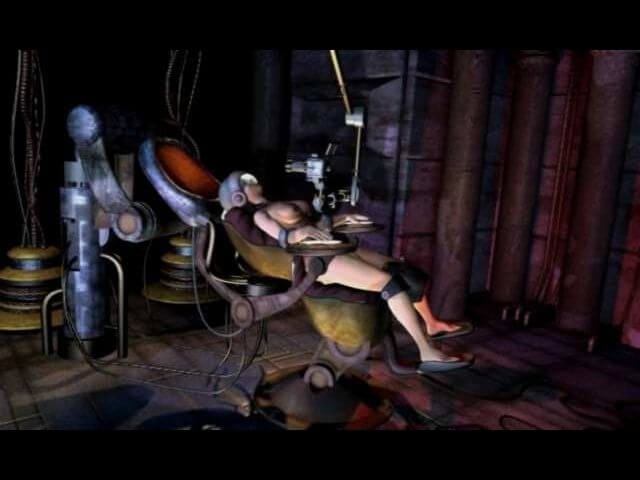
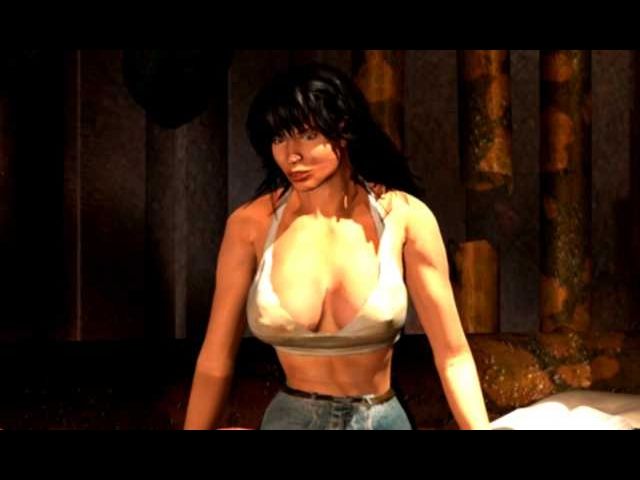
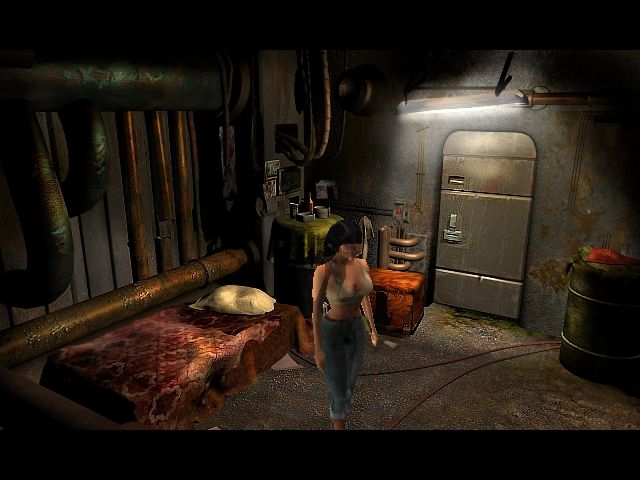
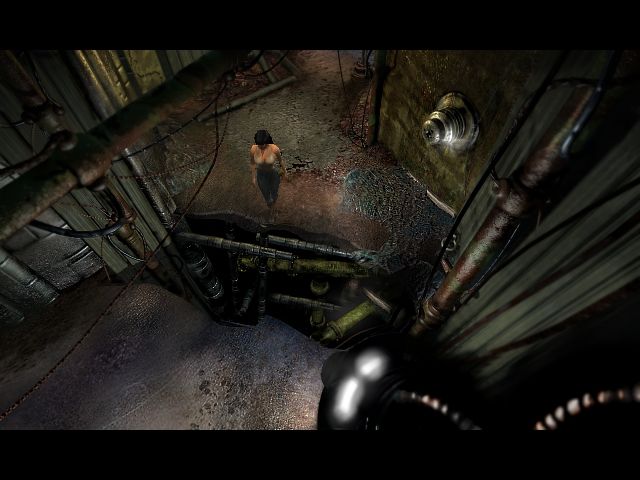
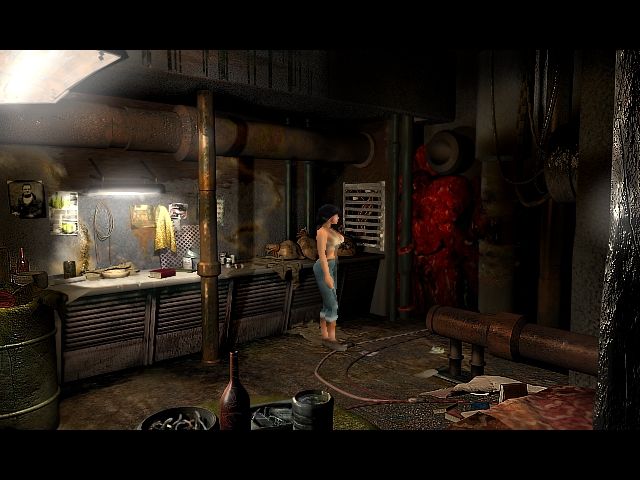
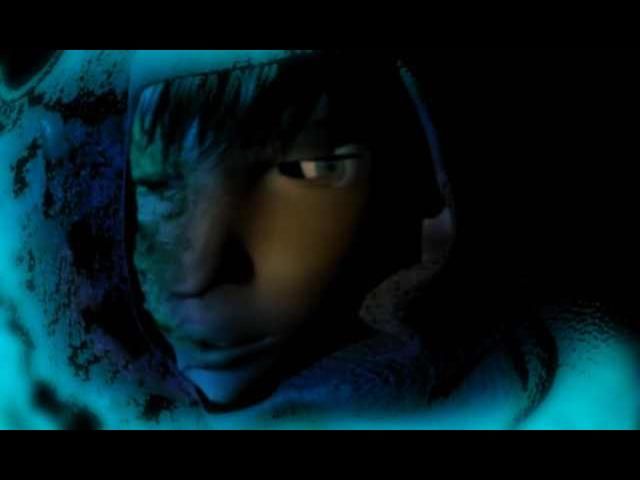
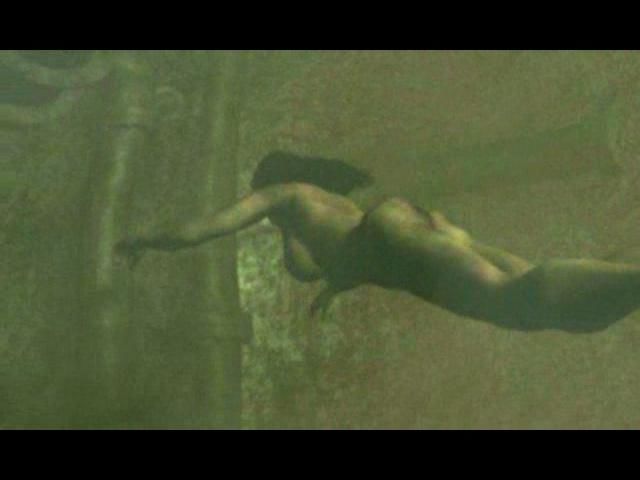
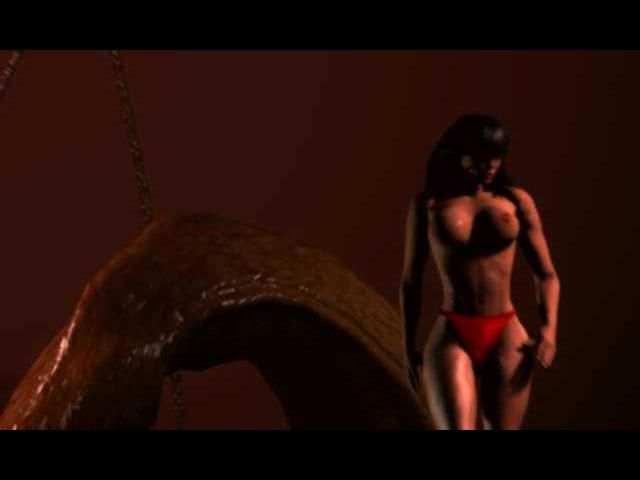
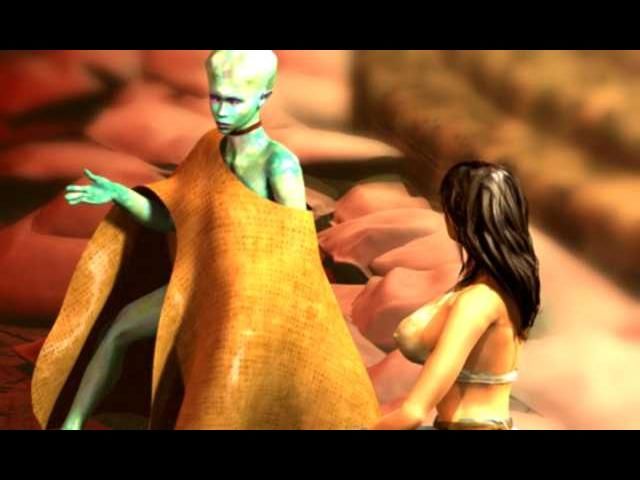
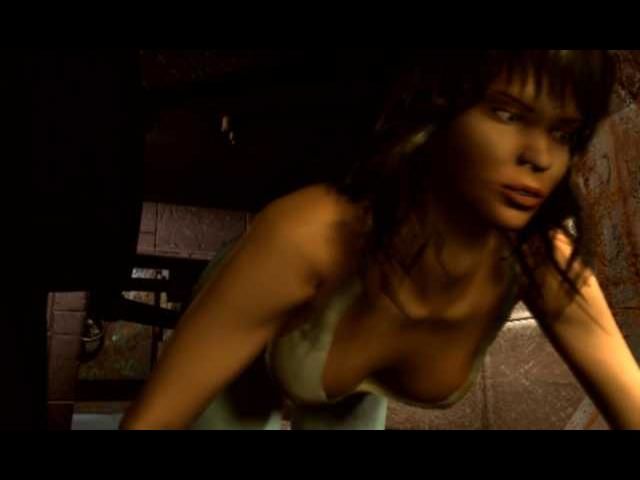
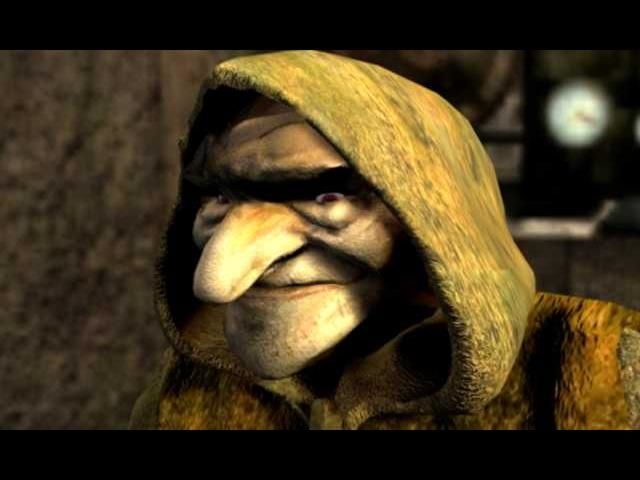
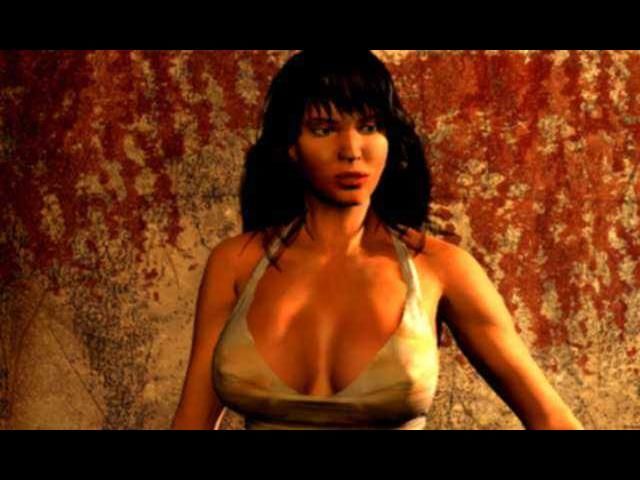
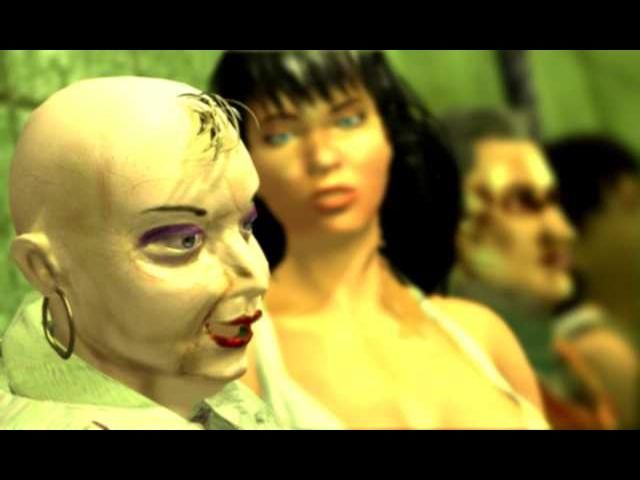
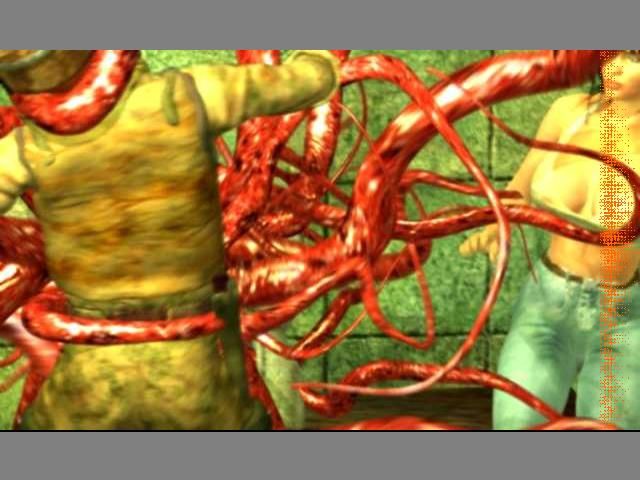
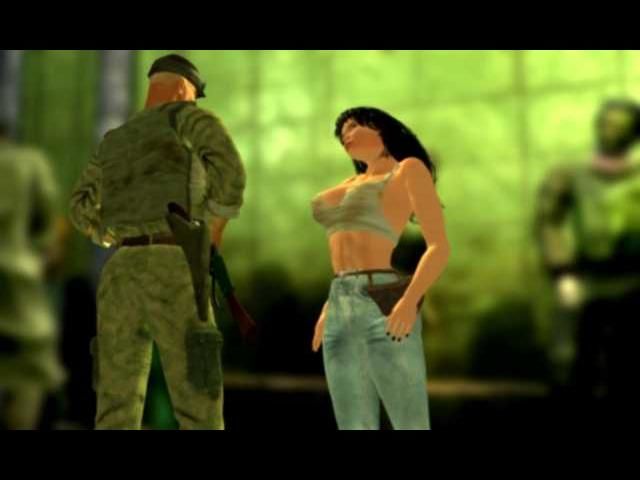
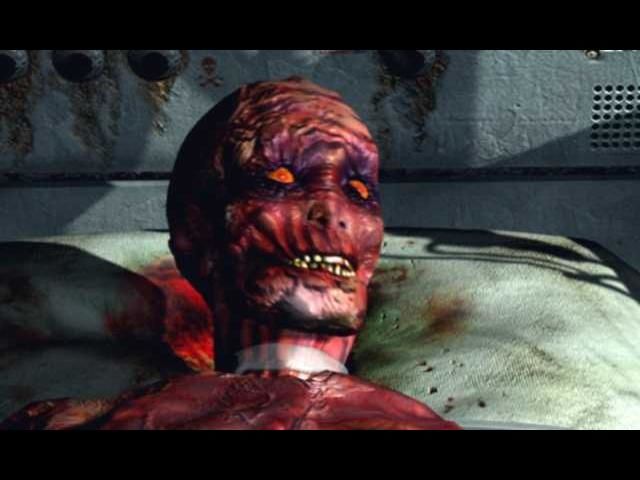
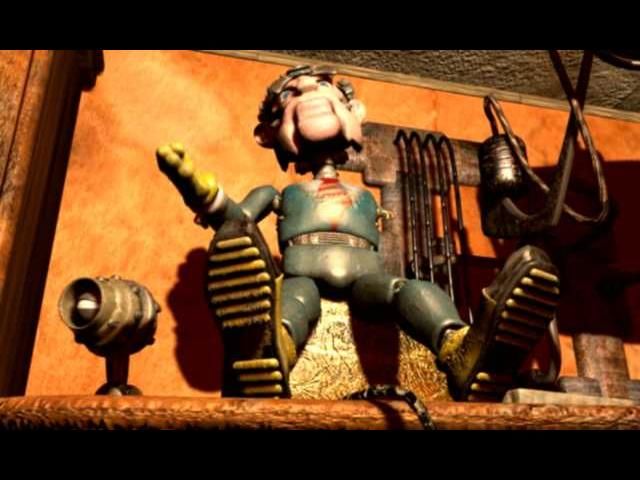
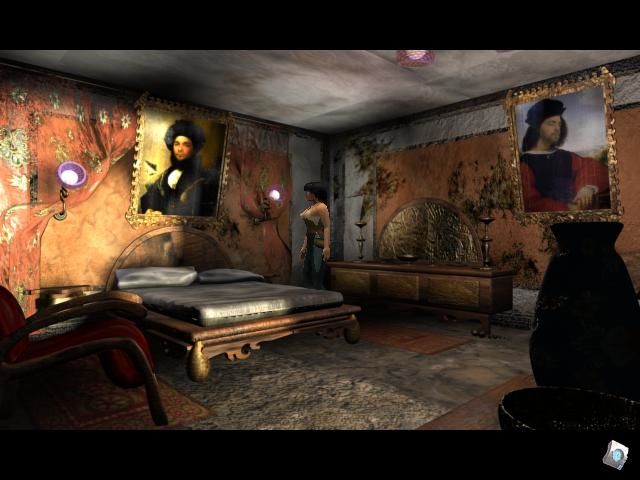
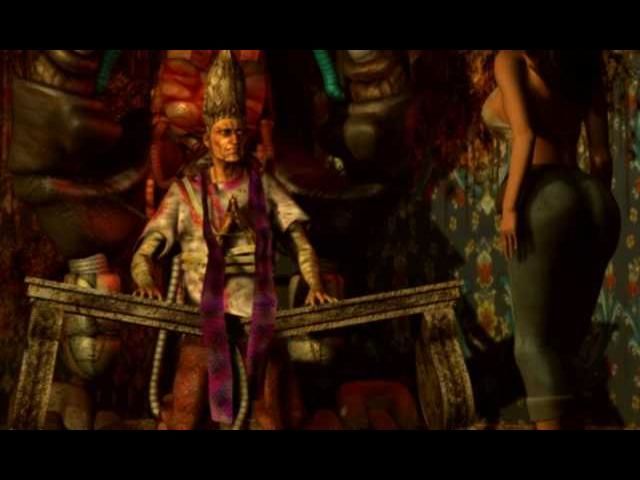
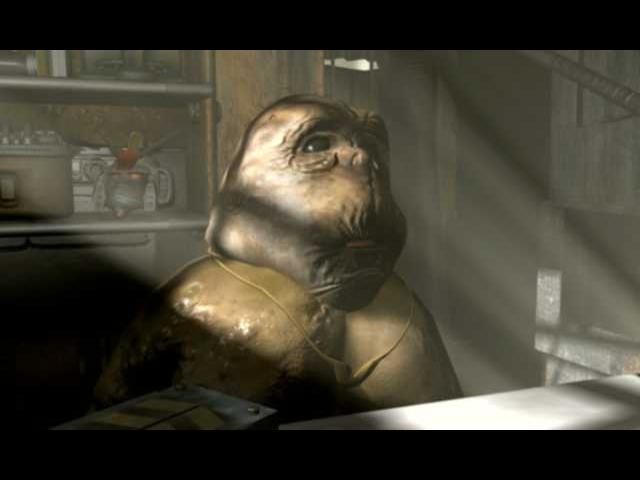
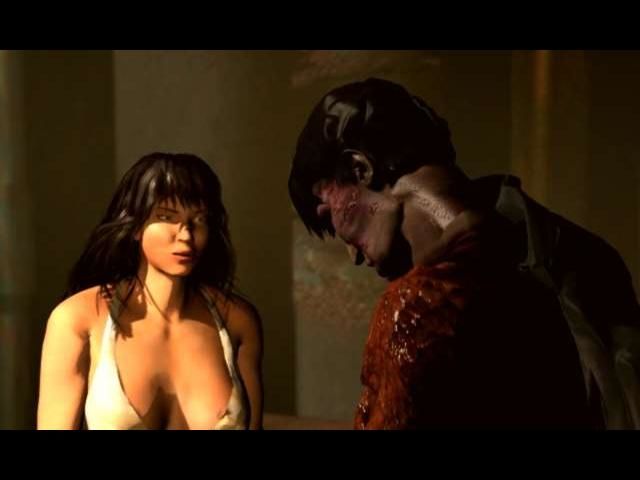
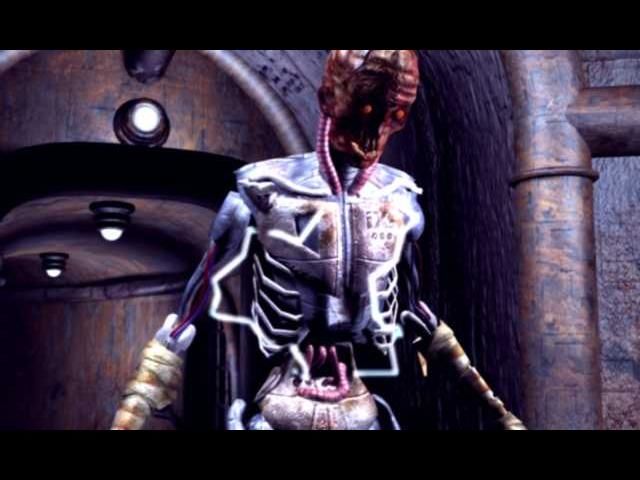
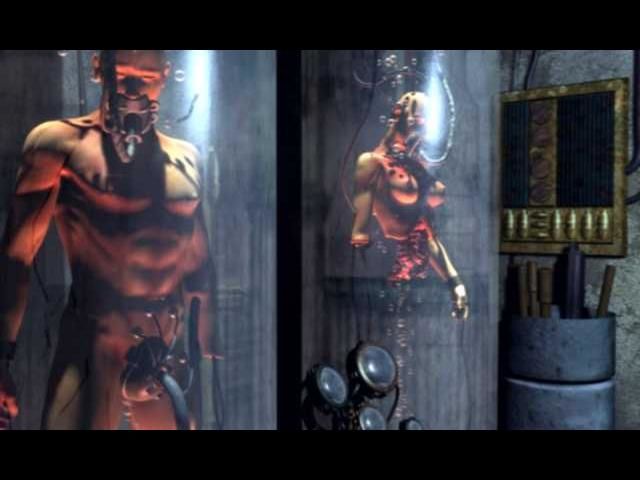
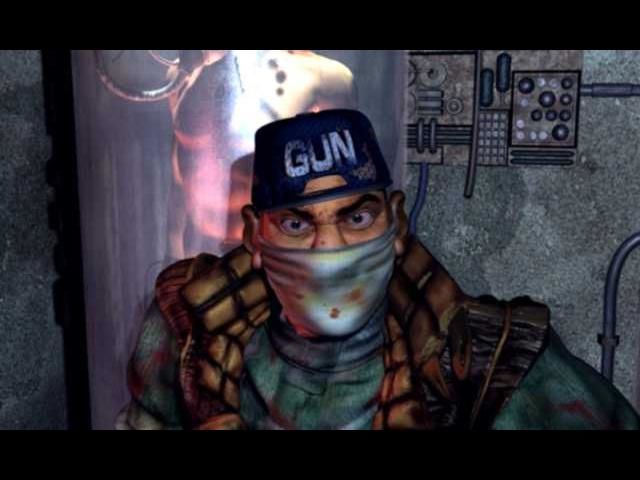
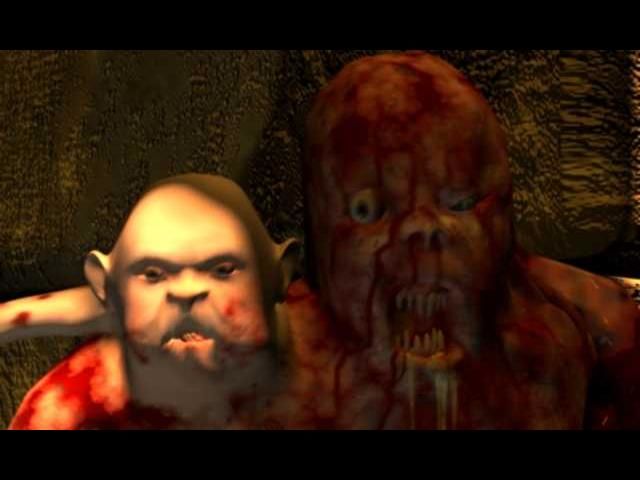
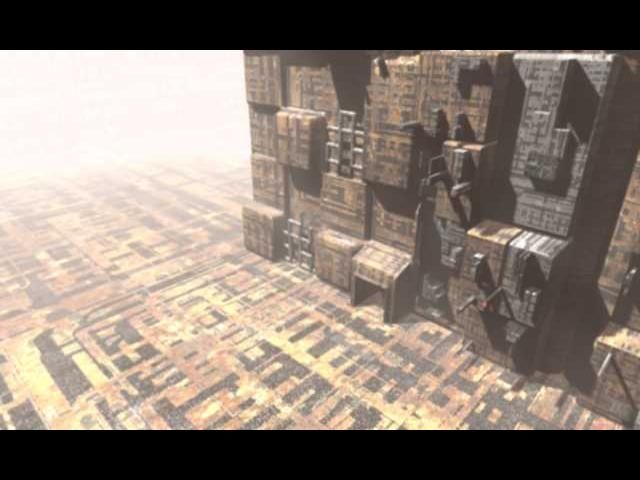
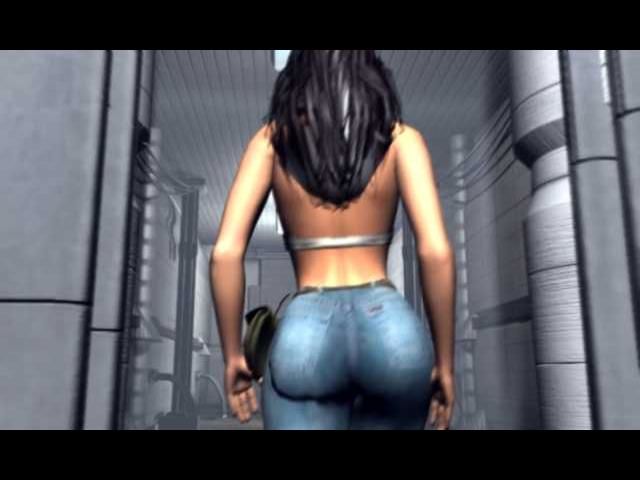
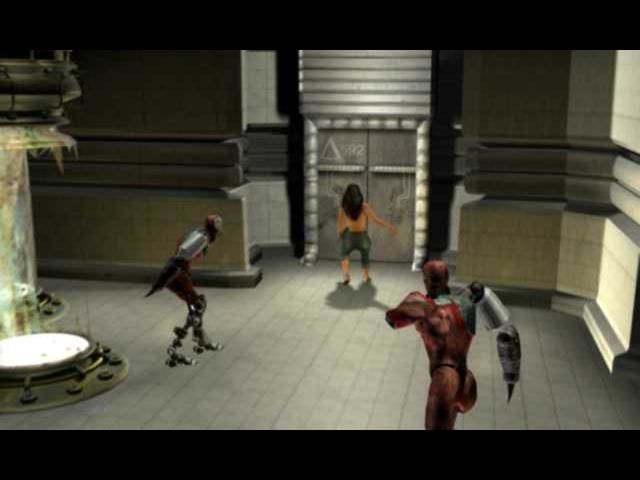
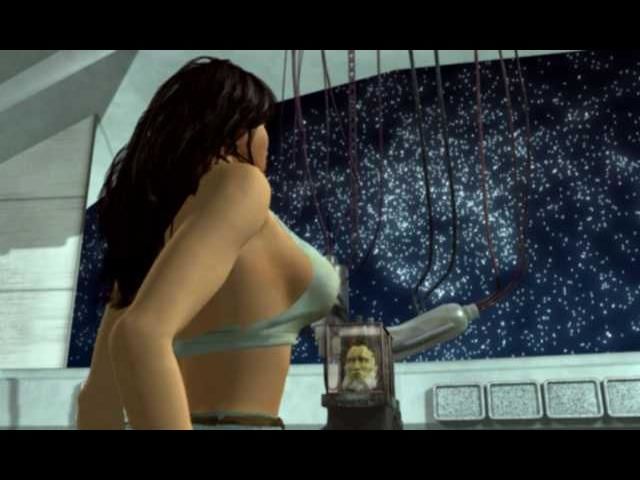
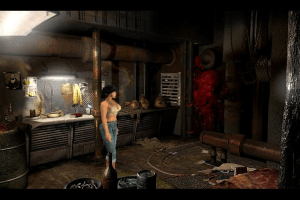
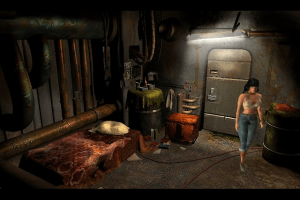
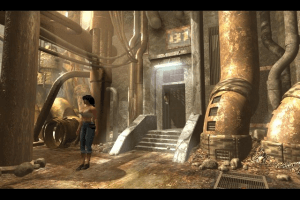
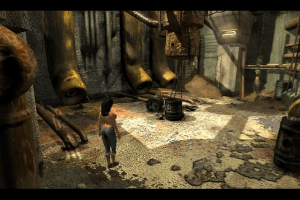
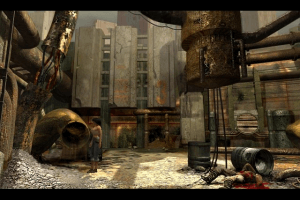
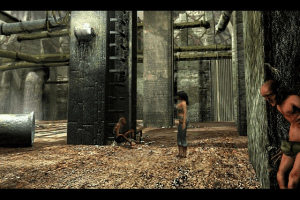
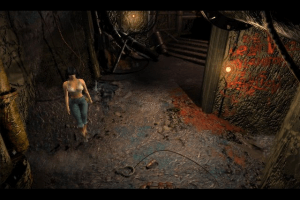
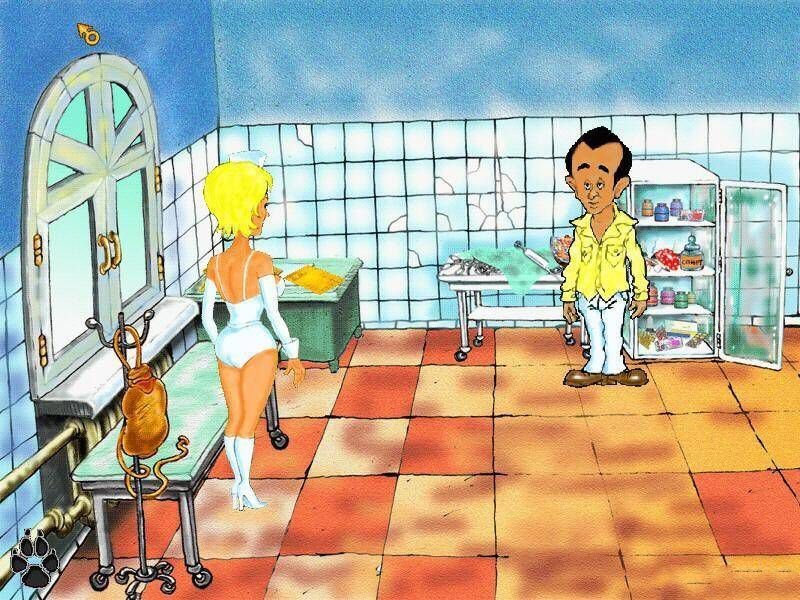
Condemned to an eternal vegetative state, the very sexy Druuna is waiting for someone to free her from her sick, claustrophobic and dilapidated world, inhabited by people suffering from a terrible virus that transforms them into bloodthirsty beasts. A symbiotic computer directly linked to Druuna's brain is the only thing that can help you to capture and to relive the situations that have reduced her to a state of "cold sleep". You must try to avoid the unscrupulous individuals that live in her mind and face the traps hidden along this uncertain road leading finally to salvation.
Downloads
Windows version
 English







Comments and reviews
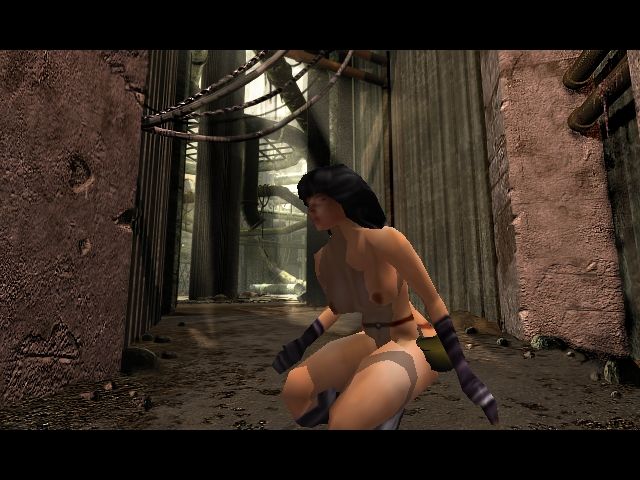
You can play in a spiderman or Wonder woman costume with a cheat lol
This is pretty much a censored game version of the comic book with the same name. Could be a fun game if it wasn't so poorly designed and programmed. Controls terrible, plays like a torture.
huh, didn't know they made a drunna game, based
Reply to Larkey Vista
Hmm. Switching to my Win 11 install (XP Sp2 compatibility mode) seems to have done the trick as far as I can see. Right Arrow key now allows me to move to a new area. It looks like i should now be able to check out this terrible, game. Haha. Thanks!
Win 10 still had the same issues even while running in XP compatibility mode.
Reply to @Simian Prophet
Have you tried setting the compatibility to Windows XP? I have a high-end Windows 11 laptop and that was the only thing I needed to get the game working. I had the opposite problem to you so to speak, I had the window borders still visible even in full screen, but the actual borders of the game were intact, and the game was functional.
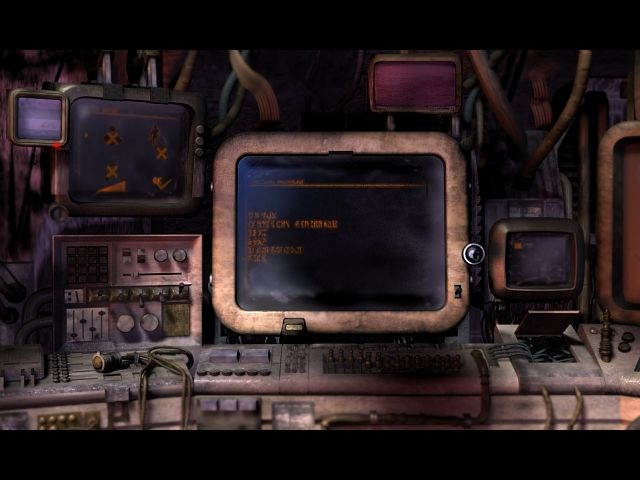
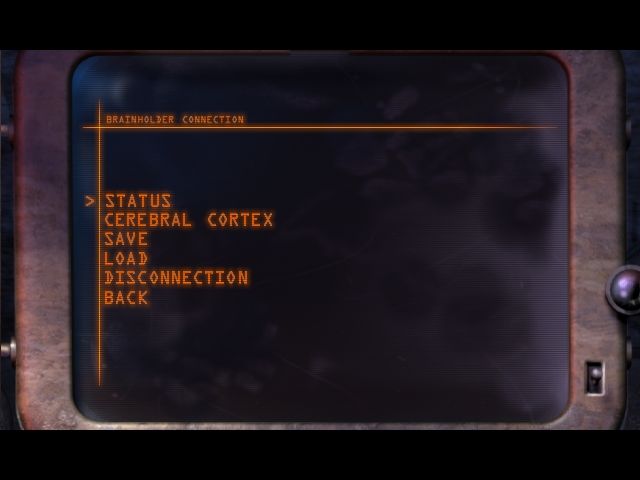
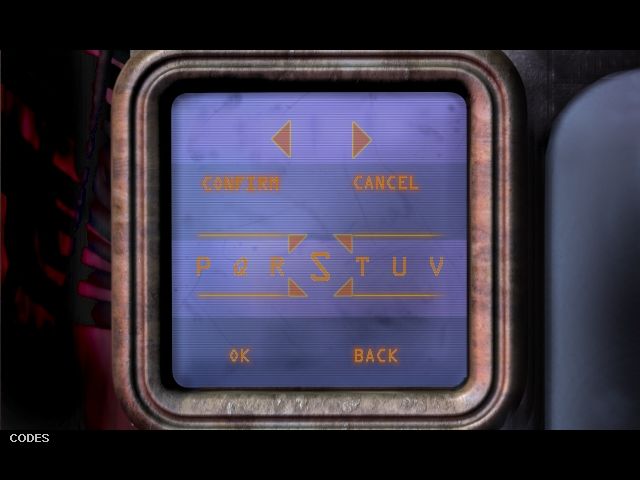
As for navigating the Brain holder, you should read the manual. Controls are written there, and there's no way from the game itself to modify or view them at all. And they're very counterintuitive.
I'm also wondering if you did a full or partial installation. I did the former. If I'm not mistaken, if you do a partial installation you should still be able to navigate the Brain holder and you only receive the request for changing the disk when you select a memory, but that's not something I tried myself.
I've got the game running, but do not seem to be able to select any of the 'levels' from the Brain holder. From what I understand, there should be four playable scenarios/memories at the start of the game. They are listed at the bottom of the screen (though slightly cut off; is there a way to fix that too?), but I don't seem to have any way of selecting them.
Am I missing something, or is this just a bug when running on modern hardware?
The installation worked just fine on my Windows 11. I mounted Disk 1 with DAEMON Tools Lite, selected full installation and I swapped the Disks as it was asked, from Disk 1 to Disk 6. It's just tedious, but nothing more.
The game doesn't work right away, but surprisingly, what it took me to get it going was simply setting the compatibility to "Windows XP". I was expecting A LOT more hassle for such an old game, but it wasn't the case. The only issues are the window border around the game (so I can't have yet a true fullscreen) and a slight desync between audio and video in cutscenes. My impression is that the video track is slightly slower than what's supposed to be, and that's what causes the desync, but I haven't digged enough into it so I can't say for sure.
READ THE MANUAL. Controls are written there and they're VERY counterintuitive, and it's not possible to know them from the game itself, nor is it possible to modify them. And if controls feel clunky and unresponsive... that's an issue of the game itself, not a compatibility problem.
How do I install it
Damn! That's one SHITTY game here.
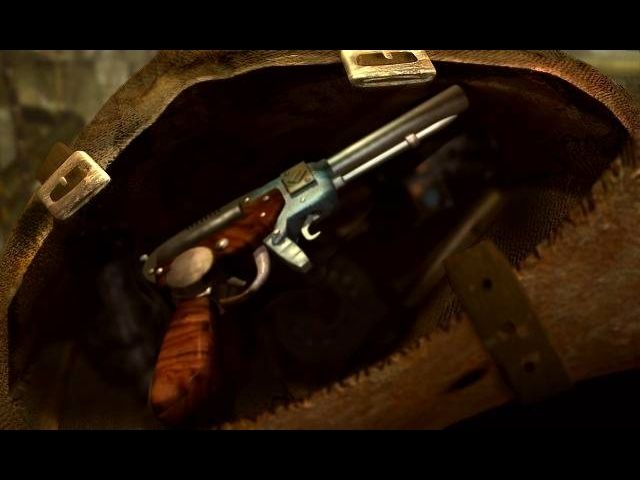
It's confusing as heck, the controls are all over the place, story is more twisted than a bowl of Spaghetti, there are ZERO sex scenes + don't let that pistol screen and armed guard fool You: there is NO weapon usage in this game. You can only run away in case of danger.
And just look how GIGANTIC this whole thing is!!!
One word: AVOID!!!
MORBIUS?!?!?
No comment nor review for this game at the moment.