


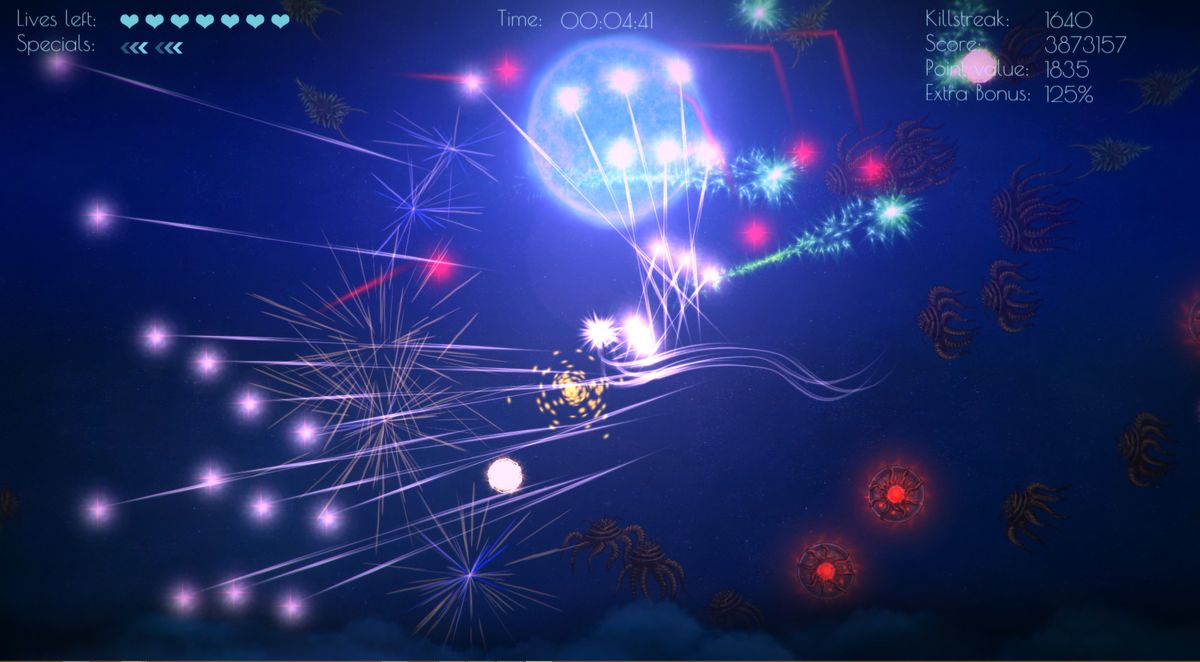




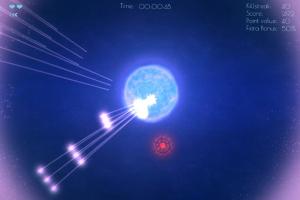
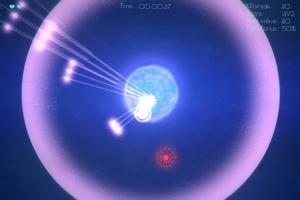


How to Play
Notes:
- The game has been tested on Windows 7 64-bit, Windows 8 and Windows 10, it works fine, the game supports widescreen. If the game doesn't work - try to run the game in Compatibility mode with old Windows, like Windows XP, and as Administrator (right-click on Pulstar.exe -> Properties -> Compatibility)
- It is recommended to install all versions of Microsoft Visual C++ Redistributable and NET Framework for the correct work of the game
- The game has controller support so you can play it with gamepad, to see the gamepad layout click on "How to play" in main menu. If the game doesn't recognize your controller - try to use one of the additional tools from PCGamingWiki guide for controllers
- The game has Local Co-op mode for 2 players in split-screen, you can run it by selecting "Multiplayer" in main menu. The game has dual analogue control support, so it is possible to play the Local Co-op mode with 2 gamepads. If you want to play Local Co-op over the internet, use tools like Remote Play Together or similar
 English



Comments and reviews
No comment nor review for this game at the moment.