


In 2005, the game got a re-release called Realms of Illusion











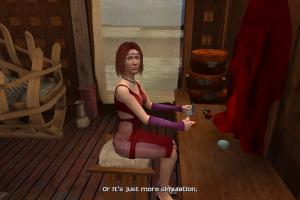
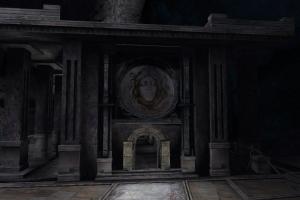
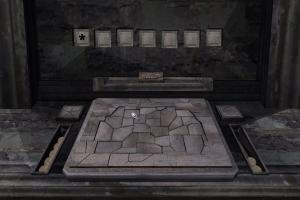
How to Play
Notes:
- If the installation doesn't start - try to launch Setup.exe in compatibility mode with old version of Windows (98, 2000 or XP)
- It is recommended to install all versions of Microsoft Visual C++ Redistributable and NET Framework for the correct work of the game. Also it is recommended to install K-Lite Codec Pack for the correct work of in-game videos
- The game works on DirectX 8, so if you're using Windows 8, 8.1, 10 or 11 - you need to enable DirectPlay: Go to Control Panel, and select 'Programs'. Select 'Turn Windows features on and off', click on 'Legacy Components' and check the box 'DirectPlay'. Select OK, once the installation is done, restart your computer
- The game doesn't hav any DRM protection, simply install & play. If installed game asks to enter the disc - mount the disc image of first CD in virtual drive
- You can enable widescreen resolution, change FOV (Field of View) or run the game in windowed mode by editing of config files, check these guides for details. Please note that any non 4:3 screen resolution will make in-game image stretched, and menu elements will be out of place or hidden in very high or wide resolutions
- If you have uncontrollable mouse movement - decrease mouse polling rate to 125 Hz. Also, try to decrease DPI of your mouse
- Vertical Sync (Vsync) is enabled by default. Vsync in the game is broken on Windows 7 and newer OS, you need to use DirectX wrapper like crosire's d3d8to9 or dgVoodoo 2 to fix it
- The game doesn't have a framerate limit. Sometimes, the game may have minor issues when it works on more than 60 FPS. If you have any troubles - limit the game's framerate to 60 FPS; if you play with dgVoodoo 2, you can do it in dgVoodoo.conf by changing
FPSLimitline, or use one of framerate limiter utilities
Downloads
Windows version
 English
  Spanish
  French
  Italian
  Polish
  Russian





 German
  Slovak




Comments and reviews
The Realms of Illusion 2005 re-release works on Windows 10 for me.
Update : Russian version :
https://archive.org/details/SentinelDescendantsInTimeSentinelRussobitM
Italian version provided :
https://archive.org/details/sentinelcd1
No comment nor review for this game at the moment.