You are on the beta version of My Abandonware. The live site is still myabandonware.com. Your favorites and ratings here are copied to the live site. Comments and other changes are not — we delete them every morning at 08:00 Paris time, when this site goes down for about an hour. Leave feedback through this link to Pastel (email required).
The beta goes down at 08:00 Paris time, in a few minutes. We rebuild the database from the live site. It comes back in about an hour.
@DeathCold : i believe you. sincerely so i will not dl this game as i know what devs can do wrong on the topic of controls. believe me.
-2
DeathCold25 Dec. 2023
I refuse to play this piece of crap of a game. Because YOU CAN'T CHANGE THE F-CKING CONTROLS!!! ON F-CKING PC!!! Who in their right f-cking mind thought that, when porting game to PC would be a good idea to make default controls that you can't change??? WHO!?? Show me that person. So that I can tell him everything what I think about him.
And then, game not just does not show me my keyboard controls during the gameplay, IT SHOWS ONLY A XBOX CONTROLS THAT HAS NOTHING TO DO WITH MY PC KEYBOARD!!! :(
This is just stupid, man. Why would anyone do this? Like, why not give a possibility for the player to change controls the way you want. This is just stupid and uncomfortable. And as a respectful PC player I REFUSE to buy Xbox controller just for this game. Or to play on one. Like, if I'm playing the game on PC then IT SHOULD SUPPORT MY NATIVE PC CONTROLS WITH EVERY POSSIBILITY OF CONFIGURATIONS! So yeah, f-ck this game. It ain't worth it.
-2
kwrenato25 Feb. 2023
Foi um dos melhores jogos de simulação de voo que já joguei TOP DEMAIS
0
Sam booken09 Feb. 2023
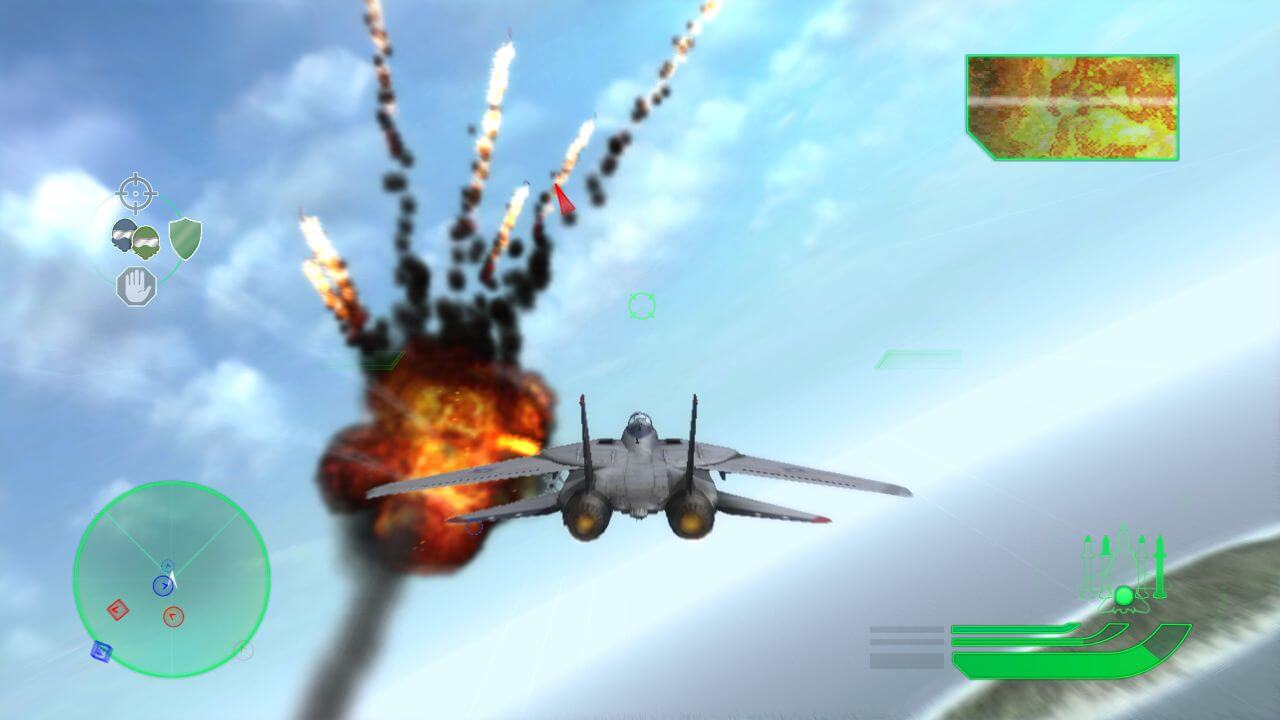
~ Yes cutscenes, voices everything is included with Teriyaki sauce. For a game of it's age, it looks great on today's equipment! Still playing it and still having fun. No crashes, or issues.
1
~13 Jan. 2023
Cutscenes, voices or not?
1
Sam booken06 Dec. 2022
Tested on Windows 10 & 11 and it works. No spyware, adware or anything out of the ordinary. This is an arcade game and plays like one as well. To get it to work, a bit of work is required, but nothing fancy:
Unzip to a folder, click on the folder "binary" then click on "ConfigTool.exe" configure for your PC. Then click on TopGun.exe and play. No installing or anything else needed.
First, if you going to just use a keyboard and mouse the game will just work. With nothing else needed.
However, if you have any type of gamepad plugged in the game it will just crash out. If you want to use a gamepad or joystick read on. You will need to first install the Steam client (free to use and download), and then add the game to your directory of owned games. At some past point this was a Steam game, and requires the launcher to work correctly again. A little icon on the lower left allows you to search your PC and then just add the TopGun.exe, to your list of games. Then you on top left in the menu bar the Steam client will have controller configurations there and because this game was officially made to use the XBOX 360 controller, and if you have one laying around it will just detect it and work automatically with game. No other things needed and it will just play, with an xbox 360 controller.
However, if you have Hotas or a joystick and need to really feel like Maverick (like I do) then after all of the above, download x360ce 4.17.15.0. Once downloaded upzip and then click on it, and it doesn't require installing it, and it just runs and remaps your Hotas or joystick input to an xbox 360 controller and play the game. The program must run minimized and behind the scenes for your joystick to work. It is a bit of work to get x360ce going, but it is well worth it!
And there you have it happy gamers.
1
No comment nor review for this game at the moment.



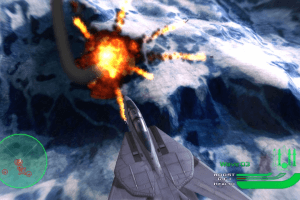
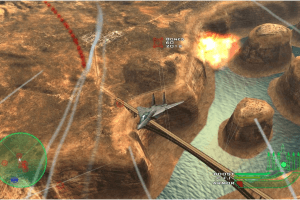
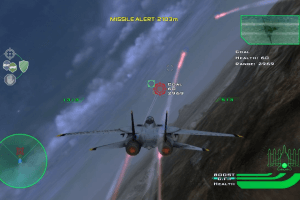
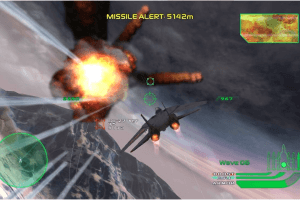
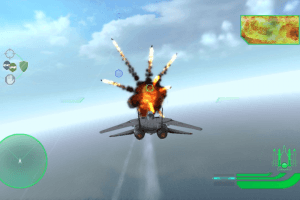
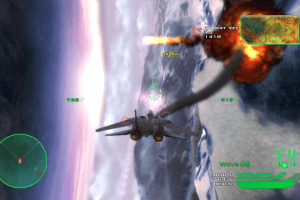
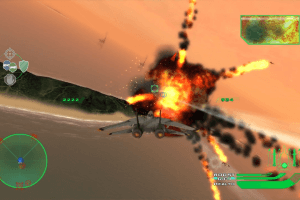
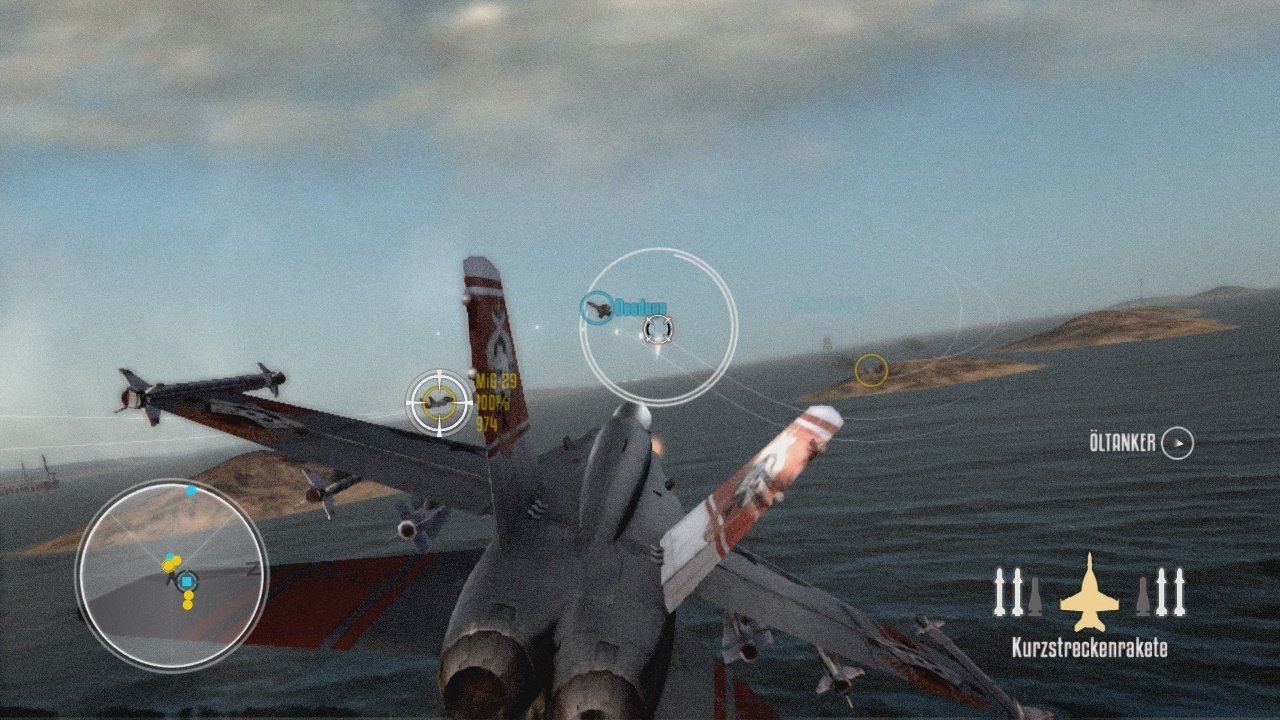


 English



Comments and reviews
Que jogo lindo e bem arcade e divertido!
@DeathCold : i believe you. sincerely
so i will not dl this game as i know what
devs can do wrong on the topic of
controls. believe me.
I refuse to play this piece of crap of a game. Because YOU CAN'T CHANGE THE F-CKING CONTROLS!!! ON F-CKING PC!!! Who in their right f-cking mind thought that, when porting game to PC would be a good idea to make default controls that you can't change??? WHO!?? Show me that person. So that I can tell him everything what I think about him.
And then, game not just does not show me my keyboard controls during the gameplay, IT SHOWS ONLY A XBOX CONTROLS THAT HAS NOTHING TO DO WITH MY PC KEYBOARD!!! :(
This is just stupid, man. Why would anyone do this? Like, why not give a possibility for the player to change controls the way you want. This is just stupid and uncomfortable. And as a respectful PC player I REFUSE to buy Xbox controller just for this game. Or to play on one. Like, if I'm playing the game on PC then IT SHOULD SUPPORT MY NATIVE PC CONTROLS WITH EVERY POSSIBILITY OF CONFIGURATIONS! So yeah, f-ck this game. It ain't worth it.
Foi um dos melhores jogos de simulação de voo que já joguei
TOP DEMAIS
~ Yes cutscenes, voices everything is included with Teriyaki sauce. For a game of it's age, it looks great on today's equipment! Still playing it and still having fun. No crashes, or issues.
Cutscenes, voices or not?
Tested on Windows 10 & 11 and it works. No spyware, adware or anything out of the ordinary. This is an arcade game and plays like one as well.
To get it to work, a bit of work is required, but nothing fancy:
Unzip to a folder, click on the folder "binary" then click on "ConfigTool.exe" configure for your PC. Then click on TopGun.exe and play. No installing or anything else needed.
First, if you going to just use a keyboard and mouse the game will just work. With nothing else needed.
However, if you have any type of gamepad plugged in the game it will just crash out. If you want to use a gamepad or joystick read on. You will need to first install the Steam client (free to use and download), and then add the game to your directory of owned games. At some past point this was a Steam game, and requires the launcher to work correctly again. A little icon on the lower left allows you to search your PC and then just add the TopGun.exe, to your list of games. Then you on top left in the menu bar the Steam client will have controller configurations there and because this game was officially made to use the XBOX 360 controller, and if you have one laying around it will just detect it and work automatically with game. No other things needed and it will just play, with an xbox 360 controller.
However, if you have Hotas or a joystick and need to really feel like Maverick (like I do) then after all of the above, download x360ce 4.17.15.0. Once downloaded upzip and then click on it, and it doesn't require installing it, and it just runs and remaps your Hotas or joystick input to an xbox 360 controller and play the game. The program must run minimized and behind the scenes for your joystick to work. It is a bit of work to get x360ce going, but it is well worth it!
And there you have it happy gamers.
No comment nor review for this game at the moment.