
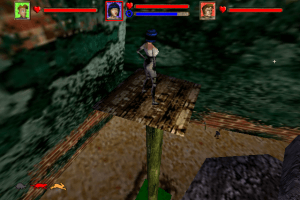
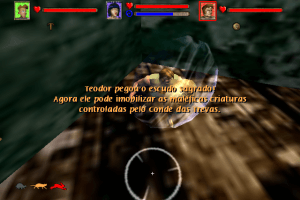
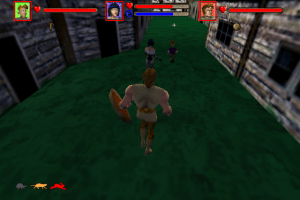
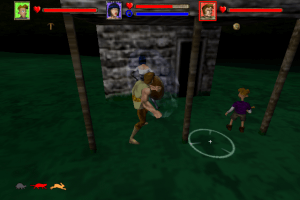
You are on the beta version of My Abandonware. The live site is still myabandonware.com. Your favorites and ratings here are copied to the live site. Comments and other changes are not — we delete them every morning at 08:00 Paris time, when this site goes down for about an hour. Leave feedback through this link to Pastel (email required).

Search more than 30000 retro games
/ Genres / Action / Vampiromania

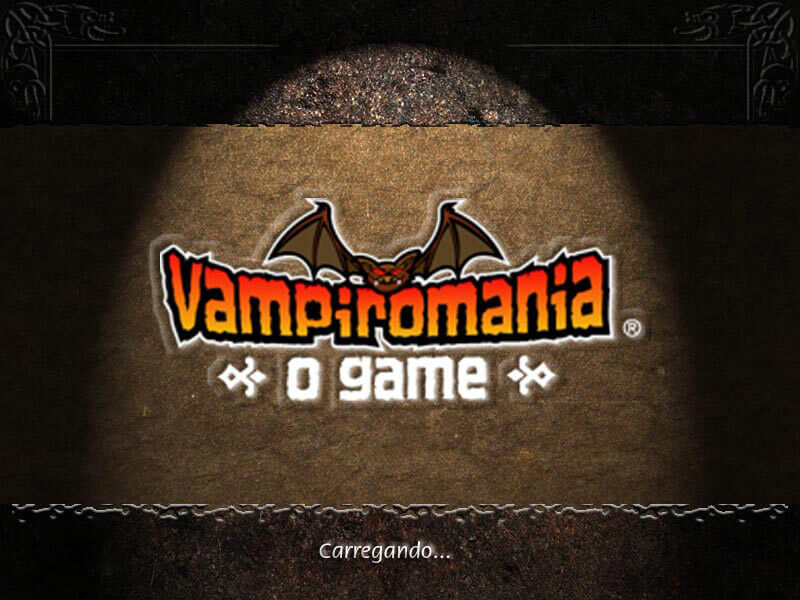
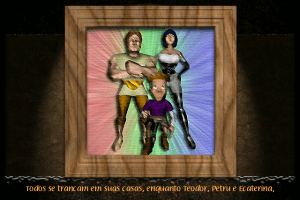
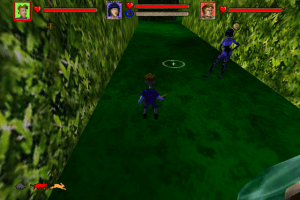
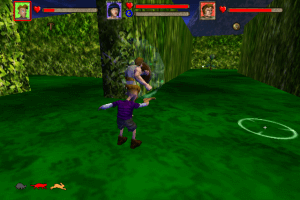
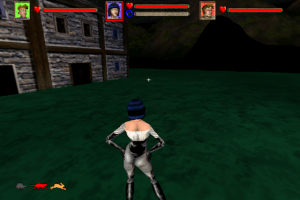
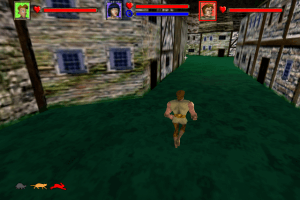
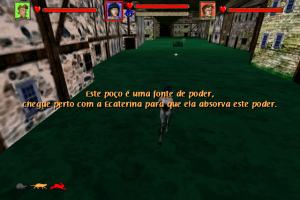
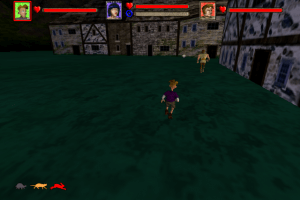
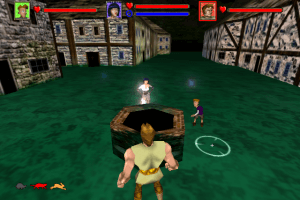
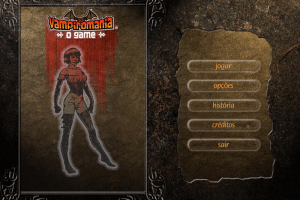
Vampiromania

Windows - 2002

How to Play

Notes:

  • To run the game, the disc image must not only be located in the first CD drive of the system: the letter of the virtual drive must go immediately after the letter of your last real hard drive (that is, for example, if you have hard drives C:/ and D:/, then the virtual drive must be renamed to E:/. Drive letters can be changed in Disk Management
  • Also, on modern systems (not only the modern Windows OS, but also the hardware) the game sometimes doesn't start. The best way to run the game is to use Virtual Machine with Windows XP and select 512 MB of RAM or less in Virtual Machine settings. Alternatively, you can try to use dgVoodoo utility, it worked for some users

Comments and reviews

احمد ابو الرب 01 Feb. 2026

بخدع متابعيني على اليوتيوب بلعب العاب و ما بشاركهم شو بلعب

0

No comment nor review for this game at the moment.

Comments posted on the beta are not kept. We delete them at 08:00 Paris time and they never reach the live site. Post on myabandonware.com if you want your comment to stay.

Downloads

Windows version
ISO Version
Brazil Portuguese (Brazil)
97 MB

Similar games

Valhalla Chronicles
5.0/5 - 5 votes
Valhalla Chronicles
Windows
2002
Vampire Hunters
4.6/5 - 10 votes
Vampire Hunters
Windows
2007
US Special Forces: Team Factor
4.4/5 - 17 votes
US Special Forces: Team Factor
Windows
2002
RingRiker
3.5/5 - 6 votes
RingRiker
Windows
2002
Acquaria: O Jogo
3.7/5 - 7 votes
Acquaria: O Jogo
Windows
2003
From Dusk Till Dawn
4.2/5 - 38 votes
From Dusk Till Dawn
Windows
2001


