You are on the beta version of My Abandonware. The live site is still myabandonware.com. Your favorites and ratings here are copied to the live site. Comments and other changes are not — we delete them every morning at 08:00 Paris time, when this site goes down for about an hour. Leave feedback through this link to Pastel (email required).
The beta goes down at 08:00 Paris time, in a few minutes. We rebuild the database from the live site. It comes back in about an hour.
Because I already am using Windows 10, after I installed the game with the first disc image I only had to delete binkplay.exe and intro.bik (no compatibility mode necessary in my case).
0
david8222 Mar. 2025
@stardustjessie download the disc image one. Then set the compatibility to Windows 10 and rename binkplay.exe and Intro.bik. For me it works.
1
stardustjessie12 Feb. 2025
I installed the game but when I boot it, it stays on a black screen and nothing happens. I tried running on compability mode for XP and Windows 98. Anyone got anything to help this game run ? It looks pretty good.
1
No comment nor review for this game at the moment.





 English
  Russian




Comments and reviews
Because I already am using Windows 10, after I installed the game with the first disc image I only had to delete binkplay.exe and intro.bik (no compatibility mode necessary in my case).
@stardustjessie download the disc image one. Then set the compatibility to Windows 10 and rename binkplay.exe and Intro.bik.
For me it works.
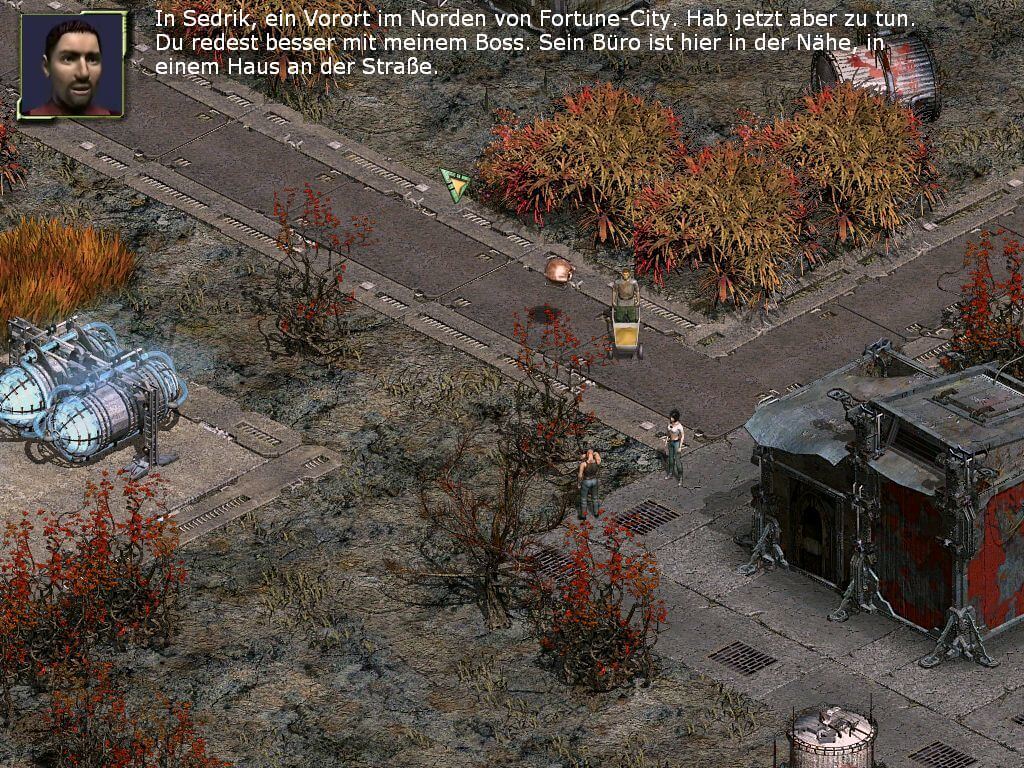
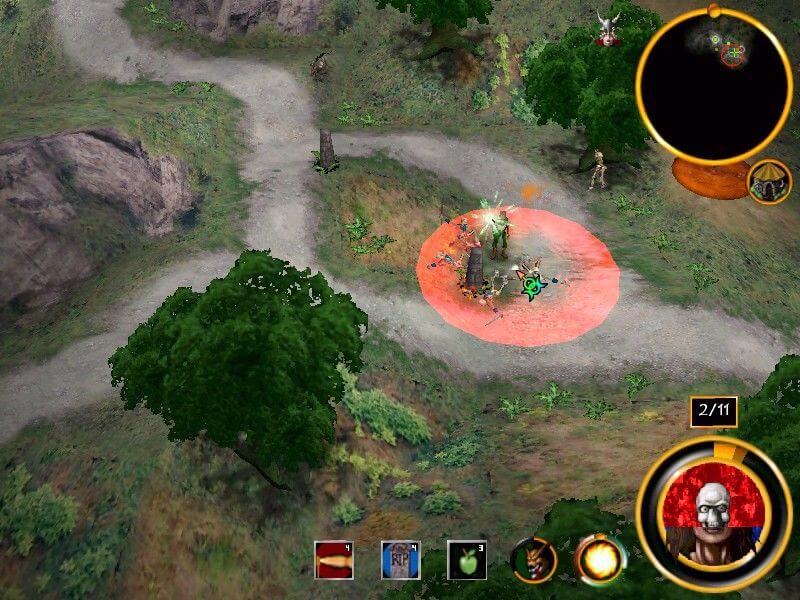
I installed the game but when I boot it, it stays on a black screen and nothing happens. I tried running on compability mode for XP and Windows 98. Anyone got anything to help this game run ? It looks pretty good.
No comment nor review for this game at the moment.