You are on the beta version of My Abandonware. The live site is still myabandonware.com. Your favorites and ratings here are copied to the live site. Comments and other changes are not — we delete them every morning at 08:00 Paris time, when this site goes down for about an hour. Leave feedback through this link to Pastel (email required).

Search more than 30000 retro games
/ Genres / Strategy / War Front: Turning Point

War Front: Turning Point

Windows - 2007

Description from the publisher:

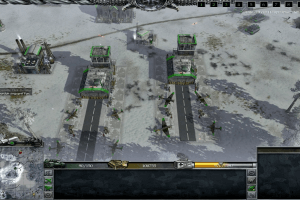
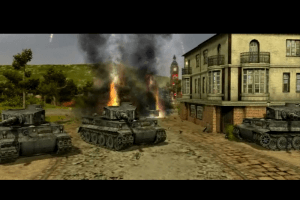
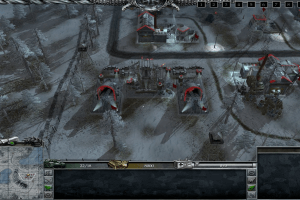
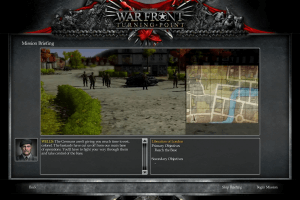
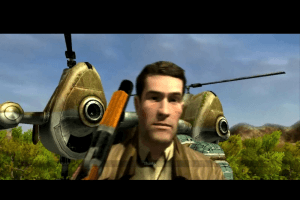
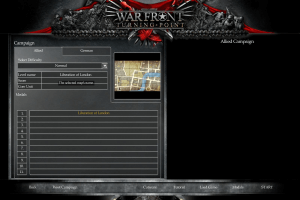
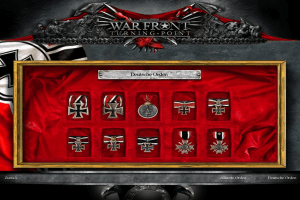
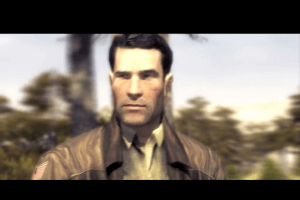
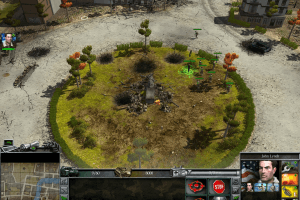
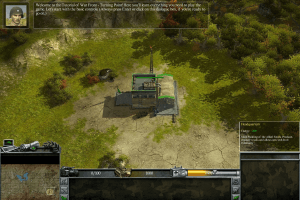
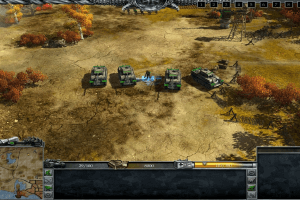
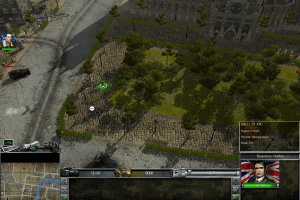
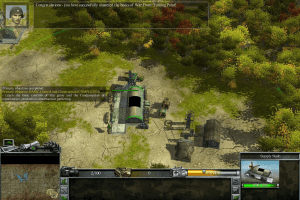
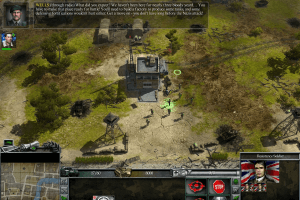
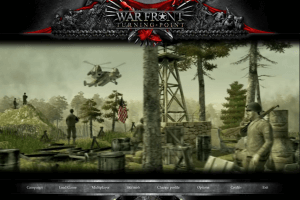
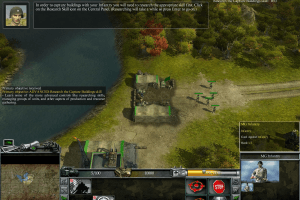
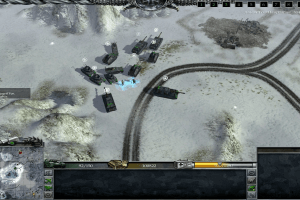
In an alternative universe Adolf Hitler is successfully assassinated during World War 2. But Evil Breads Evil and the events that follow on bring more evil to the world. Great Britain is occupied; and the War takes a dramatic change. The Nazi War machine is unchallenged and develops highly sophisticated weapons while the Americans, who else, lay silently constructing weapons of there own to launch the a massive offensive to liberate Britain. Play as Colonel Lynch and defeat in the Nazis in the New Battle of Britain. Contact the German resistance and investigate just who is behind the Nazi regime. Is it the Russians, the Chinese or is Fuhrer still alive?
How to Play

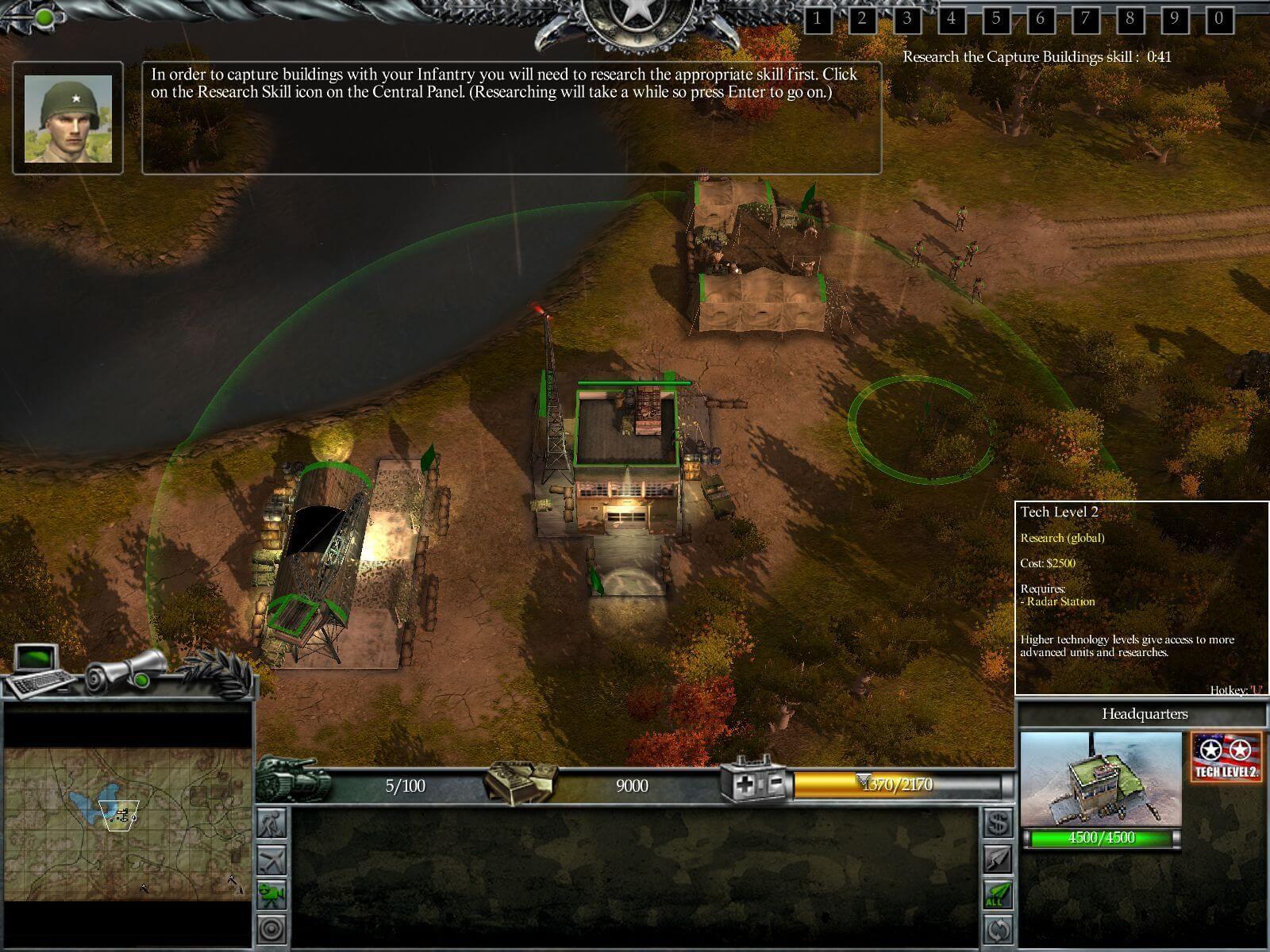
The game with NoDVD has been tested on Windows 7 64-bit and Windows 10, works fine. The game supports widescreen. You may experience some small troubles when you play the game on modern systems, check our Guide and Notes for details

Install & play guide:

  • Mount the disc image. You will need the utility for mounting disc image files, like WinCDEmu, UltraISO, Alcohol 52%/Alcohol 120% or Daemon Tools Lite
  • The installer will check the files on the disc, this may take about 1-2 minutes, after which the installation window will open
  • Install the game (if autorun doesn't work - run it in compatibility mode with old Windows, like Windows XP)
  • Also it is recommended to install DirectX 9 from the disc (if you're using Windows 10 - enable DirectPlay, read this or this guide how to do it)
  • Once you installed the game - install NoDVD (simply copy WarFront.exe from the archive and put it into WarFront - Turning Point/Run directory, agree to replace original file)
  • Open WarFront - Turning Point/Run directory and find WarFront.exe. Right click on WarFront.exe - Properties - Compatibility - Set "Run this app in compatibility mode with Windows XP" and "Run as administrator"
  • Launch the game, enter serial key and play. If the game doesn't work - try to launch it in compatibility mode with older version of Windows (Windows 98, Win2000, etc.)

Notes:

  • If the installation doesn't start - try to launch Autorun.exe in compatibility mode with old version of Windows (98, 2000 or XP)
  • NoDVD is required for the launch because the game is using old Tages DRM protection, which doesn't work correctly on modern systems. That fix "breaks" DRM protection and allows the game to work on modern systems
  • We recommend to install the game not in default path C:/Program Files(x86)/10TACLE STUDIOS/War Front – Turning Point, but in some simple path, like C:/Games/War Front – Turning Point, otherwise, your antivirus may block the replacement of WarFront.exe
  • If the game with NoDVD doesn't run and just closes with error: disable DEP for WarFront.exe. Right click on My Computer → Prorepties → Select Advanced system settings → Open Advenced tab → Performance settings → "Data Execution Prevention" tab → Click on "Turn on DEP for all programs except those that I select" → add WarFront.exe from WarFront - Turning Point/Run directory. Here's the guide with pictures how to enable/disable DEP for specific program. After you disabled DEP for WarFront.exe, the game should run with no errors
  • It is recommended to install all versions of Microsoft Visual C++ Redistributable for the correct work of the game
  • Also it is recommended to install RAD Video Tools and K-Lite Codec Pack for the correct work of the game
  • The game works on DirectX 9, so if you're using Windows 8, 8.1, 10 or 11 - you need to enable DirectPlay: Go to Control Panel, and select 'Programs'. Select 'Turn Windows features on and off', click on 'Legacy Components' and check the box 'DirectPlay'. Select OK, once the installation is done, restart your computer
  • In-game intro videos cannot be skipped, so if you don't want to watch it every time when you run the game - go to War Front – Turning Point/Run/Gfx/Movies folder and remove or rename files 10tacle_logo, DigitalReality_logo, game_intro, GameSpy & Nvidia
  • There's a bug when game crashes on 6th Mission of German campaign "Aggressive Diplomacy". The work around for that bug is to save the game right before the end of 5th Mission, then close the game, run it again, load that savegame, finish the 5th Mission, and now 6th Mission should load with no problem. Check this comment for more details
  • Also, the game has troubles with auto saving, we recommend to save the game manually at the beginning of every mission and before you close the game
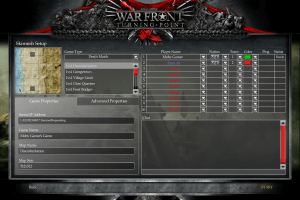
  • The game was using GameSpy servers for the multiplayer, but since GameSpy is closed for years, the only way to play the multiplayer now is to emulate LAN game, with utilities like Hamachi or Tunngle
  • For users of Windows 64-bit systems: if the game doesn't work after you launched it - open Task Manager (Ctrl+Alt+Del by default) and check for processes WarFront.exe and rundll32.exe. Close WarFront.exe but don't touch rundll32.exe (it's a Windows app for running old apps from 32-bit operational systems, most old games running through rundll32.exe). Now try to launch the game again, it must work. Don't forget to close rundll32.exe process in Task Manager after finishing playing
  • Don't forget to check PCGamingWiki page if you have troubles

Comments and reviews

WRFRNT 25 Sep. 2026

@IDK The game does not allow you to change the language during the installation. After installing it on my main PC (Italian language) I installed the game again on my virtual machine (WinXP) which is in English, then replaced the installation folder on my main PC with the one from the virtual machine, and the game was fully in English after that. It's a fiddly process but it works. If there is a cleaner way I'm not aware of it.

0
idk 13 Jun. 2026

how to change the language of the game?

1
Martin 13 May. 2026

War Front - Turning Point (USA, Europe) (En,Fr,De,Es,It) PC.
Redump Size 6.3G.

https://archive.org/details/Nova_WarFrontTurningPoint_USA

1
just_looking 04 May. 2026

the game dont even open
it appears on the task manager and then it disappear nothing on the page work

0
Lord Bread 24 Feb. 2026

downloaded WFTP, downloaded daemon lite, created a folder named games, then another folder in that folder called war front. extracted game into war front folder. mounted WFTP ISO from daemon lite and started install. i created another folder inside war front folder called "actual game" and had it install there so that everything from start to finish has its own space. replaced the "no dvd" from extract file with the file in the actual game files and overwrote. made sure direct play was enabled. turned compatibility on to XP. absolutely no problems. finally at peace after all these years wanting to play.

1
asdf 07 Dec. 2025

Of course it mounts right after I post

0
asdf 07 Dec. 2025

I think the ISO makes Windows 11 panic, explorer keeps crashing when trying to mount

0
Eddy z 20 Sep. 2025

Esto no se si es problema del juego, un bug, o si hay que hacer algo especial.

En la fase 4 donde hay que capturar al canciller que se esconde dentro del ayuntamiento elimino a todos los alemanes edificios incluidos y solo queda mi ejercito y el de los aliados. Tengo todos los objetivos secundarios cumplidos tambien.
Llego al ayuntamiento con los heroes y no pasa nada.
He llegado a destruir incluso todas las casas que hay en el pueblo excepto el ayuntamiento que no se puede y una granja al este que tampoco se puede destruir y el juego no avanza.

Es un bug del juego o hay que hacer algo con los heroes en el ayuntamiento?

Gracias

0
MrKill 13 Aug. 2025

If the game doesn't run (like you double click the exe but then nothing happens) double check your data execution prevention settings (search engines will provide instructions for this that will be up to date) and whitelist the game's exe file.

0
beekbeest 03 Dec. 2024

keeps asking for de CD dont know how to figure out.

1
Harry 20 Nov. 2024

If the loading screen and UI are bugging out, try turning off shadows in settings. It worked for me.

0
Jak 10 Jul. 2024

Any fixes for the campaign missions not saving once completed?

1
Miyasata 04 Apr. 2024

My game is in Spanish, what should I do?
I want English.

2
LI597 04 Feb. 2024

Having some problems, I installed the .net, Microsoft Visual, and ran compatibly mode. Every time I start a mission/skirmish map the UI bugs out, if I try and close the top UI it leaves a blur and if I click and drag, it leaves white box outlines all over the screen, also it has the Warfront logo in the middle with connecting (it never does) and it also is bugging out. Was wondering if anyone knows a solution.

3
ry 30 Jan. 2024

what do you mean serial key im stuck at the point where it asked me for a cd key where do i find this

0
admin 07 Jan. 2024
Admin

@TEDDY Re-install the game in non-system folder, like C:/Games/War Front Turning Point. It is like most common trouble on modern Windows OS, especially on Windows 10/11, because by default Windows Security doesn't allow user to change anything in system folder like C:/Program Files or C:/Windows

-1
Teddy 03 Jan. 2024

When I try to copy the NODVD Warfront to the "Run" directory, it says there's not enough space to move in the NODVD exe file.

2
admin 04 Aug. 2023
Admin

@TOM Checked it once again today, skirmish works fine for me, tried 5 different maps - all loaded. I'd recommend you to install old versions of Visual C++ packs, especially 2005 and 2008 versions https://learn.microsoft.com/en-US/cpp/windows/latest-supported-vc-redist?view=msvc-170
Also, install .NET Framework, especially version 3.5 https://dotnet.microsoft.com/en-us/download/dotnet-framework

1
admin 28 Jul. 2023
Admin

Not sure why that happens, maybe it is something GameSpy related. Try to install GameSpy from the disc and run the skirmish again.
Also, I think this is just a bug with map loading. Looks like it is very common situation in that game when it stops working or crashes on map loading stage, according to users comments on the Internet. So you need to load the map/mission 2-3 times sometimes, before it will load properly and start working

1
Tom 18 Jul. 2023

I try to install it on Win 10. The game start but if I start a skirmish the map will not show.... menu work fine... does anyone have an idea?

2
admin 18 Jul. 2023
Admin

@STRUBDOG Looks like you burned it wrong. I'd recommend to use virtual drive utility instead. I use Daemon Tools Lite myself, I installed the game from that ISO with no problem. Try to use DT Lite (better some old version, new ones are full of ads) or WinCDEmu, and install the game from virtual drive

0
Strubdog 12 Jul. 2023

Getting the following error when I try to install: "Progress, Line 437: Attempt to call a nil value". I burned the ISO to a DVD-R.

0
Chiteki 24 Jun. 2023

An absolute gem of an RTS. Alternate history with most tech being recognizable but with some wacky stuff like German sonic cannons, mechs and zeppelins and stuff. Very corny, very fun.

As always, thanks, MyAbandonware crew.

0

No comment nor review for this game at the moment.

Comments posted on the beta are not kept. We delete them at 08:00 Paris time and they never reach the live site. Post on myabandonware.com if you want your comment to stay.

Downloads

Windows version
European version (Multi-language)
United Kingdom English
France French
Germany German
Italy Italian
Spain Spanish
6.2 GB
Hungarian version
Hungary Hungarian
2.9 GB
Russian version
Russia Russian
3.1 GB

Extras

Manual Manual 1
Extra file
Windows 4 MB English English
Misc Misc 1
Serial Key
Windows 171 B English English
NoCD NoCD 1
NoDVD (compatible with all versions)
Windows 10 MB English English

Similar games

Rise of Nations: Rise of Legends
4.5/5 - 168 votes
Rise of Nations: Rise of Legends
Windows
2006
Emperor: Battle for Dune
4.3/5 - 341 votes
Emperor: Battle for Dune
Windows
2001
Armies of Exigo
4.4/5 - 102 votes
Armies of Exigo
Windows
2004
Universe at War: Earth Assault
4.3/5 - 65 votes
Universe at War: Earth Assault
Windows
2007
The Lord of the Rings: War of the Ring
4.4/5 - 171 votes
The Lord of the Rings: War of the Ring
Windows
2003
MechWarrior 4: Mercenaries
4.6/5 - 664 votes
MechWarrior 4: Mercenaries
Windows
2002