
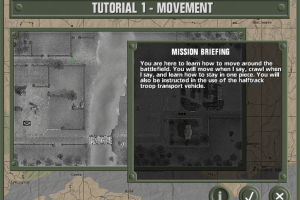
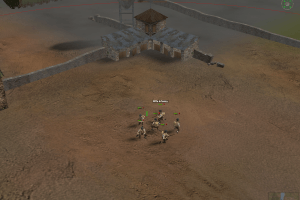
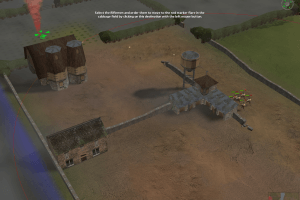
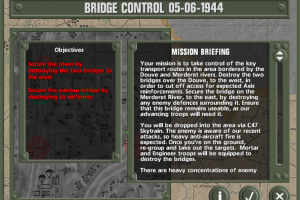
How to Play
The game was using infamous StarForce DRM that doesn't work on modern systems and can ruit your computer. Better run the game in Virtual Machine with old Windows (Windows 2000 or Windows XP), StarForce works okay on old Windows.
The base NoCD for version 1.0b is not working on Win10, user mK shared a working EXE - this is the EXE from the Russian version. Still, dgVoodoo is required to play.
Fix for Windows 2000 SP4 showed some warnings on VirusTotal, here's the report. It is just update for StarForce drivers, probably that is the reason. Don't use that fix on any system after Windows XP, otherwise it can break your system.
 English
  Russian





Comments and reviews
I installed this on an old Windows 7 system a couple of years back and patched it but it didn't work. Reinstalled to version 1.0 and it got into the menu but crashed subsequently. Gave up on it, used the StarForce DRM remover and called it a day. Now twice a year my Windows 7 PC (used mostly to watch YouTube) will blue screen.
When I look into the event viewer it's the StarForce DRM. Even if I use the "DRM remover" it just says "already uninstalled" though the event viewer is pointing right at it. I can't delete the file, not even in safe mode. So yeah do use a virtual machine, don't be lazy. Though it looks like your best bet is the original OS that it was designed for, Windows XP.
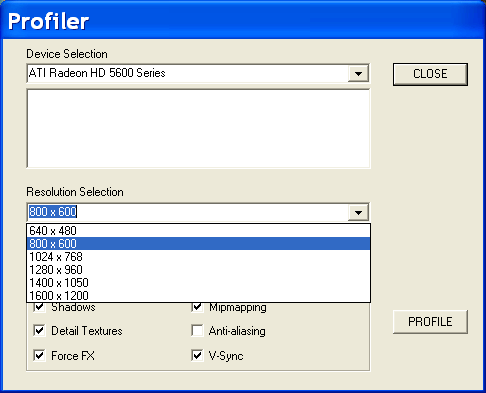
I already installed the game on Windows XP and Windows 7 using a virtual machine, the error that appears in both cases is the following "ERROR NOT COMPATIBLE VIDEO DRIVER FOUND ". I don't know what else to do, PLEASE HELP
This is quite tricky to get working. The best option is virtual machining a Windows XP system. So far Windows 7 does work, nor does Windows 10 (obviously). StarForce does not install on those operating systems at all. It appears version 1.0 is more stable than 1.0B.
No comment nor review for this game at the moment.