You are on the beta version of My Abandonware. The live site is still myabandonware.com. Your favorites and ratings here are copied to the live site. Comments and other changes are not — we delete them every morning at 08:00 Paris time, when this site goes down for about an hour. Leave feedback through this link to Pastel (email required).
The beta goes down at 08:00 Paris time, in a few minutes. We rebuild the database from the live site. It comes back in about an hour.
Classic Game. To run on Lutris install the game from the iso. Then change the "game executable" in Lutris to the patch, run the game/patch. This will stop any issues with running the patch as the patch will immediately 'see' the game. Place the NOCD in the game directory and overwrite the exe. Change the game executable to the dark.exe NOCD executable. You will have to mount the iso to play the game otherwise it wont load.
0
Sgt.McHale14 Jul. 2025
The patch doesn't want to install itself, it keeps saying scanning drives. The games runs, no problems so far except for the patch.
Easy install and set up. Better than the warez version where I had to extract the videos separate.
1
pluto27 Aug. 2023
It definitely works, thanks!!! As for the ISO you have to first extract all the data to your computer using an ISO program. I used PowerISO. then you install it normally as you would any modern program
Use ANY TO ISO program to convert mdf file to ISO file.Then you can run it.
-1
K1ll3r CZ28 Feb. 2022
Doesn't work, tried with PowerISO, clicking on setup or anything pops up unable to open.
0
C05 Oct. 2021
Tried downloading it but I have definitely failed. Please add an easier guide to download it in windows 10. Been stuck here for hours now and I have finally given up.
2
No comment nor review for this game at the moment.



 English
  Russian
  Chinese





Comments and reviews
How do i play this on windows 11 lol
Classic Game.
To run on Lutris install the game from the iso. Then change the "game executable" in Lutris to the patch, run the game/patch. This will stop any issues with running the patch as the patch will immediately 'see' the game. Place the NOCD in the game directory and overwrite the exe. Change the game executable to the dark.exe NOCD executable. You will have to mount the iso to play the game otherwise it wont load.
The patch doesn't want to install itself, it keeps saying scanning drives. The games runs, no problems so far except for the patch.
no idea how to get pass insert cd...
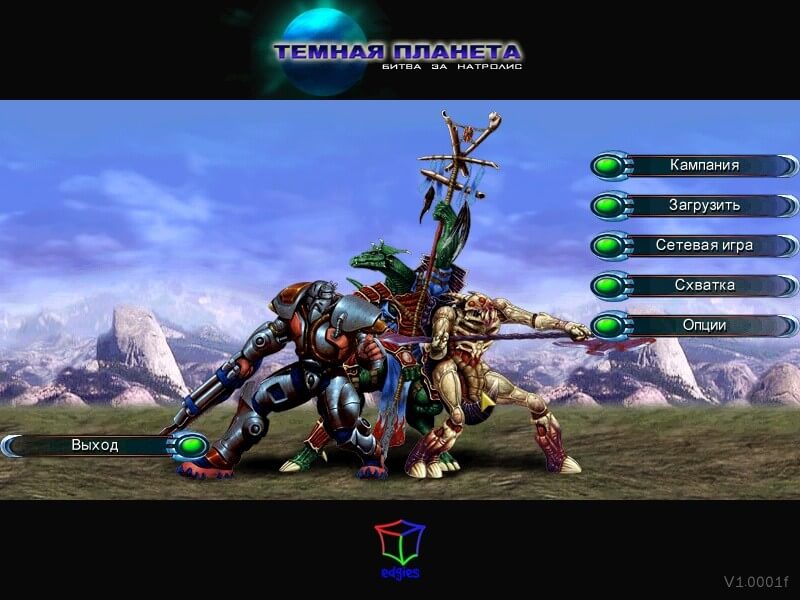
Russian version provided :
https://archive.org/details/RusDarkPlanetNatrolisFargusGame
Chinese :
https://archive.org/details/dark-planet-battle-for-natrolis-chinese-2002-ubisoft-edgies-cd
Easy install and set up.
Better than the warez version where I had to extract the videos separate.
It definitely works, thanks!!!
As for the ISO you have to first extract all the data to your computer using an ISO program. I used PowerISO. then you install it normally as you would any modern program
Hi guys, please join our discord community: https://discord.com/invite/4yrqMVSvnT
How do i change language?
Another link:https://archive.org/details/dark-planet-battle-for-natrolis-win-rom-en
Use ANY TO ISO program to convert mdf file to ISO file.Then you can run it.
Doesn't work, tried with PowerISO, clicking on setup or anything pops up unable to open.
Tried downloading it but I have definitely failed. Please add an easier guide to download it in windows 10. Been stuck here for hours now and I have finally given up.
No comment nor review for this game at the moment.