



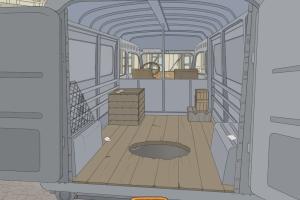
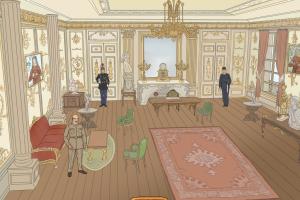

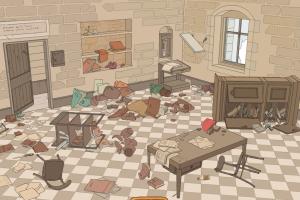
How to Play
The game has been tested on Windows 7 64-bit, Windows 8, Windows 10 and Windows 11, it works fine. You may experience some small troubles when you play the game on modern systems, check our Notes for details
Notes:
- If the game doesn't work - run it in Compatibility mode with old Windows (like Windows XP) and as Administrator. Also, it is recommended to install all versions of Microsoft Visual C++ Redistributable and NET Framework for the correct work of the game
- The game has 2 languages: English and French, you can select the language on the starting screen
- At the first launch, it may take some time for the game to load. If it seems like the game doesn't load, simply wait 15-20 seconds, after that the game should work normally
- If you have any graphical issues, such as flickering screen or disappearing mouse cursor - switch the game to Windowed mode in settings
- If you stuck at some hard place in the game, here's the walkthrough guide in Italian language (use the translation machine). Also, you can download the 100% savegame with step-by-step save files for all 22 levels
 English
  French




Comments and reviews
No comment nor review for this game at the moment.