
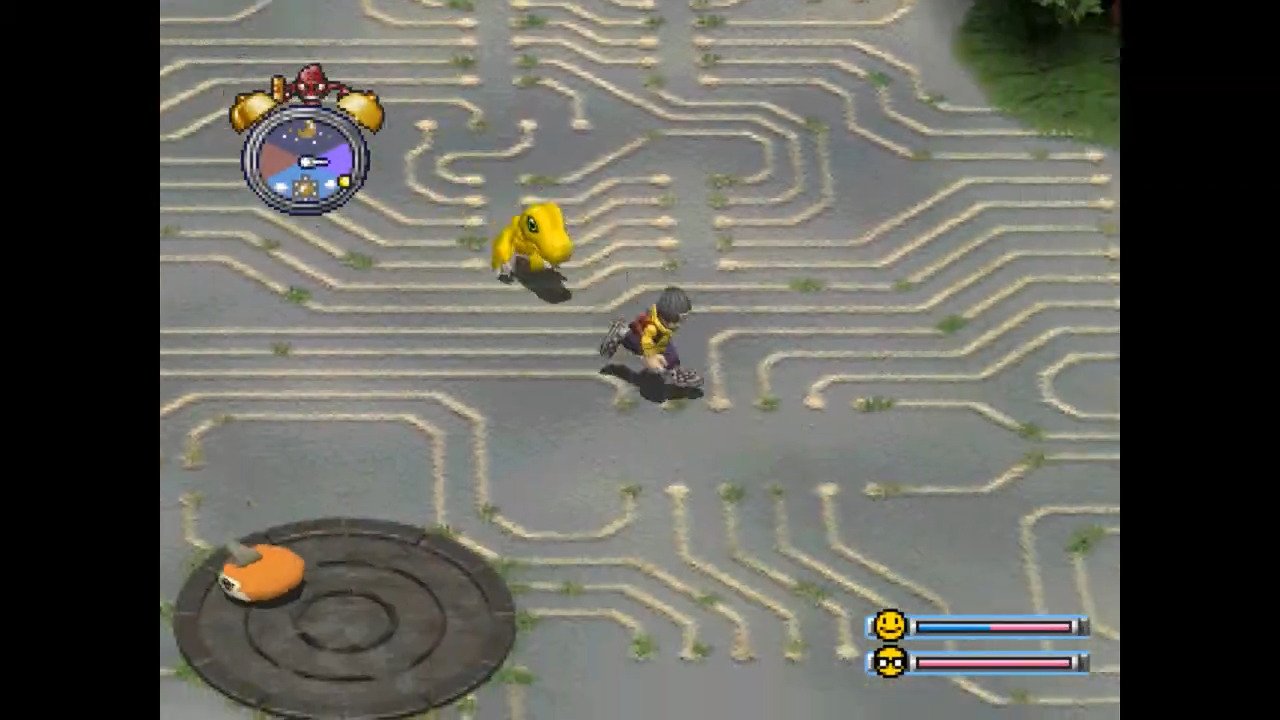
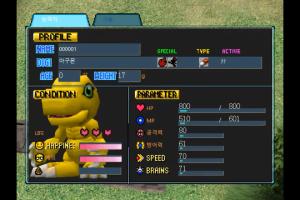
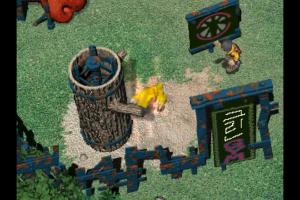
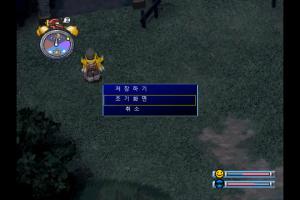
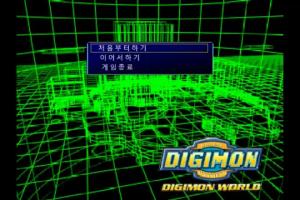
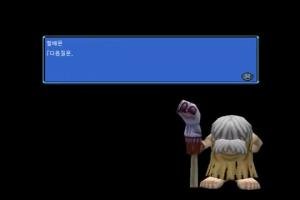
How to Play
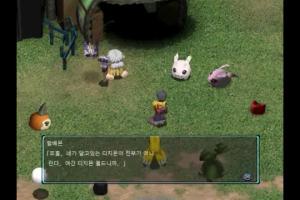
To use the English translation patch, copy the convert.jk file into the "SCN" folder (you can find it in the same folder as Dm.exe) and replace the existing file.
The English translation patch ports the English translation from the PS1 version. It covers most of the important stuff, but item names and some other stuff is untranslated, if you are willing to help, head to https://github.com/Jojimon94/dmw_ko-en.
 Korean




 English



Comments and reviews
Nothing seems to work to get past the cinamatics, no DDraw dlls, no Dgvoodoo, no compability checkboxes, not even removing the FMV folder. Supposedly you need "add Korean to your PC's unicode settings" and or starting the game from the .exe on the disc but that doesn't work either.
Yo new school peeps bin/cue you need a playstation emulator to load. :)
I mounted the bin with DAEMON TOOL, it was very easy. It patched it to be in english but the game doesnt seem to go further the cinematics in the beginning.
Anyone know how to mount a bin/cue file on windows 11? https://github.com/Vicen04/Dw1DataAndPatches
both files out of the zip are non executables, D-Fend don't recognise them, any ideas?
Yes, there's an english translation, but the game is full of bugs and fixing is still in progress.
Is there an English option?
So for pc is it only available in Korean?
No comment nor review for this game at the moment.