

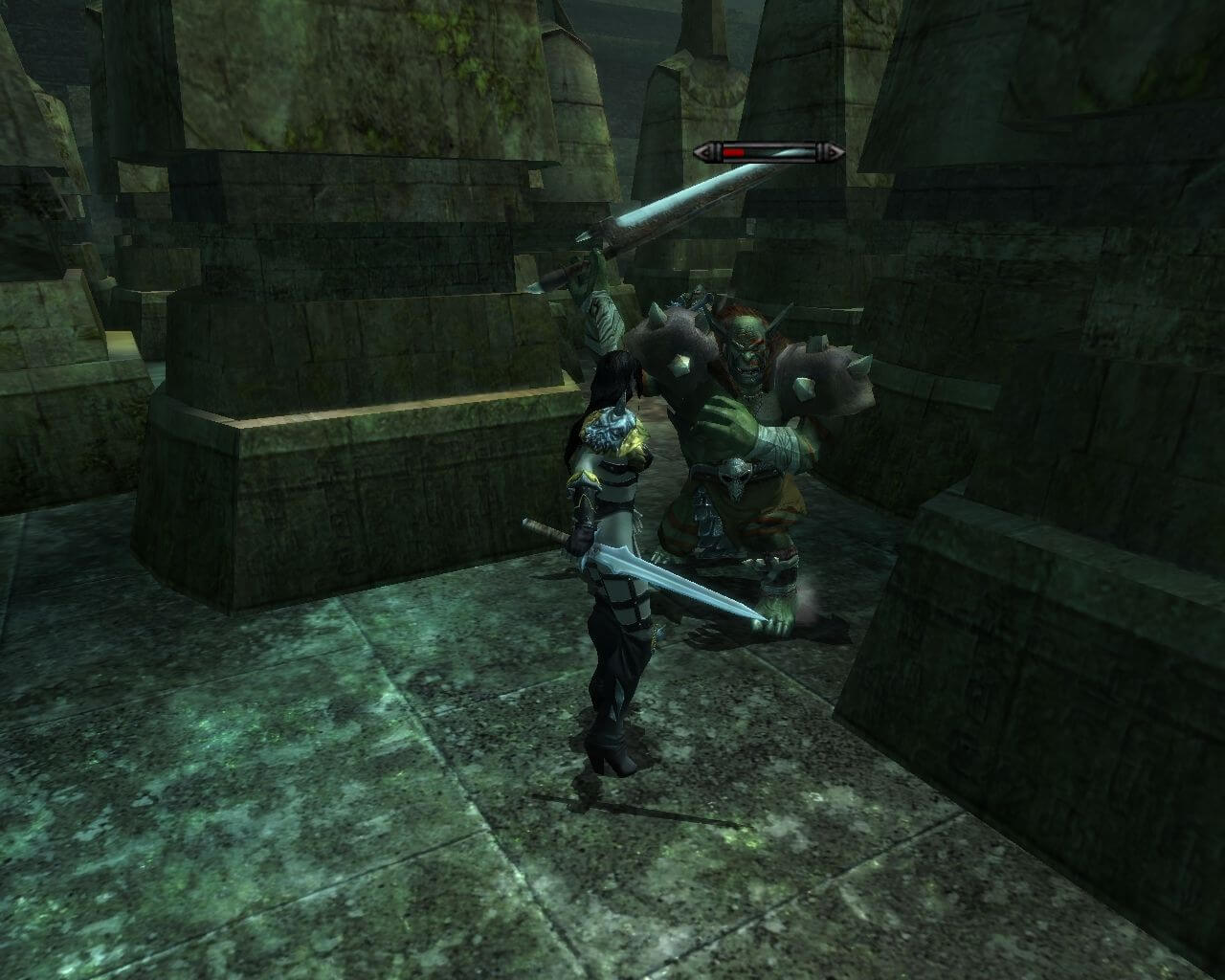
How to Play
The game was designed for Windows XP, so the best way to play - to use Virtual Machine with Windows XP. Installation and launch of this game on modern systems is a bit tricky, here's the way how we made it working on Windows 7 64-bit, it should work on Windows 10 too.
Install & play guide:
- Mount the disc image. You will need the utility for mounting disc image files, like WinCDEmu, UltraISO, Alcohol 52%/Alcohol 120% or Daemon Tools Lite
- Launch the installation. Make sure that installation path is only on English, it shouldn't have any symbols on other languages (i.e. it should look like
C:/Games/Mage Knight Apocalypse) - When the installation will ask for Disc 2 - mount the disc image of CD2. Do the same for next discs (this step is only for CD version, DVD version has all content on one disc)
- Install the game
- Install the patch 1.02
- Install NoCD
- Open the directory with the game and find MageKnight.exe. Right click on MageKnight.exe - Properties - Compatibility - Set "Run this app in compatibility mode with Windows XP".
- Now open the Control Panel of your videocard (find that item in Windows Control Panel or click with right mouse button on empty space on desktop and choose it from pop-up menu, it can be called nVidia Control Panel, AMD Catalyst Center, Radeon Setting, etc.). Turn on forced vertical sync for Mage Knight Apocalypse
- After that - download RTSS Rivatuner Statistics Server, install that app, launch it, add MageKnight.exe in the list and select next options: Application detection level: Medium, Custom Direct3D Support ON, Framerate limit 30. The game was designed to work on 30 fps max, it must be locked to 30 fps for correct work
- Minimize RTSS to the tray and launch the game from MageKnight.exe (launch the game strictly from the exe file, and not from the shortcut on the desktop).
- If you complete all the steps right - the game should work now. The game launches after 2-3 minutes of waiting because it tries to connect to Namco's shut down servers. To avoid that waiting time - make simple register edit, read instructions above
- If the game doesn't work anyway - try to launch the game, then open Task Manager (Ctrl+Alt+Del by default) and check for processes MageKnight.exe and rundll32.exe. Close MageKnight.exe but don't touch rundll32.exe (it's a Windows app for running old apps from 32-bit operational systems, most old games running through rundll32.exe). Now try to launch the game again, it must work. Don't forget to close rundll32.exe process in Task Manager after finishing playing.
- The game with patch and NoCD has been tested on Windows 7 64-bit, it works but still has a lot of bugs. The game supports widescreen.
Troubleshooting:
- If you have nVidia video card you can try to enable forced 3D Hardware Acceleration in nVidia Control Panel, it worked for some players
- Fix for a long startup due to an attempt to connect to a non-existent server. Save the text with the .reg extension, then run this file for code execution.
- The code for 32-bit OS:
Windows Registry Editor Version 5.00

[HKEY_LOCAL_MACHINE\SOFTWARE\NAMCO BANDAI Games\Mage Knight]
"URL"="127.0.0.1"
- The code for 64-bit OS:
Windows Registry Editor Version 5.00

[HKEY_LOCAL_MACHINE\SOFTWARE\Wow6432Node\NAMCO BANDAI Games\Mage Knight]
"URL"="127.0.0.1"
- Reboot the system after register edit. Now the game will be starting without trying to connect the servers for update downloads
In general, the game is very buggy and can crash in a random moments, so make savegames often. As an example, the game will crash if you play for some time, then exit to the menu and try to start a "New Game", it crashes in 90% of cases. Sometimes the game may freeze when you try to exit to desktop, in that case close the process MageKnight.exe in Task Manager (Ctrl+Alt+Del by default).
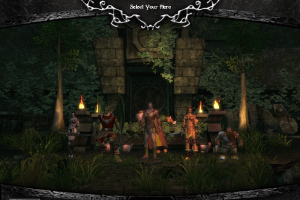
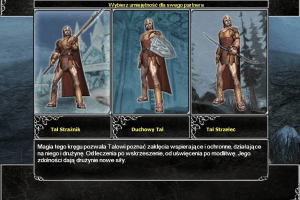
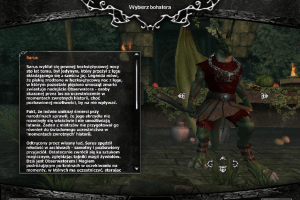
During tests we noticed that choosing the default character (a knight with a cloak who stands in the middle of the group) often leads to crash. So first click on another character, a dark elf, for example, then by pressing the arrows switch to this knight and edit him (choose a different hairstyle, hair color, eyes, etc.), and only after that start the game with this character. This happens only with the knight and doesn't happen with other characters, like a dark elf or a dragon, you can select them and start playing immediately.
 English
  Polish







Comments and reviews
So far I am liking it, I am playing in windows 11. Read the how to play guide and do everything in it and it should work.
its a good game. I like it. Here is a NATIVE video (not put thru video editing software, OBS and desktop set to FULL color 0-255, and 1440x1080 to respect the 4:3 aspect ratio of old games)
https://www.youtube.com/watch?v=aghSxlz1QTI
This game works it just takes 4-10 minutes to load im not even joking
never mind my previous comment. can confirm its working on windows 11. for some reason when you start it up it runs as a background program for a while before finally starting up. running it in compatibility mode for windows xp service pack 3 and limiting the fps to 30 through nvidia control panel worked for me.
Tried all night to get this to work and it simply won't. Windows 11 doesn't work with it (which I figured was going to happen) but even trying to run this in a virtual machine on windows xp fails to work. screen just turns black for a second and the game crashes. tried to download d3d8.dll from the github link and windows xp pops up with an error stating that it failed to start because msvcp140.dll was not found.
rosin why is your 3.5gb data cap other peoples problem? Make better life decisions and maybe you wont be so god damn poor
Options can be further manipulated by editing default_gameoption.ini in config folder before launching the game (to update them again you need to first delete gameoption.bcf).
To actually skip logo movies you need to delete title bik files, 1 to 6.
even after trying FATALs suggestion after i click play the loading screen pops an error saying it cant connect to that server how are people getting past this
The game worked for me after using FATAL's suggestion to install the d3d8.dll file from github (https://github.com/crosire/d3d8to9/releases) to the main folder where the MageKnight.exe file is located.
uninstalled and reinstalled can launch the game with no issue but once I tried to load into the game it errors saying unable to connect to that server. I've tried everything in this thread but cant fix this idk whats going on
followed the guide exactly but once i get to loading a character from new game the loading screen pops and error saying unable to connect to that server. please try again or use a different server. this is all from just clicking new game
to fix the crash after the loading screen, install d3d8.dll from github and place it in the game main folder (where the MageKnight.exe is located)
github-crosire-d3d8to9-releases
if the loading screen is stuck press the Windows key (returning to desktop) and open the game again.
Tried on win8, nothing happens after running the exe file.
Tried the startup fix, same result, mageknight.exe will appear in task manager for some 20 seconds, don't use any cpu or hdd, then close.
which one should i download cd or dvd i want to spent my 3.5 gb data safely
anyone got multiplayer working?
Yes i have nice typo by the way it was Wing Commander NOT Dune and game does not work
Yep works finished read the Lancer Knights of Fenris yet?
OY! Master 001 got this working yet
OK sounds good by the way the vampire looks like that one harem girl form Qfgll And 5 i can honesty not bevive that they those one sene people to bring back for that game but NOT Shema (Who's Dance has to be seen to be savored heh heh it was from the game not me) and Shameen (her husband unremarkable exept for the fact that he does not seem to get or need a lot (it is not alot) of sleep mind you all he does is sit on a cushion, and watch his wife dance)
Great Finally we both I (By the way for later reference I am Male) Warlord have this game now instead of asking each other for tip on how to fix it now we will trade tips on how to PLAY it.
THANK YOU! THANK YOU! THANK YOU! Both I and him/her AKA Master 001 have been having the same trouble with this game of some weeks now it will be SO good to finally be able to play it
We have updated the game, added CD version on 6 discs for easier download. You can also use Setup that includes the installation files from all 6 discs in one archive, that Setup was provided by our contributor.
We managed to run the game on Windows 7 64-bit, with some tricks. The game still has a lot of bugs though, but at least it works. We hope our guide will help you
Free StarCraft YES! Some one heard me.
Yes that is true my thanks to Warlord and along with that can some one tell them that StarCraft is in fact FREE
Will any one tell me how to contact the people in charge of this? Oh and one more thing if YOU can talk to them both Master 001 and i have been asking for an install guide.
Just wait for an Hour and a half O.K I just re-checked how big it is and you will still be able to download it and be able to Play it on the same Day: Just start in the morning(10 O'clock) cook and at lunch then rent DUNE Part 1 (unless you have an extremely slow server in which case You will a able to watch Part 2 But I really don't think that this will take 14 Months to download) and Watch it(Really that is what I did!) then you will have 30 Minutes left have a nap and then Please Try to write a step by step install instructions.
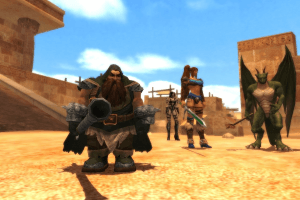
Dragon guy as a main character? I'M IN!!!
But... The overall size- too massive :( .
RIP version needed. Badly!
Hi i downloaded this game but i have a MAJOR problem: When i install the game and try to play it( the install works fine it is the game that does not)nothing happens. But when ii use the patch i can get on to the game just fine but after i have picked my hero and press the start button after the loading bar fills and the mission should start it kicks me out! so my question is can someone perhaps write a step-by-step install guide and put it on here a lot of other games have them. Oh and think i know why this game isn't often herd of: In 2006 when this game was released Tomb Raider Legend was also released and in addition to bringing back the Tomb Raider games it also over shadowed a lot of the other RPG games released a the same time this is just a guess.
Hi I have a problem: The game starts okay but when the game has finished loading the first level it kicks me out. Mind you I installed the patch before playing could the patch be the problem?
WOW! This looks almost like a modern Quest for Glory But with the option of 5 characters not 3 and the ability to change how character looks too Good Looking graphics too i looked at gamespot.com and it is hard to believe that that so many people did not like it must be all the dyeing that can get a bit annoying and i should know i play a lot of Quest for Glory but what i think is that this looks like is a RPG and Squad Game all combined a bit like the Harry Potter(tm) Games but from a different angle
This game looks SOOO awesome!
But it's too FREAKING huge! Any chance for a RIP version?
I'd sure LOVE to play as Sarus (the anthro dragon)!
Thank you Ross.
Also, Really Ross? Forcing wide screen instead of playing 4:3? Men, you should stop playing those fancy "New gen" games with their Unreal 4 and Unity and go back to... The Good Old Games...
No comment nor review for this game at the moment.