

How to Play
The Deviance release has a strange and bloated DLL file, whereas the other ISO, provided by user AsciiWolf, has a correct filesize.

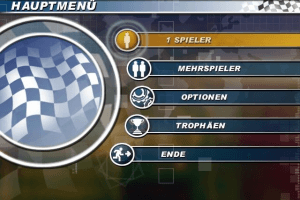
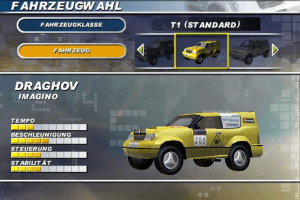
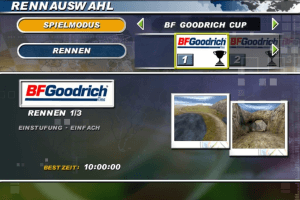
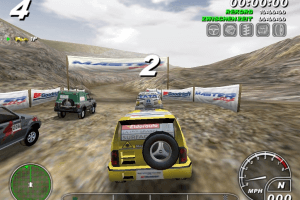
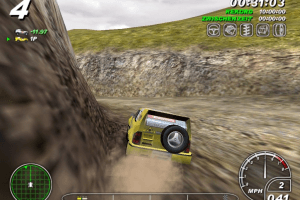
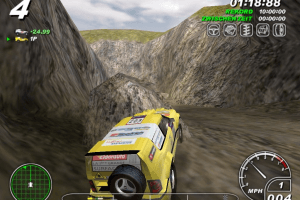
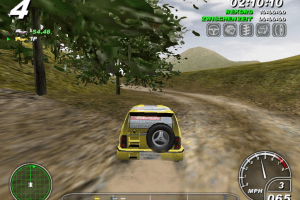
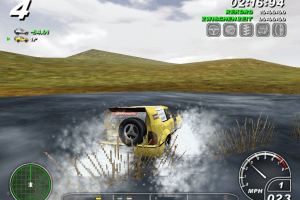
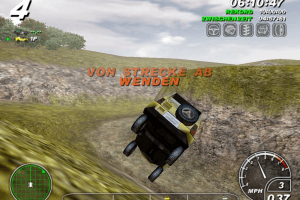
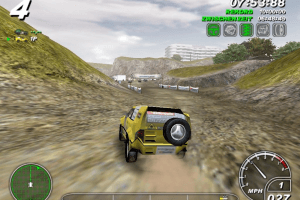
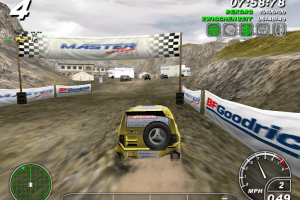
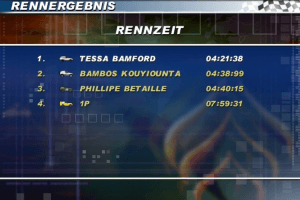
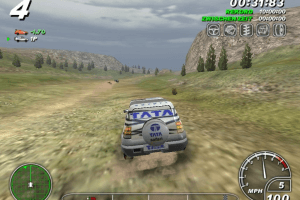
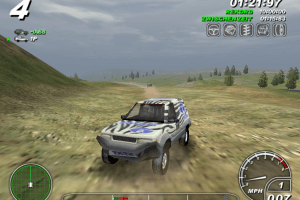
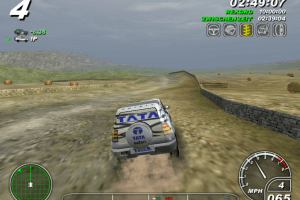
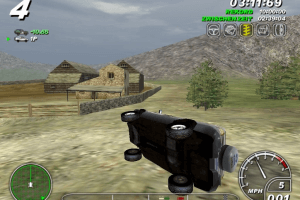
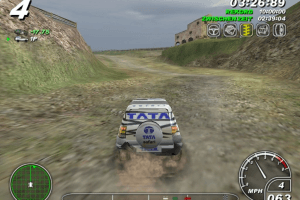
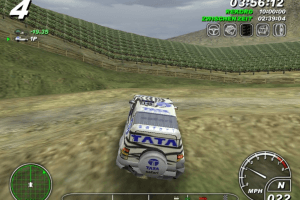
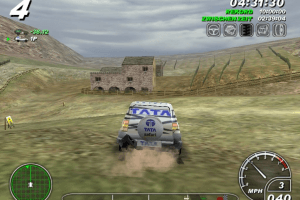
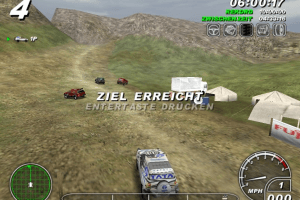
The Deviance release has a strange and bloated DLL file, whereas the other ISO, provided by user AsciiWolf, has a correct filesize.


 English


 Polish





Comments and reviews
Found a way around on every load section. After pressing enter (selecting something in the menu) then it freezes, but if using Alt + Tab and then again back to game window it has loaded to next section. Fastens things up by using this combo after every select.
This Game belongs to my little Racing Games Collection.
Is it possible to enable vibration in the game on a DS4 gamepad?
Works Great, but sadly no in-game soundtracks on this one :(
Works great on windows 11. Thanks a lot :D
It's awesome that i could revisited, this classic game after two decades later. I still remember some of the places, like the grape farm, the pit mine, the waterfall and the dig area, the nostalgia hit me hard playing this game again. Million thanks for the uploader and for Greg, for the menu fix patch, it took ages to load up the game before.
The game works flawlessly, on modern pc's and on windows 10, high resolution,with no crash, freeze etc. Replaying the game at 2560X1440 was an awesome experience.
Another save, this time with the game fully completed
File goes to MasterRally\DataGame and remove the " (1)" from the file name.
https://drive.google.com/file/d/1j7kH2lxDv4qcag52BIZvz-GEuGW11OcI/view?usp=share_link
This game starts slow and weird but it turns more fun when you unlock faster vehicles like the Blazer.
I have Windows 10 and to get it working I did the following:
-Downloaded the Disc Image (730 MB) version, mounted it to install it and then un-mounted it.
-Downloaded the fixed exe for loadscreen bug
-Downloaded the latest DGVoodoo from here: http://dege.freeweb.hu/dgVoodoo2/dgVoodoo2/
And I only placed the d3d8.dll file and the 2 control panel files into the Master Rallye folder.
-To configure Dgvoodoo I used these settings: https://snipboard.io/FwRqbM.jpg
Then, when the game starts it's on a window but you just have to click once on the game's icon on your Windows bottom bar and it will turn into a proper full screen.
I had to do that because the game would not save my changes in the in-game options.
@GREG thank you so much.i thought that no one will ever fix the menu lag of this game because it has little to no player base in 2023. you re a legend man. thank you once again.
How to play multiplayer online in LAN mode?
I spent some time tinkering and have managed to bypass the loading screen bug on PC (at least on my machine). Fixed exe is here:
https://mega.nz/file/9k4mxZAQ#gcMoq3EidtoTv0v4wEfWDQ8HAuG_RZMJJL6lnIhN7TU
Or, if you don't trust random online exes, there's a Python script for patching here:
https://github.com/greghope667/master-rallye-freeze-patcher
Hyee You But Anyway Game Is Good
I know there is a patch somewhere that fixes the menu, but I can't find it!
@DEMONTRACE it's not the Win 10 fault. This game's PC version is known from that slow, freezing menu. So the only ways to fix it are probably these what you've mentioned. If this issue is too annoying, then try the PS2 version on PCSX2 emulator - here the menu works fine
RIP installer is in another language. ISO release has unbearable lag during menus. Starts off fine for about 30 seconds, then the lag kicks in. Drops frame rate, and alt+tabbing seems to help. DgVoodoo wrapper with D3D8 seemed to help a little bit, but not nearly enough. Windows 98 compatibility seemed to help loading a bit, but again, not enough.
Probably a Windows 10 issue as usual. Dunno if anyone has any ideas. Oh, and that was with the fix. Didn't try without.
Downloaded the rip version of the game, it's in Russian, and I don't how (if even possible) to change it to something else...
من این بازی رو تو سیدی داشتم ولی باید سیدی داخل کامپیوتر گزاشته میبود تا بازی باز شود آیا این فایل هم مثل همون سیدی است
@ASHU chutia, disable your antivirus lodu
In zip file only video,why you are making people fool.
Thanks alot
how to instal?
No comment nor review for this game at the moment.