You are on the beta version of My Abandonware. The live site is still myabandonware.com. Your favorites and ratings here are copied to the live site. Comments and other changes are not — we delete them every morning at 08:00 Paris time, when this site goes down for about an hour. Leave feedback through this link to Pastel (email required).

Search more than 30000 retro games
/ Genres / Action / Over the Hedge

Over the Hedge

Windows - 2006

Description from the publisher:

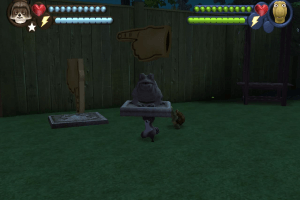
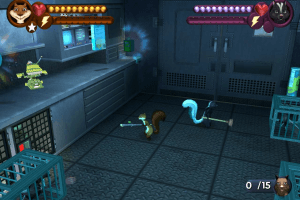
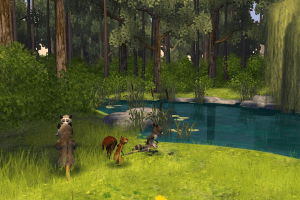
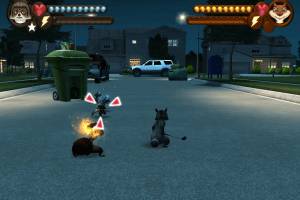
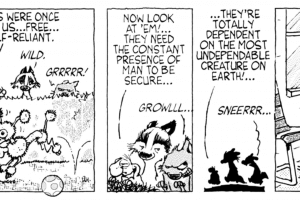
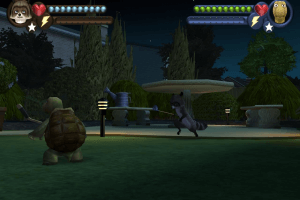
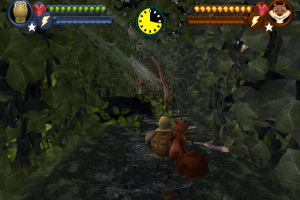
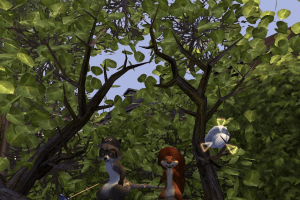
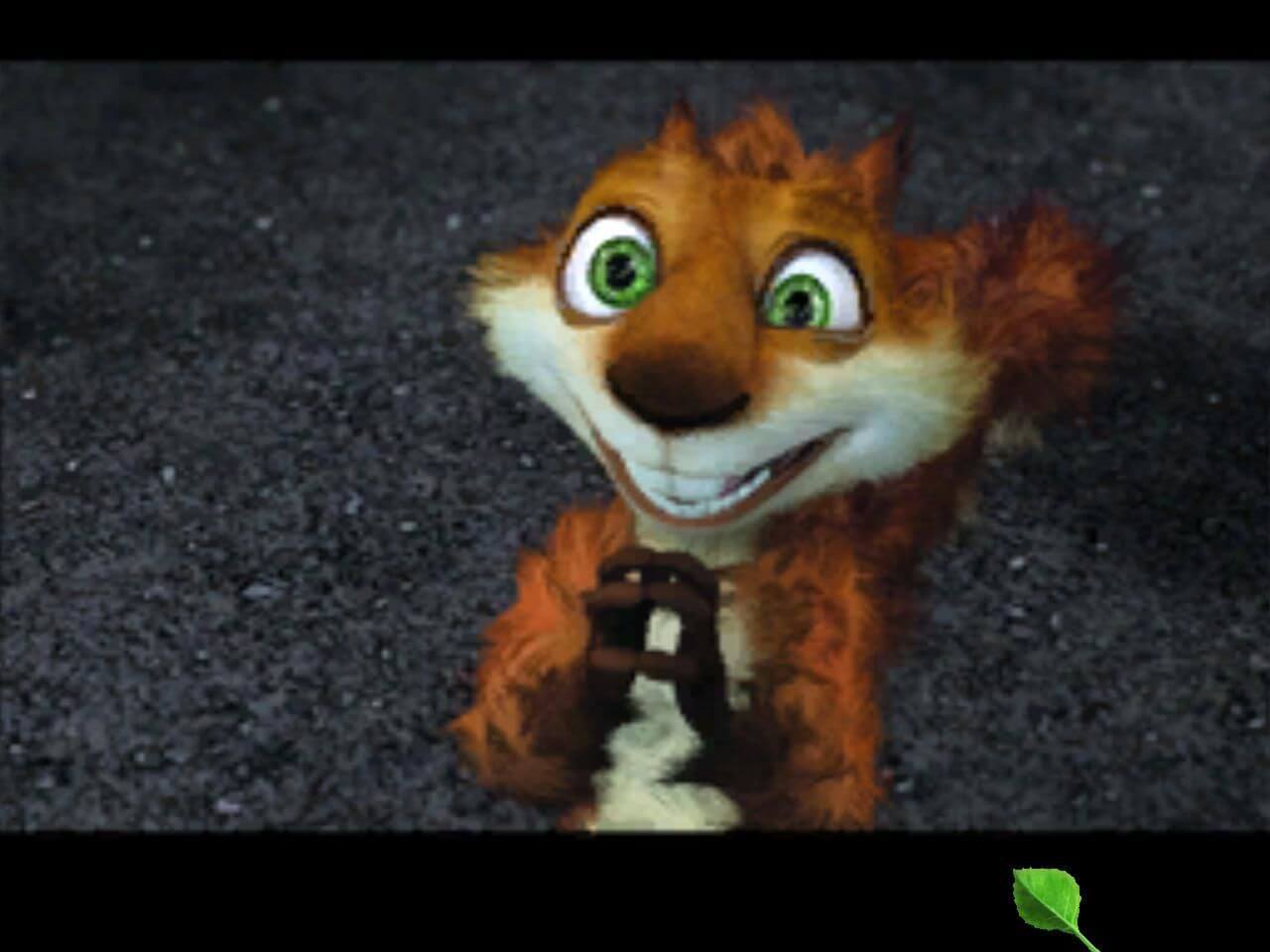
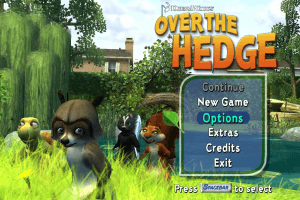
Based on the feature film from DreamWorks Animation, Over the Hedge takes players on an interactive adventure beyond the film. Assuming the roles of RJ the raccoon, Verne the turtle, Hammy the squirrel, and Stella the skunk, players turn a suburban neighborhood loaded with dangerous obstacles and traps into their own personal playground. Numerous puzzles and mini-games keep fans busy as they switch between two of the four main characters or engage in two player co-op with friends.

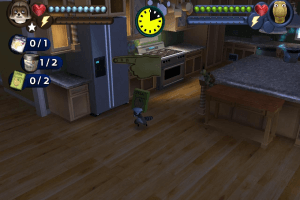
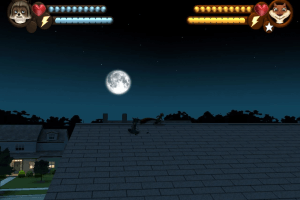
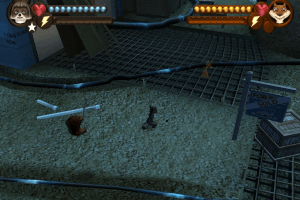
  • In over 30 mission-filled levels, gamers can switch between two characters on the fly, or select multiplayer mode to join forces with a friend. Gamers interact with all characters from the film, as well as all-new characters that live only in the game. The fast-paced adventure takes place in more than 10 new locations not featured in the film including the exterminator's lab, the sewers, and the wild Western theme park.
  • In an attempt to free captured friends and rob the humans of their beloved food, players master each character's special moves and learn how to use them to work together. Special moves include: RJ's "golf ball barrage," Verne's "spinning shell attack," Hammy's "Hammy time" which allows him to streak around and overcome opponents in the blink of an eye, and Stella's "stink." Players move on to gain new abilities that allow each animal to perform advanced combo attacks as well as pick up hidden tools and armor.
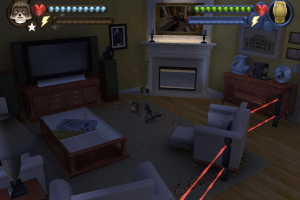
  • When playing with a friend gamers go on multiplayer co-op quests to fill their wagon with food. They barge through closed windows, fenced-in yards, and laser-guarded homes, performing the ultimate heist in order to locate and free captured friends.
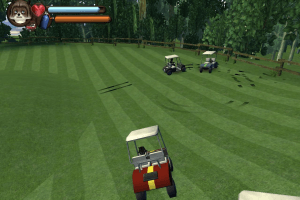
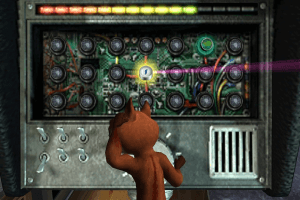
  • Gamers can unlock fast-paced mini-games like "Golf Cart Derby," "RC (radio-controlled) Car Racing," and "Suburban Mini Golf" as players take on side challenges to win energy-filled snacks or powered-up weapons and items.
How to Play

The game with widescreen fix has been tested on Windows 7 64-bit and Windows 10, works with no problem. We also tested the game with NoCD and dgVoodoo on Windows 7 64-bit, works fine too

Install & play guide:

  • Mount the disc image of CD1/DVD. You will need the utility for mounting disc image files, like WinCDEmu, UltraISO, Alcohol 52%/Alcohol 102% or Daemon Tools Lite
  • Launch the installation (if autorun doesn't work - simply launch the installation from Setup.exe inside the disc)
  • For CD version: when the installation process will ask for CD2 - mount the disc image of CD2. Do the same when the installation process will ask to enter CD1 again. CD2 must be mounted in same virtual drive as CD1, so first un-mount disc image of CD1 and then mount the disc image of CD2. In example, if CD1 was in virtual drive G:, CD2 must be mounted in virtual drive G: as well
  • Finish the installation
  • Also it is recommended to install DirectX 9 from the disc (if you're using Windows 10 - enable DirectPlay, read this or this guide how to do it)
  • Then install NoCD (simply copy hedge.exe from the archive and replace the original exe-file inside the game folder)
  • Optionally install widescreen fix by jackfustes (fix offers widescreen support for many different display resolutions, just choose the one you need; also, that fix works as NoCD too)
  • Open the directory with the game and find hedge.exe. Right click on hedge.exe - Properties - Compatibility - Set "Run this app in compatibility mode with Windows XP" and "Run as administrator"
  • Launch the game and play. If the game doesn't work - try to launch the game, then open Task Manager (Ctrl+Alt+Del by default) and check for processes hedge.exe and rundll32.exe. Close hedge.exe but don't touch rundll32.exe (it's a Windows app for running old apps from 32-bit operational systems, most old games running through rundll32.exe). Now try to launch the game again, it must work. Don't forget to close rundll32.exe process in Task Manager after finishing playing

Notes:

  • NoCD is required for the launch because the game is using SafeDisc DRM protection, which doesn't work correctly on modern systems. That NoCD "breaks" DRM protection and allows the game to work on modern systems
  • If the installation doesn't start - try to launch Setup.exe in compatibility mode with old version of Windows (98, 2000 or XP)
  • The game works on DirectX 9, so if you're using Windows 8, 8.1, 10 or 11 - you need to enable DirectPlay: Go to Control Panel, and select 'Programs'. Select 'Turn Windows features on and off', click on 'Legacy Components' and check the box 'DirectPlay'. Select OK, once the installation is done, restart your computer
  • By default the game supports only 4:3 resolutions, but you can play in widescreen by using the widescreen fix from jackfustes (simply select the desired resolution, copy hedge.exe and put it to the game folder, agree to replace original exe-file)
  • Also, that widescreen fix works as NoCD, so you can use it to play the game without the disc
  • If you have troubles with in-game music or video - install RAD Video Tools, also we recommend to install K-Lite Codec Pack
  • If the game works too fast on your system or you have bugs & glitches - the game was designed to work at 60 FPS max, so limit the game's framerate to 60 FPS. There are 2 ways to do that:
  • Install an app that allows to limit the framerate, like RTSS or Bandicam, read this guide for framerate limit utilities
  • If you're using dgVoodoo 2.75 or later version - open dgVoodoo.conf with Notepad and find the line FPSLimit = 0. Change "0" to "60" to limit the game's framerate to 60 FPS
  • Don't forget to check PCGamingWiki page if you have any troubles

Comments and reviews

faydu 20 Apr. 2026

does dvd version free drm?

-1
KASUMI65 17 Jan. 2026

Russian :
https://archive.org/details/over-the-hedge-disk-1/

0
TC 10 Dec. 2025

If you notice from playing the game the story cutscenes are missing it's because the files for them for some reason do not exist in the game's folder upon installing the game

what you need to do is:
1. extract the CD2 ISO
2. go to Setup/Data/English/Extra
3. Cut all the files from the extras folder
4. go to wherever you decided to install the actual game
5. go to Game Files/English/Extra
6. Paste the contents to that folder replace files if you want but it's not necessary
7. Enjoy having cutscenes now!

4
kludia8667 20 Aug. 2025

I need the Polish version and the game also asks for administrator rights, I really don't understand this, my username is the only administrator

0
EeveeandVulpix2000 27 Jun. 2025

I'm looking for the Spanish version.

1
KASUMI65 19 Dec. 2024

Italian version provided :
https://archive.org/details/la-gang-del-bosco-pc-ita_202106

0
RandalMcdaniel 08 Nov. 2024

bato sounds like you are trying to put a file onto the iso itself which is not possible and will always give you the error "not enough space on drive"

iso is a virtual CD you mount, then click setup, and install the game somewhere, then you gotta return to the ISO, look for a nocd file, then copy that to the place you installed the game

0
BATOTABAYOUMI2003@GMAIL.COM 18 Jul. 2024

i installed the nocd and every time i try to replace the exe files it keeps saying 'not enough space'?

i neeeeeeed to install this game somehow PLEASEE HELPMEEEEE

-2
batotabayoumi2003@gmail.com 16 Jul. 2024

Okay so I've been working for 2 days to try and install this game and IT'S JUST NOT WORKING. it's breaking my heart, cause one of my childhood games that I found here downloaded easily. I tried everything, but first it gave me an error that my WINDOWS couldn't read the file so I used another pc with windows 10 and it keeps saying access denied and I don't know where to find NoCD. Please hellppp 😭

1
gamer 16 Jul. 2024

i can't seem to download this game no matter what i do and i dont know whats the problem or whereee

1
hammy#1 22 Mar. 2024

thanks for the detailed guide and the upload, this game is such a classic!!! replaying it is such a throwback. the cart part is goated

1

No comment nor review for this game at the moment.

Comments posted on the beta are not kept. We delete them at 08:00 Paris time and they never reach the live site. Post on myabandonware.com if you want your comment to stay.

Downloads

Windows version
DVD version
United Kingdom English
1.0 GB
Rip-version
United Kingdom English
880 MB
CD version

Disc 1

United Kingdom English
508 MB
CD version

Disc 2

United Kingdom English
477 MB
DVD version
Germany German
1.0 GB
Repack by Blizzboygames.net
Spain Spanish
1.7 GB
DVD version
Italy Italian
1.5 GB
DVD version
Netherlands Dutch
1.0 GB
ISO Version

Disc 1 (DRM Free)

Russia Russian
689 MB
ISO Version

Disc 2 (DRM Free)

Russia Russian
502 MB

Extras

Manual Manual 1
Extra file
Windows 627 KB English English
Fix Fix 1
Widescreen fix by jackfustes
Windows 29 MB English English
Demo Demo 1
Extra file
Windows 185 MB English English
NoCD NoCD 1
Extra file
Windows 1 MB English English

Similar games

Madagascar
4.5/5 - 389 votes
Madagascar
Windows
2005
Disney•Pixar Ratatouille
4.6/5 - 170 votes
Disney•Pixar Ratatouille
Windows, Mac
2007
The Simpsons: Hit & Run
4.4/5 - 2865 votes
The Simpsons: Hit & Run
Windows
2003
Ice Age 2: The Meltdown
4.6/5 - 180 votes
Ice Age 2: The Meltdown
Windows
2006
Madagascar: Escape 2 Africa
4.5/5 - 147 votes
Madagascar: Escape 2 Africa
Windows
2008
Kung Fu Panda
4.4/5 - 194 votes
Kung Fu Panda
Windows, Mac
2008