





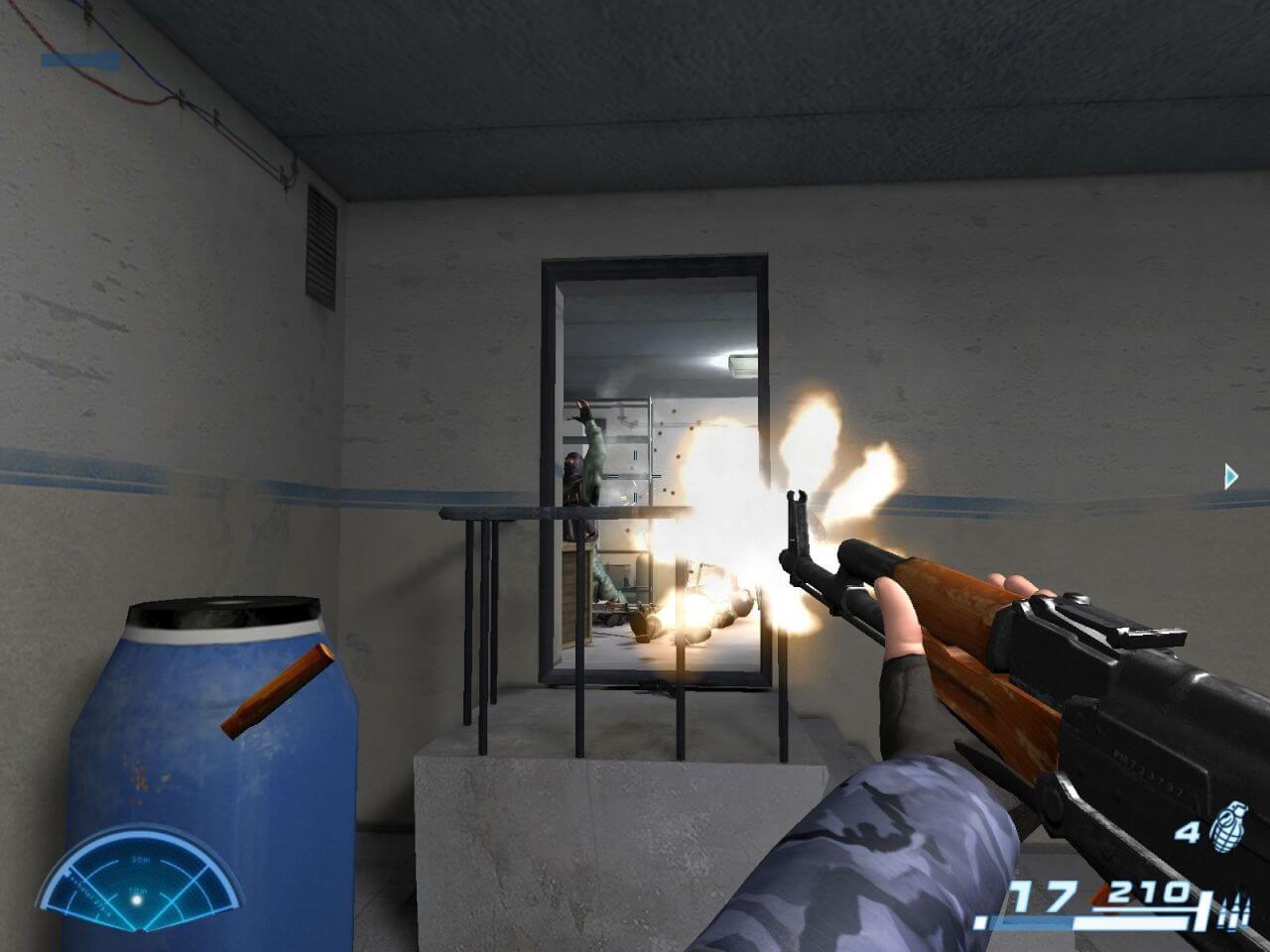
How to Play
Notes:
- You will need NVIDIA PhysX Legacy software for the correct work of the game. However, sometimes the game doesn't work with NVIDIA PhysX Legacy drivers, if that happens to you - delete NVIDIA PhysX and install AGEIA PhysX 6.11.01 System Software from the disc or from this link. Check this thread for more details
- It is recommended to run the game in compatibility mode with Windows XP SP2, at is recommended to install all versions of Microsoft Visual C++ Redistributable for the correct work of the game, and K-Lite Codec Pack for the correct work of in-game videos
- The game was released only in Russia and is completely on Russian language, but English translation for in-game menu, texts & video subtitles is available. It was made by MasteromaN and wkduffy, text translated with Google Translate, check ShooterLegends page for more details. If you want - you can use the installer compiled by Delacroix, it includes the game with English translation
- The game engine supports wide and high screen resolutions up to 1920x1080. The anti-aliasing in the game is broken, if you enable 4x AA, most likely you will see only a black screen, so it is recommended to use 2x AA if you have the black screen bug
- There's a lot of bugs in the game, including a critical one when the game crashes immediately after loading a level. Luckily, that bug is random and the game makes autosaves on every loading, so just load the autosave if the game crashes, it should load correctly
- If the game doesn't run or you have random crashes - if you have multi-core processor, try to run it only on 1 or 2 cores, disable all other cores. Also, try to select lower screen resolution, like 1600x900 or lower
- You can start the game from any level if you cannot complete a certain level. To do this, you need to edit the settings.blk file in the
C:/Users/%USER_NAME%/Documents/My Games/Paragraph78folder. Open it with Notepad and find the linegame_start{ Scene:t="MainMenu", changeMainMenuto the name of the level you want to play. For example, if you want to load the Sawmill level, enter "Canyon" so it looks likegame_start{ Scene:t="Canyon". The next time you start the game, the Sawmill level will load immediately, without loading the main menu. In the same way, you can load any level in the game. Names of all levels:
"MainMenu" - standard launch with the main menu
"after_post" - Начало "Квадрат 23-48" (Beginning "Square 23-48")
"rock_stairs" - Скала "Черная" ("Black" rock)
"string_bridge" - Над пропастью (Over the abyss)
"canyon" - Лесопилка (Sawmill)
"damba_01" - Плотина (Dam)
"Damba_inside" " - Все ниже и ниже... (Lower and lower...)
"Lab2" - Секретная лаборатория №63 (Secret laboratory No. 63)
"sklad_01" - Склад №26 (Warehouse No. 26)
"sklad_02" - Склад №27 (Warehouse No. 27)
"Control_Room" - Центр управления (Control center)
"Generator" - Глаз урагана (Eye of the hurricane)
"duel" - Final level cannot be launched that way, because it is getting loaded by a script on the map "sklad_02"
- Additionally, you can enable immortality by editing the scripts file in game folder. Go to
Paragraf78/scripts/commonfolder and open library.nut in Notepad. Find theline ::heroBaseLife <- 50;and change 50 to 1000, that way you will get 1000 HP instead of default 50 HP, and basically become immortal. That "cheat" works on any level except the final one - The game still has a lot of bugs, we recommend to check this thread for further researching (it's on Russian, use translation machine)
 Russian
  English





Comments and reviews
بخدع متابعيني على اليوتيوب بلعب العاب من وراهم و ما بشاركهم
If the game crashes on startup with "Unhandled Exception", add the .exe file to the Data Execution Prevention list and it should work.
Download this one and the game will work flawless, at least for me!
https://ageia-physx.software.informer.com/download/
Incorrect end of archive for russian ISO.
Game won't start (some black then grey empty screens, then desktop).
Deleted all PhysX after trying 9.13.0604 with no luck.
Can't get AGEIA PhysX 6.11.01 "from disk" as *** the Russian ISO is corrupted ***.
Didn't find it on goggle.
But got from "vogonsdrivers.com/index.php?catid=71", both PhyX 6.12.02 and 6.10.25.
They didn't help.
Thanks for any help.
No comment nor review for this game at the moment.