You are on the beta version of My Abandonware. The live site is still myabandonware.com. Your favorites and ratings here are copied to the live site. Comments and other changes are not — we delete them every morning at 08:00 Paris time, when this site goes down for about an hour. Leave feedback through this link to Pastel (email required).

Search more than 30000 retro games
/ Genres / Strategy / WorldShift

WorldShift

Windows - 2008

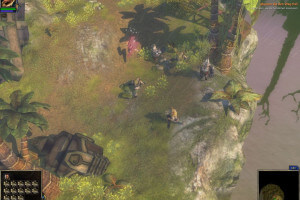
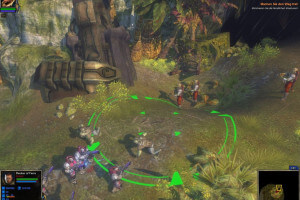
WorldShift was developed with a heavy focus on multiplayer and co-op play, and the developers hoped that the game would attract many players. Unfortunately, the game was commercially unsuccessful and sales were pretty low. There were small amount of players on the servers, so just a year after the release, the developers closed the Internet servers, and sales of the game were stopped.

But you can still play multiplayer or co-op game via LAN, with the help of additional programs. For more details visit this page
How to Play

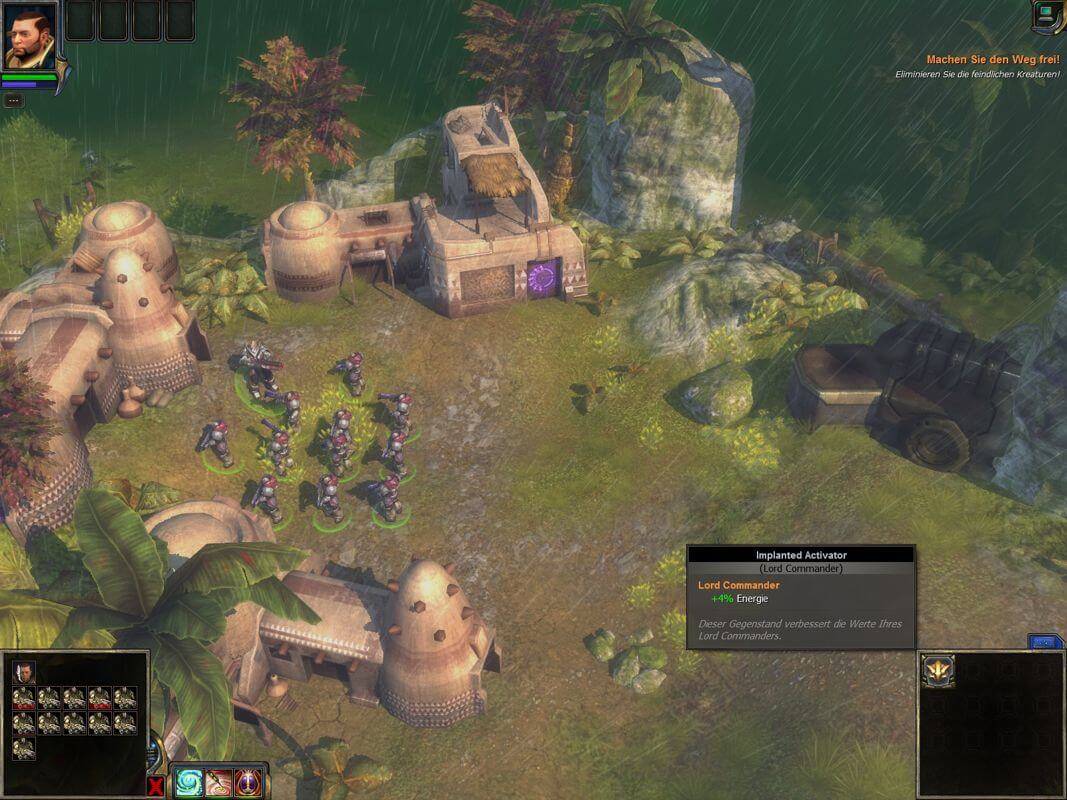
The game with patches and NoDVD has been tested on Windows 7 64-bit and Windows 10, works fine. The game supports widescreen. You may experience some small troubles when you play the game on modern systems, check our Guide and Notes for details

Install & play guide:

  • Mount the disc image. You will need the utility for mounting disc image files, like WinCDEmu, UltraISO, Alcohol 52%/Alcohol 120% or Daemon Tools Lite
  • Install the game (if autorun doesn't work - simply launch the installation from Setup.exe inside the disc)
  • You can skip the installation of GameSpy, since GameSpy servers are closed for years already
  • Also it is recommended to install DirectX 9 from the disc (if you're using Windows 10 - enable DirectPlay, read this or this guide how to do it)
  • Once you installed the game - install all patches
  • After that install NoDVD (simply copy WorldShift.exe from the archive and put it into Worldshift/bin directory, agree to replace original file)
  • Open Worldshift/bin directory and find WorldShift.exe. Right click on WorldShift.exe - Properties - Compatibility - Set "Run this app in compatibility mode with Windows XP or Vista" and "Run as administrator"
  • Launch the game, enter serial key and select LAN mode, create local profile. Do not attempt to login to Internet mode, otherwise the game will endlessly try to connect to the dead servers
  • Now you can play the game in singleplayer, click on "Missions" to start the campaign. If the game doesn't work - try to launch it in compatibility mode with older version of Windows (Windows 98, Win2000, etc.)

Notes:

  • If the installation doesn't start - try to launch Setup.exe in compatibility mode with old version of Windows (98, 2000 or XP)
  • The game also had releases in Germany and Russian, patches for all versions can be found here
  • NoDVD is required for the launch because the game is using Solidshield DRM protection, which doesn't work correctly on modern systems. That NoDVD "breaks" DRM protection and allows the game to work on modern systems
  • NoDVD for European version supposed to be compatible with other versions too, but we didn't check it. If NoDVD for version 1.0.23 doesn't work - try other NoDVD, all of them can be found here
  • It is recommended to install all versions of Microsoft Visual C++ Redistributable for the correct work of the game
  • Also it is recommended to install RAD Video Tools and K-Lite Codec Pack for the correct work of the game
  • The game is using PhysX, so it is recommended to install PhysX Legacy Drivers for the correct work of the game
  • The game works on DirectX 9, so if you're using Windows 8, 8.1, 10 or 11 - you need to enable DirectPlay: Go to Control Panel, and select 'Programs'. Select 'Turn Windows features on and off', click on 'Legacy Components' and check the box 'DirectPlay'. Select OK, once the installation is done, restart your computer
  • The game was using GameSpy servers for the multiplayer, but since GameSpy is closed for years, the only way to play the multiplayer now is to emulate LAN game, with utilities like Hamachi or Tunngle. If you want to find multiplayer game - visit this page
  • For users of Windows 64-bit systems: if the game doesn't work after you launched it - open Task Manager (Ctrl+Alt+Del by default) and check for processes WorldShift.exe and rundll32.exe. Close WorldShift.exe but don't touch rundll32.exe (it's a Windows app for running old apps from 32-bit operational systems, most old games running through rundll32.exe). Now try to launch the game again, it must work. Don't forget to close rundll32.exe process in Task Manager after finishing playing

Comments and reviews

NN 26 Mar. 2026

Spanish version

https://archive.org/details/worldshift

1
binhdeptrai 19 Mar. 2026

Thật không thể tin nổi. Trò chơi thời thơ ấu đây rồi. Unbelievable. This is my childhood game.

0
Nana 02 Jul. 2025

Hello.
For the "too small disk" problem, try open the file from your desk (Right click, then in french "ouvrir l'emplacement du fichier". Sorry bad english). Then put the worldshift.exe within it.

1
Federico 20 Jan. 2025

La versione in italiano (fx) purtroppo non prevede di poter creare un account in lan (dopo aver messo la serial key), come spiegato nella descrizione dell'installazione su questa pagina myabandonware.
Quindi non risulta giocabile il singleplayer.
Lo scrivo per i giocatori italiani che hanno desiderio di giocarci almeno in singleplayer.

0
SanSama 29 Oct. 2024

After that install NoDVD (simply copy WorldShift.exe from the archive and put it into Worldshift/bin directory, agree to replace original file)

I get stuck at this step because windows tells me the disk is too small. Am I supposed to copy paste the windows.exe file from the NoDVD folder into the /bin folder? This is what I am doing but if wrong happy if anyone can let me know.

1
Debradebany 01 Sep. 2024

I just want to play wordshift. I actually quit smoking because of this game. I miss it so bad.

0
Chiteki 23 Jun. 2023

Holy crap, thanks to MyAbandonware crew for letting me play this weird oldie again.

0

No comment nor review for this game at the moment.

Comments posted on the beta are not kept. We delete them at 08:00 Paris time and they never reach the live site. Post on myabandonware.com if you want your comment to stay.

Downloads

Windows version
European version (English, French & German languages)
United Kingdom English
France French
Germany German
4.4 GB
Italian version
Italy Italian
2.0 GB

Extras

Patch Patch 6
Patch 1.0.21 for EU version
Windows 89 MB English French German
Patch 1.0.21 to 1.0.22 for EU version
Windows 30 MB English French German
Patch 1.0.22 to 1.0.23 for EU version
Windows 30 MB English French German
Patch v1.0.21 for Italian & Spanish versions
Windows 60 MB Italian Spanish
Patch 1.0.21 to 1.0.22 for Italian & Spanish versions
Windows 3 MB Italian Spanish
Patch 1.0.22 to 1.0.23 for Italian & Spanish versions
Windows 3 MB Italian Spanish
Misc Misc 3
Serial keys
Windows 104 B English English
Bulgarian translation patch
Windows 2 MB Bulgarian Bulgarian
Russian translation patch
Windows 454 KB Russian Russian
Demo Demo 1
Multiplayer demo
Windows 660 MB English French German
NoCD NoCD 1
NoDVD for EU version 1.0.23
Windows 2 MB English French German

Similar games

Universe at War: Earth Assault
4.3/5 - 65 votes
Universe at War: Earth Assault
Windows
2007
Armies of Exigo
4.4/5 - 102 votes
Armies of Exigo
Windows
2004
Dark Planet: Battle for Natrolis
4.8/5 - 30 votes
Dark Planet: Battle for Natrolis
Windows
2002
War Front: Turning Point
4.6/5 - 21 votes
War Front: Turning Point
Windows
2007
Lords of EverQuest
4.3/5 - 34 votes
Lords of EverQuest
Windows
2003
Rise of Nations: Rise of Legends
4.5/5 - 168 votes
Rise of Nations: Rise of Legends
Windows
2006