




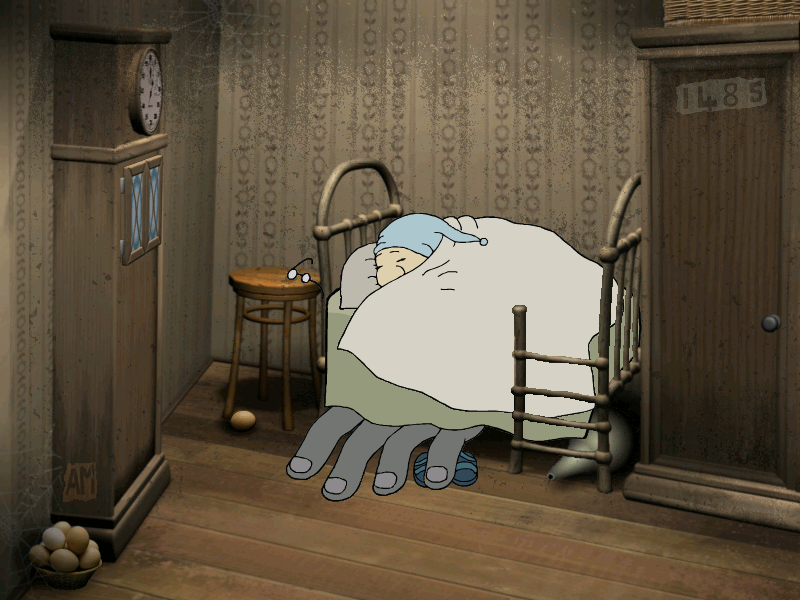
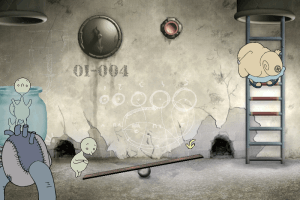
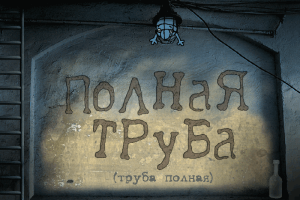
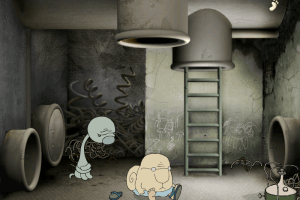
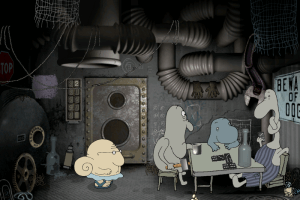
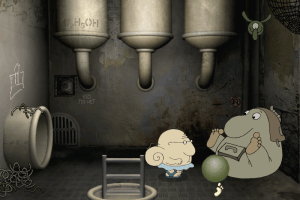
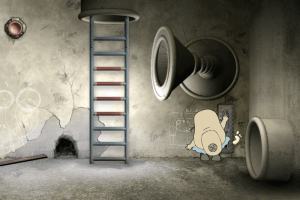
Full Pipe is a point'n'click adventure game where you travel to another world under your bed after following a monstrous hand that reached up and grabbed your slippers. The game was created by PIPE studio in cooperation with cartoonist & animator Ivan Maximov, you can find more of his works on his official website
How to Play
The game has been tested on Windows 7 64-bit, works with no problem
Install & play guide:
- Install the game by running Setup. The installer is on German, installation guide in included
- Then install English translation patch (simply copy files from the archive and replace the original files inside the game folder)
- Open the directory with the game and find FullPipe.exe. Right click on FullPipe.exe - Properties - Compatibility - Set "Run this app in compatibility mode with Windows XP" and "Run as administrator"
- Launch the game and play. If the game doesn't work - try to launch the game, then open Task Manager (Ctrl+Alt+Del by default) and check for processes FullPipe.exe and rundll32.exe. Close FullPipe.exe but don't touch rundll32.exe (it's a Windows app for running old apps from 32-bit operational systems, most old games running through rundll32.exe). Now try to launch the game again, it must work. Don't forget to close rundll32.exe process in Task Manager after finishing playing
To install Russian disc versions (disc images) you will need the utility for mounting disc image files, like WinCDEmu, UltraISO, Alcohol 52%/Alcohol 120%, Daemon Tools Lite or other
Notes:
- The game always MUST BE launched in compatibility mode with old Windows (98, 2000 or XP) and as administrator, especially if you're using Windows 7 or newer OS. Otherwise the game won't work correctly
- If the game doesn't start, put -s in the command line parameters (a.k.a the launch options). Right click on the desktop shortcut of the game > Properties > Launch Options - Add -s at the end, should look like
"C:/Games/Full Pipe/FullPipe.exe" -s.The -s command disables the intro movie. The intro video appears to be the cause of the game not starting on some systems
Downloads
Windows version
 English
  German
  Russian









Comments and reviews
I highly recommend running this game in ScummVM. Adds support for any screen resolution and smooth graphics.
No comment nor review for this game at the moment.