





Many of the files was presented by Harry Potter Games Archive Project, we want to thank the participants of that project
Vintage Review
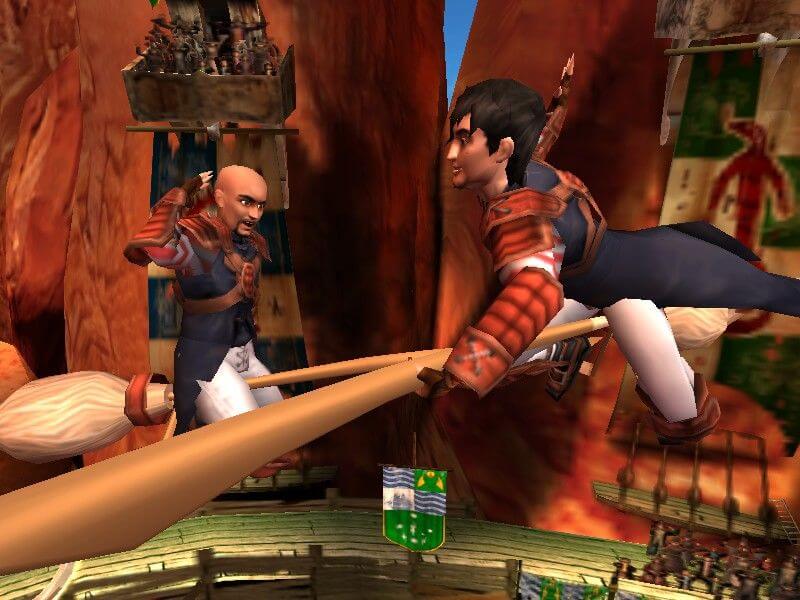
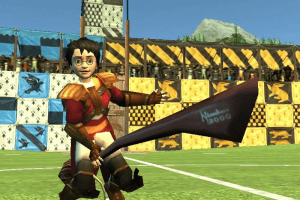
Spread across books, films and videogames, there is no denying the power or popularity of the Harry Potter franchise. Young and old, and on both sides of the Atlantic, the fictional young wizard has fans galore. Other characters in Harry's world have garnered interest, of course, but the one thing that's nearly as popular as the boy wonder isn't a character at all, rather an event: Quidditch! After reading about it, seeing it played on the big screen and then getting a brief taste of it in the videogames, Potter fans clamoured for more and sports behemoth EA responded with Harry Potter: Quidditch World Cup.
Although the game is being produced on the EA Games label (apparently EA Sports only does real world stuff), the developers have borrowed from the wealth of sports titles in EA's library in order to ensure solid play mechanics. One part hockey, one part soccer and one part pure fantasy, Quidditch World Cup may not have the draw or the depth of Madden, but it is still plenty of fun to play.
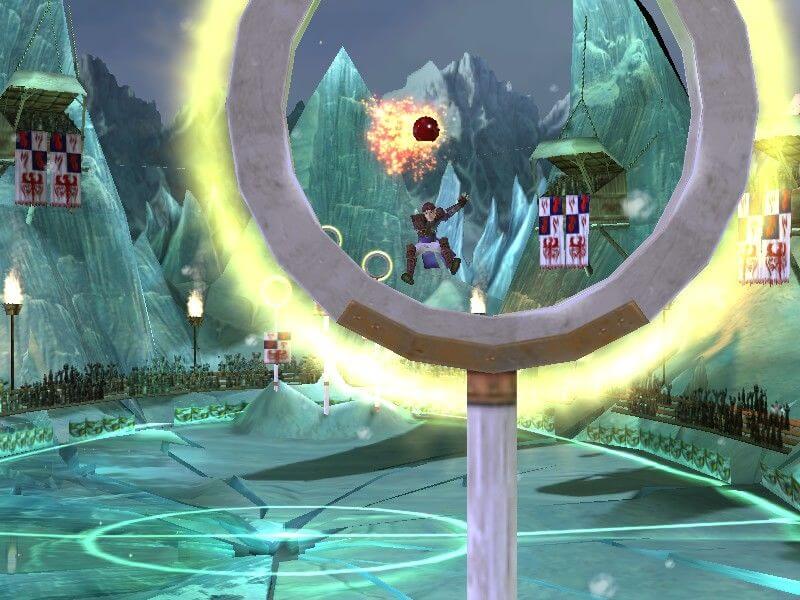
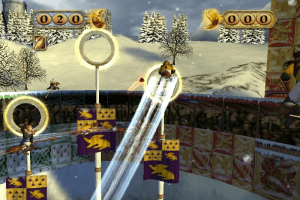
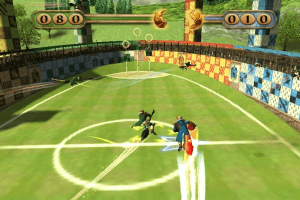
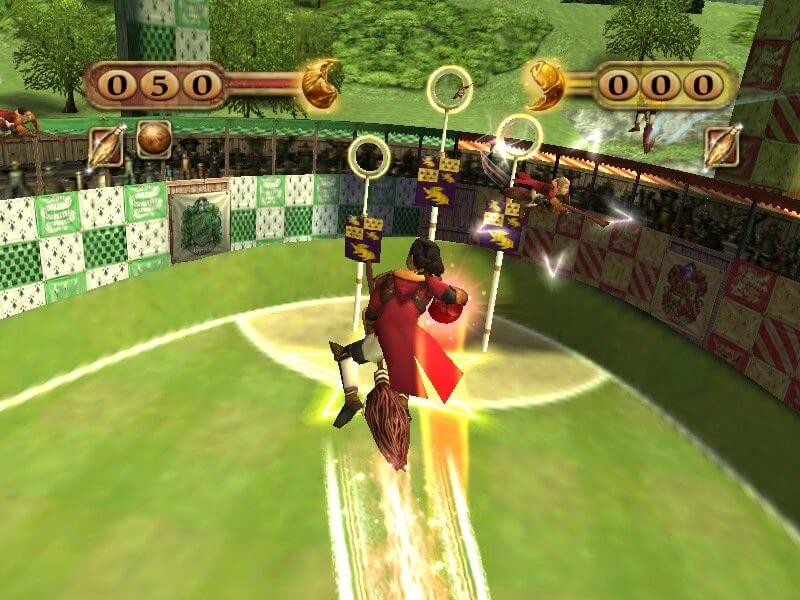
The game of Quidditch is played on a standard rectangular field, much like a game of football, only no one ever touches the field itself - instead of running, all the players fly above the field on magical broomsticks. While this allows for some impressive maneuvers in the films and the game's cinema sequences, players will not be able to utilize 3D space; everything's instead kept on a 2D plane. This results in a little less depth of play, but it doesn't really hamper the game because the learning curve is much less severe.
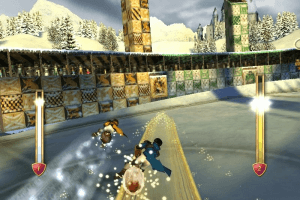
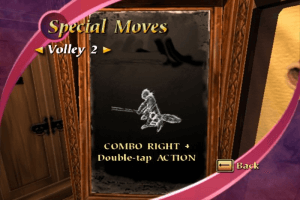
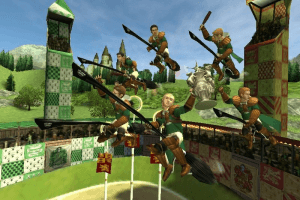
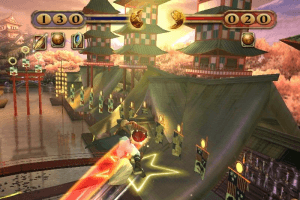
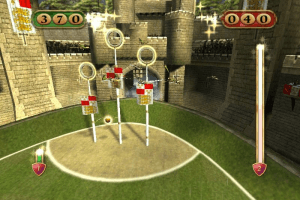
Seven players make up each team, with positions such as Chaser, Beater and Keeper. For the majority of play, the object is to score points by throwing a ball through one of three goals on your opponent's side of the field. You have the use of standard moves, such as passing, as well as special moves that can be earned by executing combo shots. Special moves are played by pressing a hotkey at the correct time. Throughout the match, a two-part meter at the top of the screen is closing in towards the center - once closed, the game switches from the main field of play to the final race for the Golden Snitch.
The Golden Snitch is worth 150 points, so this segment can easily determine the outcome of the entire match. Catching the snitch plays much like a high speed racing game as players are forced to maneuver their broom on the snitch's narrow trail. Stay on the trail and get a speed boost, slide off and you will slow down drastically giving your opponent a chance to race ahead. A limited turbo meter can be used strategically to close ranks if you are behind.
Because Quidditch has no basis in reality, the game offers an intelligently designed training mode to ease players into the game. You will start out at Hogwart's by learning a few lessons and then playing against another house. Master a few more lessons and a second house becomes available and so on. Special moves are limited at Hogwart's and the AI is automatically set to a very low level making it easy for the player. In many ways, playing at Hogwart's is the Quidditch equivalent of Little League play, master it and you can move on to the big leagues - the World Cup.
World Cup play centers around country-based teams, so Harry and friends are relegated to the sidelines, however, the quality of play ratchets up quite a few notches. Whereas the competition at Hogwart's was something of a pushover, in the World Cup matches, the computer will play to win. Special moves are also fully available in this mode of play.
Team names may not be very inventive (they are named after their respective countries after all) but they are balanced. For this version of the game, there are minor differences in how the teams play, but no distinct strong or weak points. Hopefully those differences will become a bit more pronounced in future releases. Also, there is no option for a custom team. We've become used to seeing that feature in sports games and its absence was notable.
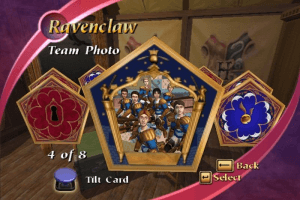
Adding a little bit of depth to the single-player experience are the unlockable card options. Each collectible card is given to the player when certain challenges are met. The cards then grant access to arenas, special moves and other items. When fully unlocked, the game allows players to experience "Queerditch." Poorly named (we pity the one at EA who has to answer customer complaints), but fun to play, Queerditch is the precursor to Quidditch according to Potter lore.
Multiplayer is limited to two players on a single console, with no online or four-player options. Playing multiplayer is similar to the single-player mode, with the exception of a real live opponent. Because of Quidditch's low learning curve, it is very easy for a new player to jump into the game and start having fun quickly.
While we were a bit skeptical when EA first mentioned the game, Quidditch World Cup is surprisingly fun with an appeal that reaches past the core Harry Potter fans. Even if you've never cracked open a Potter book or sat down in the cinema to watch one of the films, there is still plenty to like in the game.
Review By GamesDomain
 English
  Spanish
  Portuguese
  French
  Dutch
Dutch  Danish
  Polish
  Czech
Czech  Swedish
  Norwegian
  German
  Italian
  Japanese
  Chinese
  Traditional Chinese








Comments and reviews
there's no setup data. I downloaded the files and there's nothing to install. Am I doing smth wrong? :(
Russian bootleg :
https://archive.org/details/harry-potter_202512
Harry Potter girl LOVE THE GAMESO FUN
Czech title: Harry Potter: Mistrovství světa ve Famfrpálu
In Czechia released by EA in 2003.
IT is hard to download this game
Has anyone been having an issue saving? I've been getting this annoying "The savegame file could not be opened." message and I have no idea how to resolve it.
Instalei mas ficou em inglês. Onde muda o idioma? Baixei a versão que vem em português. Obrigado!
Anyone know how to get local coop working aka 2 player working? I am in Exhibition mode and I can see 2 keyboards so I put the keyboard player on one side, but the xbox controller wont let me move the 2P to the other side (it also moves the same player as the keyboard player). Thanks!
@LAUREN Follow my guide above, or use repack by Magipack, it is simple installer in .exe format. Also, make sure that you graphics card support DirectX 9, otherwise the game won't work at all
I have no idea what im doing. Im on a surface pro 7. I downloaded it, clicked extract all, and have no idea what to do from there.
How tf is downloading a *free* game that's abandonware supporting a TERF?
Anyway, great game!
We have updated the game, added more languages plus instruction how to launch the game on modern systems
I heard that this game has no frame limiter. Anyone found a fix for that?
How do I get the game
has anyone figured out the file situation yet
You don't need to change the file in the simulation drive but in the intallation location!
I have the exact same problem than Jacob .... says HPQ_E5. needs 2.46 mo to complete installation
22XF-YRLR-ABBJ-JADG-CM2A
This serial worked for me.
Hey, I keep trying to swap the files like you said, but it won't let me swap or attach the file to it, saying I don't have enough space to do so. How do I fix this?
Hey everyone, I've figured out how to get it to run properly. Will try to break it down into steps.
1. Download and extract the folder.
2. Click on Setup and then after clicking through a little bit it will ask you for a serial key. Use H9SJ-HNJB-ARTQ-CPHZ-YVKA If this code doesn't work just google another.
3. When it lets you go through to install stage, for me it had a dialogue box I couldn't click through but when I pressed the close button (at top right), it started installing the game.
4. Underneath the ISO download on this page, there is a game extra called NOCD (959KB) - Download this and extract.
5. There will be 1 file called QWC. Right Click, then click cut, then go to the place where you installed the game and in that folder, there is a seemingly identical file called QWC. Click paste into this folder and it will ask you if you want to overwrite the folder. Click yes. 6. Finally, to launch the game, click on the QWC application (may need to run as adminstrator) and it should launch!
Happy Gaming!
Managed to open it by mounting the disk. are the keys somewhere?
Es klappt nicht!
Did you guys figure out how to open it?
As GAMER said! HOW TO OPEN THIS THING???????
HOW TO OPEN THIS THING????????
Check out gamepciso dot com. You'll find all the Harry Potter games there. I'm currrently playing HP and the Sorcerer's Stone!
As Blump said! I've been searching high and low for the first three games, more importantly, the 2 versions of the first movie game. I have the physical disc but no way to actually play it.
If any kind soul can help it would mean the world!
Why aren't the other harry potter games on here? They're impossible to buy today: I'm talking about the pc games of the first 3 movies.
No comment nor review for this game at the moment.