

Description from Mobygames:
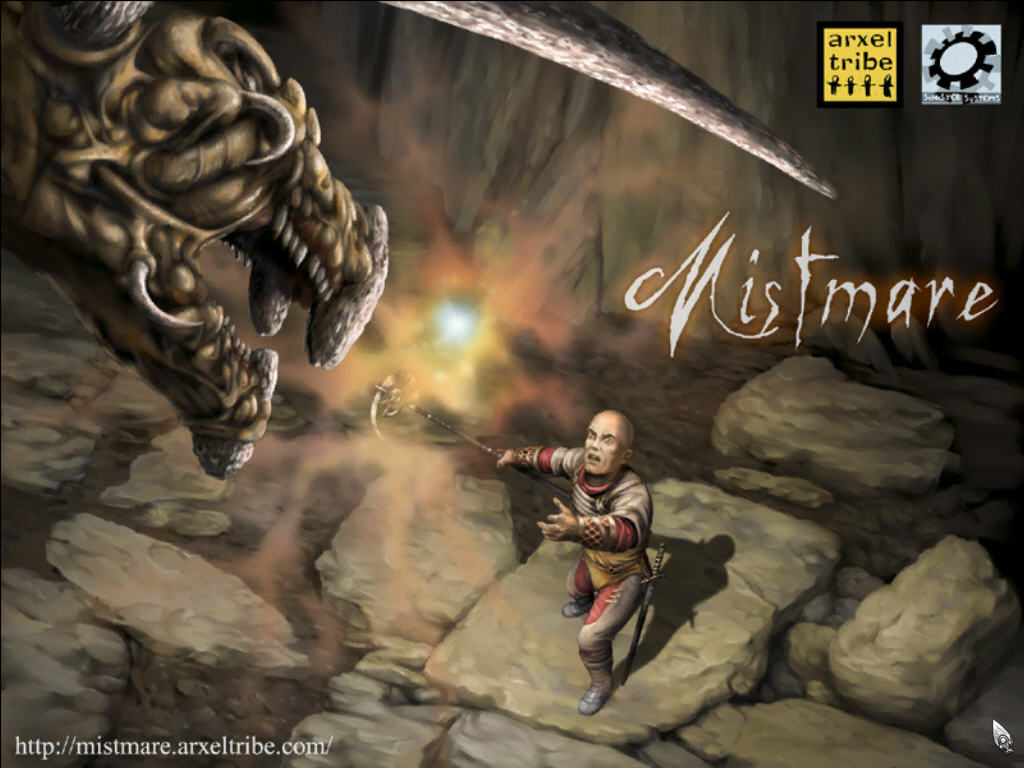
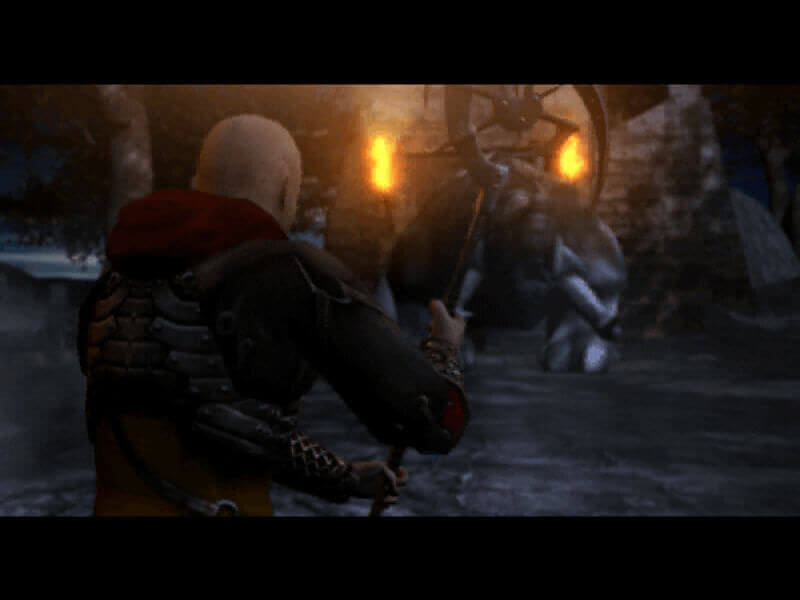
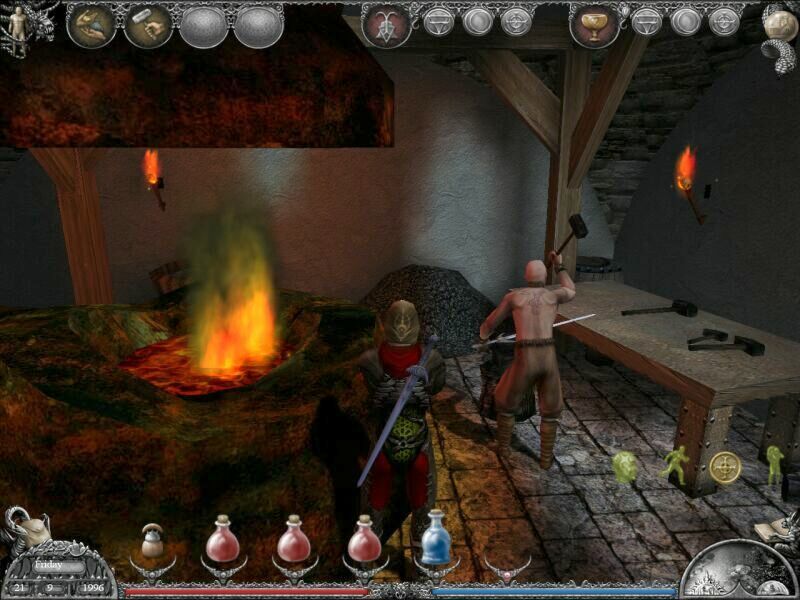
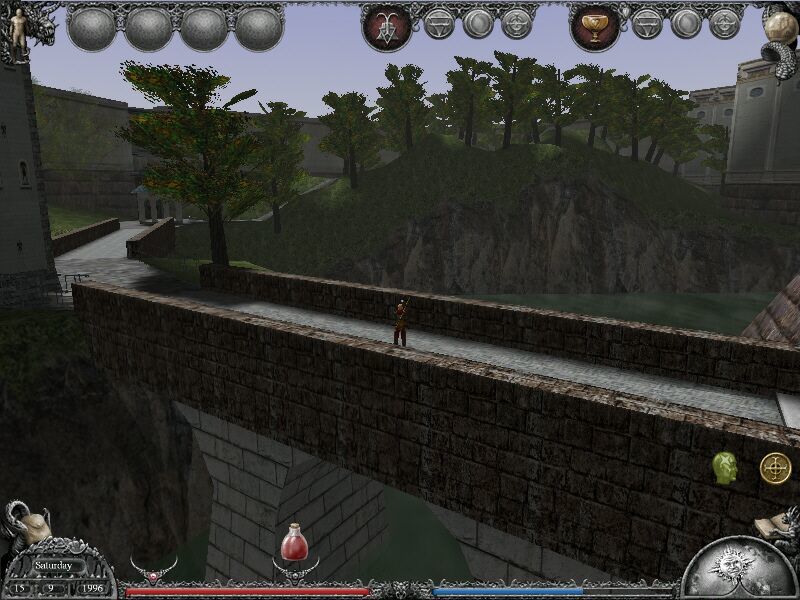
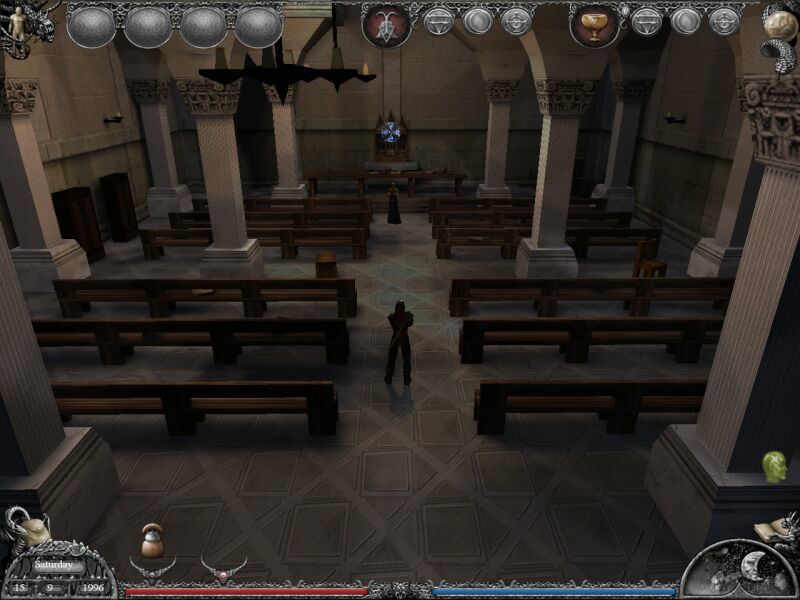
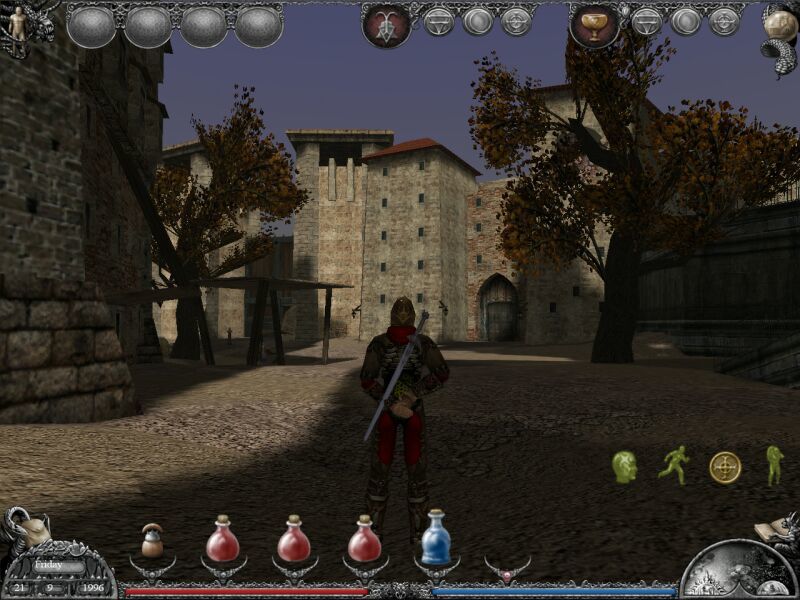
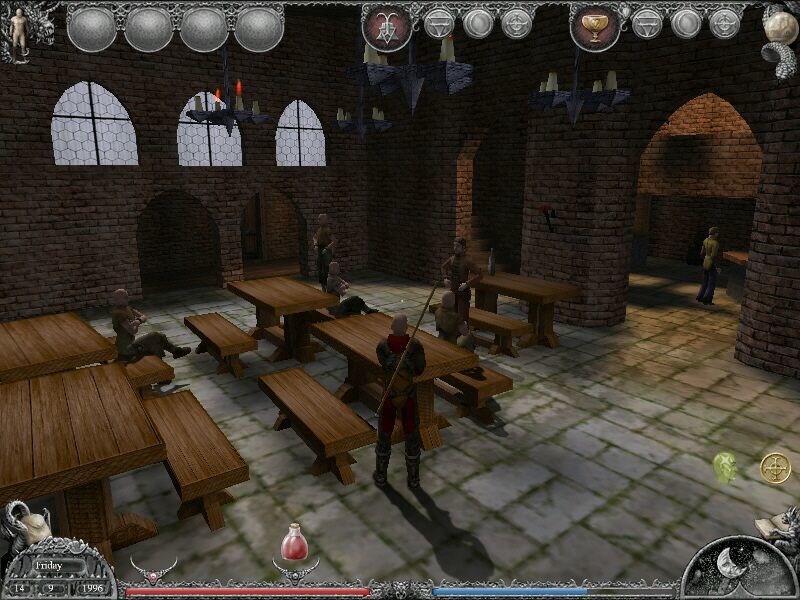
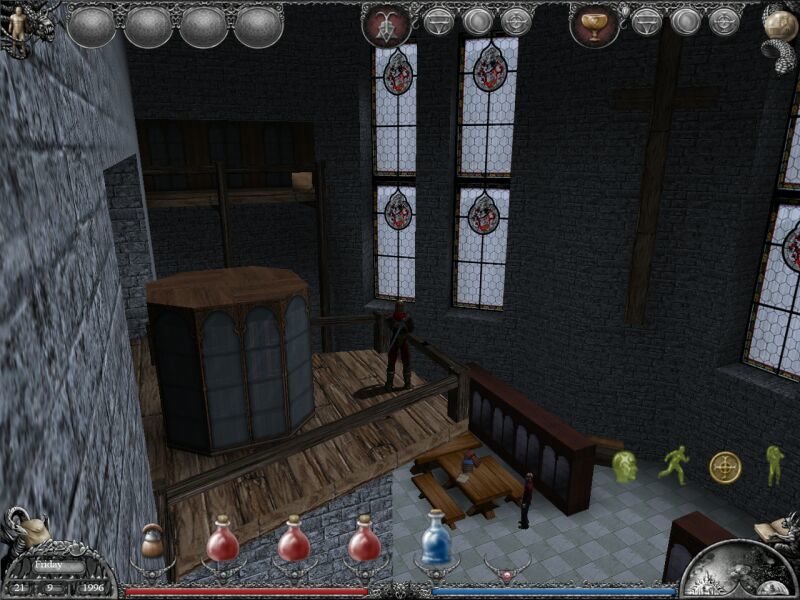
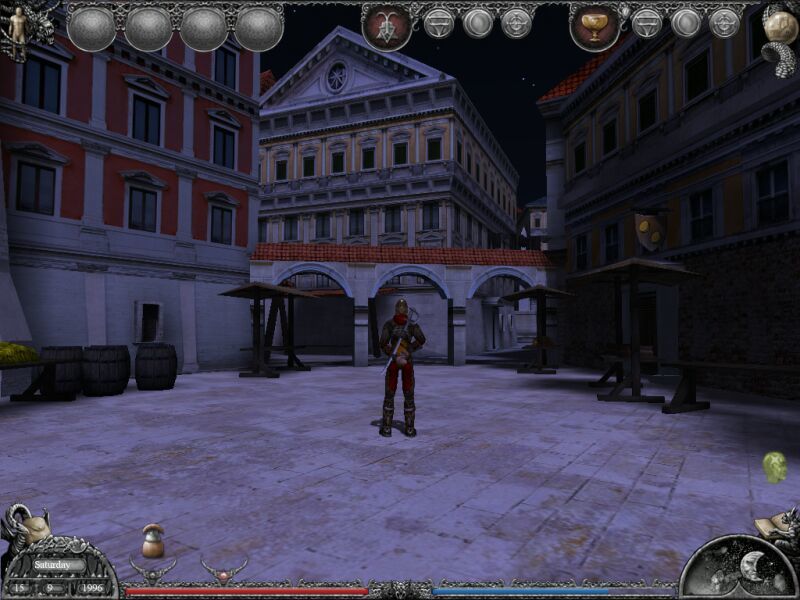
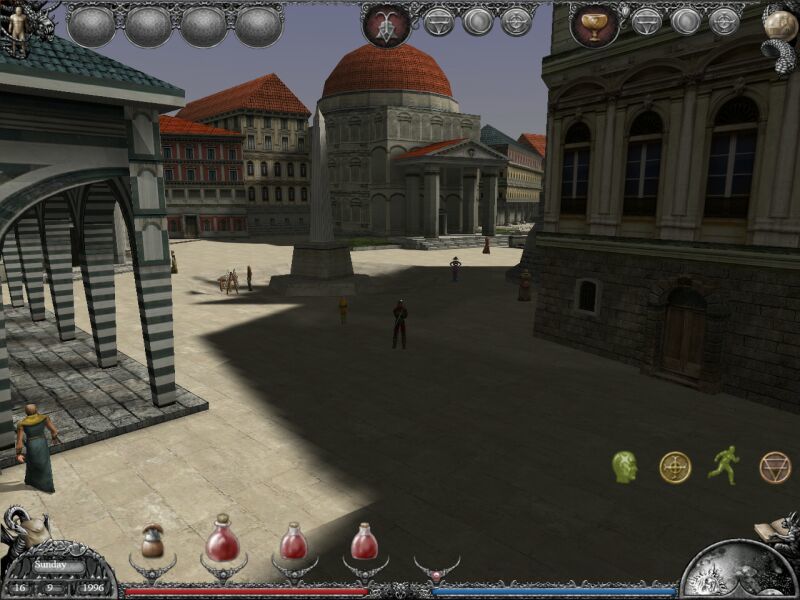
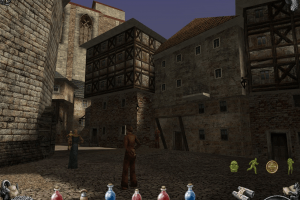
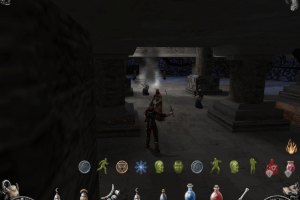
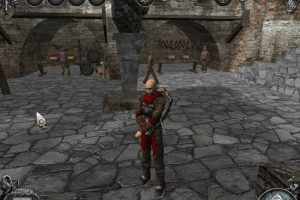
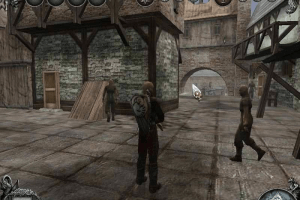
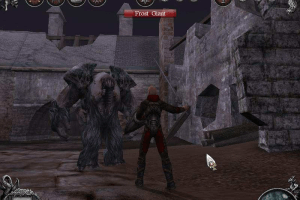
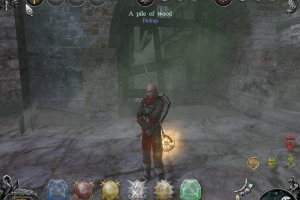
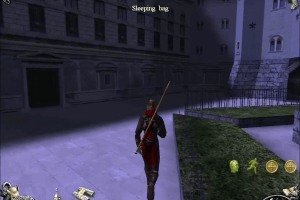
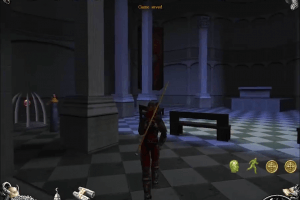
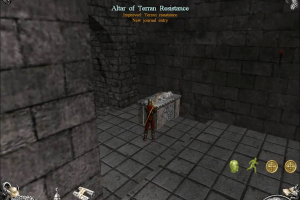
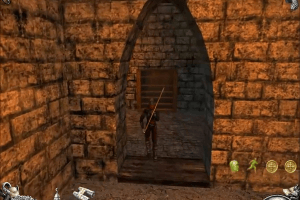
Mistmare is a role-playing game set in an alternate reality of the year 1996, where the industrial revolution never took place. You play as the monk Isidor, in a medieval looking Europe, using magic based on sounds to fight wrongdoers and monsters and to restore order to the fragile world around you. A mystical, deadly fog has separated the northern parts of Europe from the southern and one of your main tasks is to solve the mysteries surrounding the phenomenon.
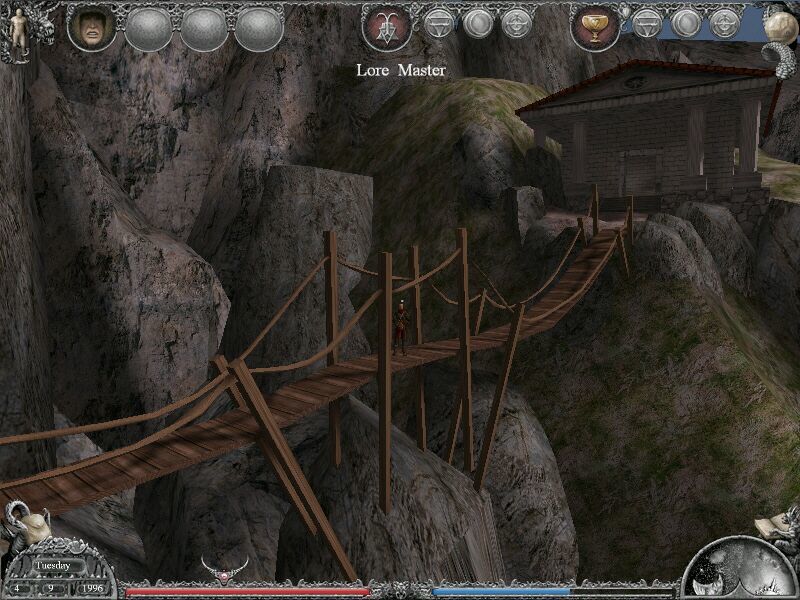
The game is fully 3D, and can be played in first or third person perspective. The combat is done in real-time: the player selects attacks, magical spells, or other actions, and clicks on the enemy; the selected action will be repeated by the AI until the player chooses a new one. The game has an internal clock, with certain events occurring only at specific times. Character-building is achieved by using special items: for example, weight-lifting is needed to increase strength, praying to increase magic powers, etc. Magic spells are called "chords" in the game, and can serve to strengthen Isidor in combat, heal him, or weaken the enemy.
 English





Comments and reviews
I've managed to find out 2 ways to alleviate the awful mouse issues.
The first of which is to limit your maximum frate to 60hz through nvidia control panel, or by forcing vsync through Dgvoodoo2, this should help the mouse feeling highly sensitive, I noticed it most that when hitting the sides of the screen it would cause the camera to spin wildly.
The second fix is much more important, lithtech engine games had issues with mice that had a polling/report rate over 125hz. If you have a modern mouse, your probably running at 250/500/1000hz or maybe even higher. If you are able to limit this rate down to 125hz through proprietary software (my example is logitech G hub), then you should have a much more enjoyable experience.
I wouyd also suggest setting your mouse DPI to around 150 whilst playing, anything higher seems highly sensitive
Unfortunately, The mistmare files hosted on here aren't the best.
There is no crack available and must be found on a different site, The drm is rudementary being only a cd check, so maybe if you have the game burned to a Cd then you don't need to worry, if you don't have a cd drive then you have to apply a crack.
Secondly, the 1.07 patch that is provided is not compatible with modern fixes, most notably the FoV fix, that are available through pcgamingwiki, and it's actually the 1.06 Patch that you will want to install should you want a better experience.
Thirdly, you will need to apply dgvoodo2 in order to the resolution, add antialiasing, and some texture filtering, this also opens the door to apply reshade.
Installation instructions:
1, install the game outside of program files in order to avoid any permission issues, I personally installed it to my abandonware folder C:\Abandonware\Mistmare.
2, Download and unzip the 1.06 patch (https://www.patches-scrolls.de/patch/2731/7/47160/download), then copy the files into the installed folder and overwrite when asked.
3, Download and apply a crack, I'm not going to link directly to a site where you can find one, but from my small amount of searching there only seems to be cracks available for 1.0 and 1.06.
4, Make a new folder in installed folder and name it something like "CD2", copy and paste all files from Mistmare cd2 into this folder, then go into the base install folder and find cd.txt and enter the new path (my example: C:\Abandonware\Mistmare\CD2).
I haven't gotten to a point in the game where this will take effect, but supposedly this was a recommendation from the developers themselves (information here: https://www.old-games.ru/game/download/8863.html)
3, Download and apply dgVoodoo2, the game runs in DX8 so follow instructions on how to do so (https://www.pcgamingwiki.com/wiki/DgVoodoo_2#DirectX_8), you can set your resolution, antialiasing and anything else through here.
4, download and extract the fov patcher to the games folder and run the patcher (https://community.pcgamingwiki.com/files/file/3063-mistmare-fov-fix/), you can specify your own fov, or let the program decide what would be best for the resolution you have chosen through dgvoodoo2. I personally found that my antivirus had interfered with this software, so run it once to apply your changes, then rerun it and see if those changes have taken effect, it should say at the top.
Frustratingly I've not found a fix to enter the options menu, and it seems my efforts to make the mouse usable through ini edits dont seem to stick as they seem to revert when autoexec is read, and setting this file to read only will cause a crash on startup.
Should I find a fix I will make a new comment.
I remember this one. One of the most bullsh... game of the bullsh..iest games. :)
The game works great, (Windows 10) but when opening the options menu i got this message "run-time-error" some numbers and "Class not registered".
The game runs at 640x480 default resolution, and there is no way to change it
Can't change Options in the game's launcher, so there's no way to change game's resolution, graphic settings and controls. On Windows 10
Using Win7- the game is working but when trying option i get an error: "run-time error 429: ActivX component can't create object"
No comment nor review for this game at the moment.