You are on the beta version of My Abandonware. The live site is still myabandonware.com. Your favorites and ratings here are copied to the live site. Comments and other changes are not — we delete them every morning at 08:00 Paris time, when this site goes down for about an hour. Leave feedback through this link to Pastel (email required).
The beta goes down at 08:00 Paris time, in a few minutes. We rebuild the database from the live site. It comes back in about an hour.
i've started the game and immediatly I was stuck, movement bug, because game running too fast on modern hardware.
Solution: 1. Download dgVoodooCpl 2. Extract into the game folder, dgVoodooCpl.exe, dgVoodooCpl.conf, and all *.dll files from MS/x86 3. Open dgVoodooCpl.exe and click on DirectX tab 4. In Miscellanneous section, enabled Force vSync
0
No comment nor review for this game at the moment.




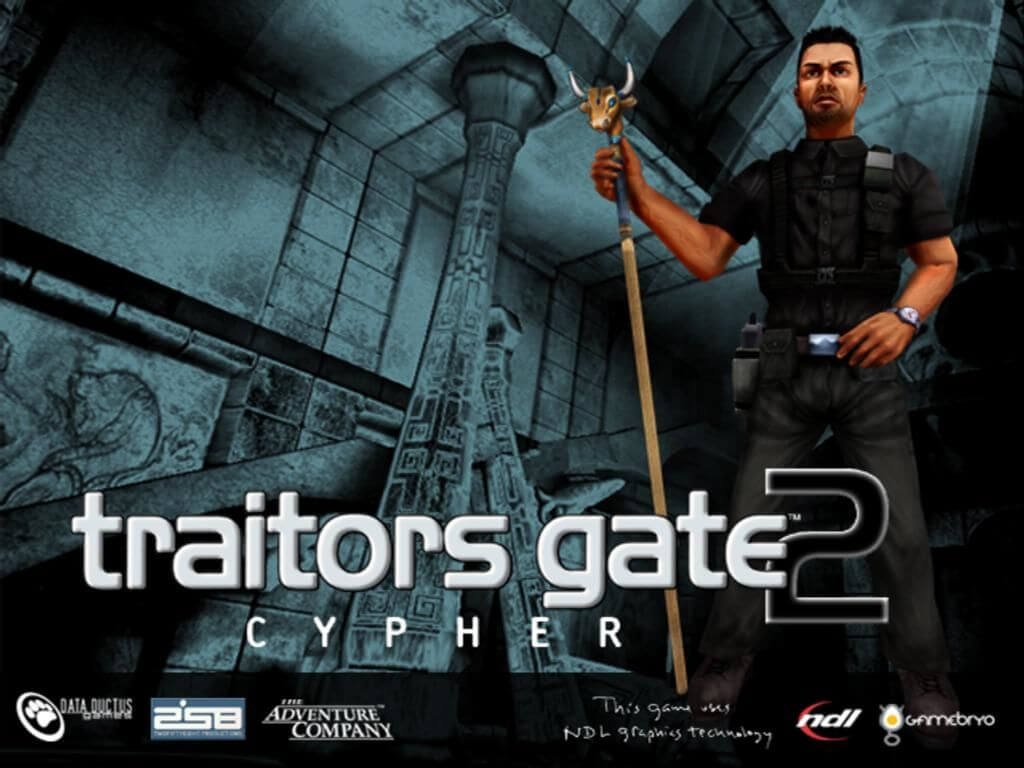




 English



Comments and reviews
i've started the game and immediatly I was stuck, movement bug, because game running too fast on modern hardware.
Solution:
1. Download dgVoodooCpl
2. Extract into the game folder, dgVoodooCpl.exe, dgVoodooCpl.conf, and all *.dll files from MS/x86
3. Open dgVoodooCpl.exe and click on DirectX tab
4. In Miscellanneous section, enabled Force vSync
No comment nor review for this game at the moment.